 NEWS
NEWS
Police Claim Woman Remotely Wiped her iPhone after it was Taken into Evidence
 11/13/2018
 3064
3064
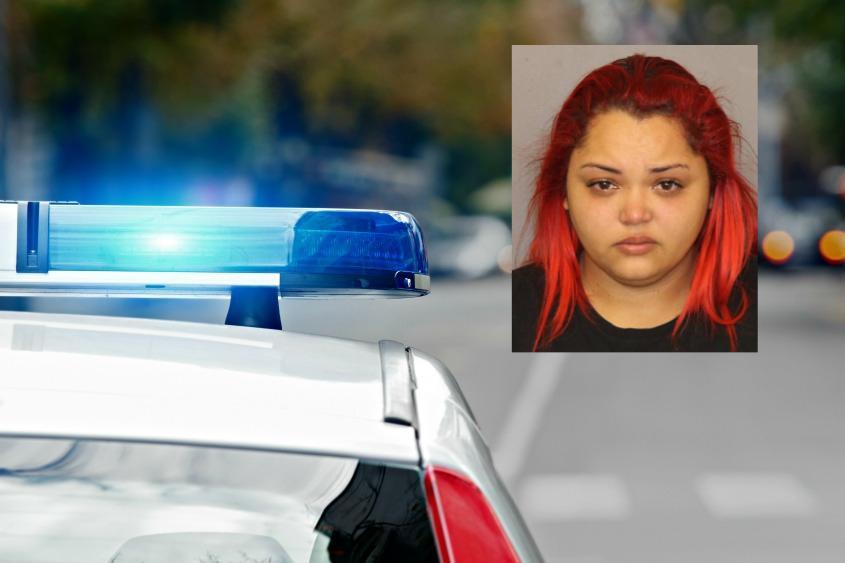
A cellphone seized by police as part of an investigation into a drive-by shooting last month was remotely wiped by its owner, authorities said this week.
Police believe Juelle L. Grant, 24, of Willow Avenue, may have been the driver of a vehicle involved in an Oct. 23 drive-by shooting on Van Vranken Avenue, near Lang Street, so they obtained her phone, according to police allegations filed in court. No one was injured in the shooting.
After police took her iPhone X, telling her it was considered evidence, "she did remotely wipe" the device, according to police.
"The defendant was aware of the intentions of the police department at the conclusion of the interview with her," according to court documents.
Police arrested Grant on Nov. 2 and charged her with three felonies -- two counts of tampering with physical evidence and one count of hindering prosecution.
One of the tampering counts relates to the phone. The other, as well as the hindering count, relate to her alleged actions the day of the shooting.
Grant is accused of driving the shooting suspect from the scene shortly after 4:30 p.m. that day and concealing the shooter's identity. In driving the suspect from the scene, she also helped remove the gun used in the crime, police allege.
No other arrests have been made, officials said.
Regarding the phone, technology exists to block remote access to such devices. Containers called Faraday bags are available online. Asked Wednesday evening if such technology is available to city detectives, city police spokesman Sgt. Matthew Dearing said he did not know but would check with detectives. He indicated late Thursday afternoon that he had yet to hear back from them.
Grant was arraigned and later released on $10,000 bond. Her attorney, Daniel Smalls, could not be reached for comment.
Source: the daily gazette









