 NEWS
NEWS
iPhone Was the Top-Selling Smartphone During China’s 11.11 Shopping Holiday
 11/13/2018
 2944
2944
Nov. 11 which marked Alibaba’s “Singles Day” shopping event. For those unfamiliar, Singles Day is similar to “Black Friday” in the United States, spearheaded by Alibaba’s 11.11 shopping event.
Following yesterday’s celebration, Alibaba today has released figures on the popularity of specific brands during its 11.11 shopping event, and Apple comes in at the top.
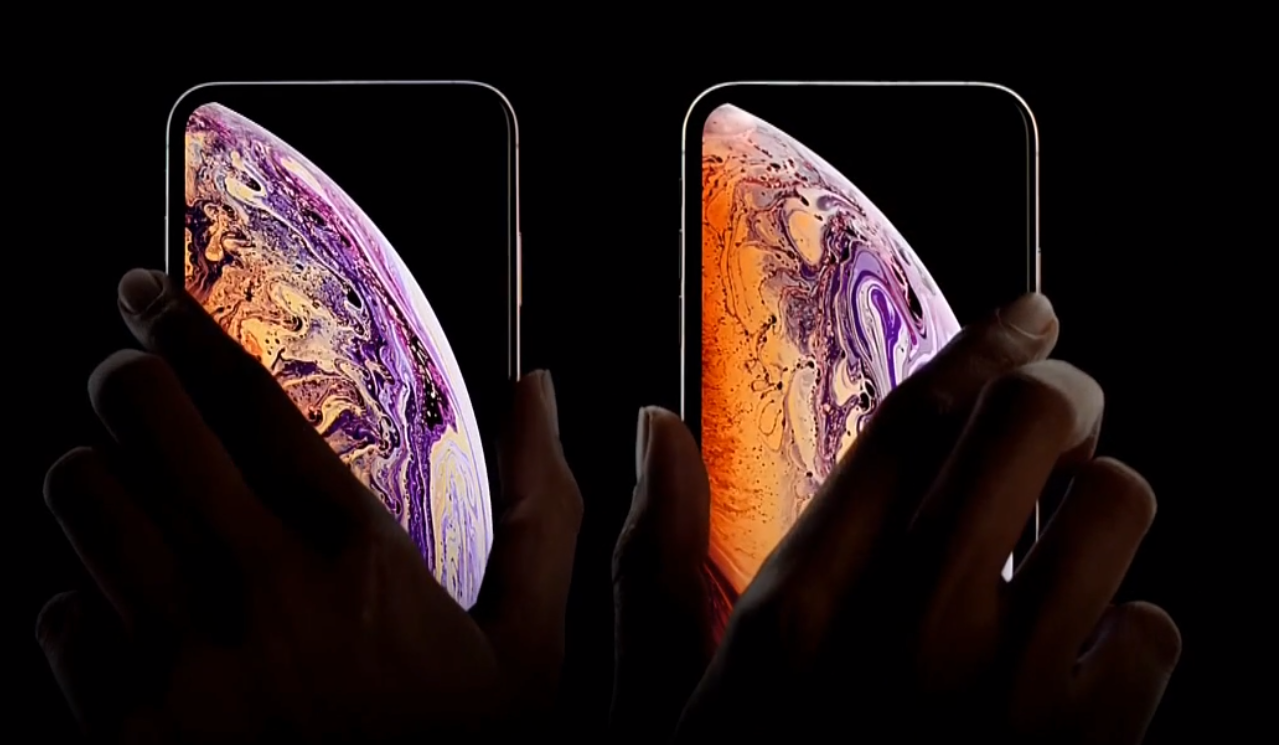
As reported by CNBC, Apple was the top-selling mobile phone brand during Singles Day. While specific sales figures were not disclosed, Alibaba says that Apple was one of 237 brands to pass 100 million yuan – or $14.36 million – in sales on Singles Day.
Apple’s success on Singles Day is notable given that it generally faces stiff competition in China from local smartphone manufacturers such as Huawei and Xiaomi. This year, however, Apple was able to outperform both of them through Alibaba, with Huawei coming in as the second-highest selling mobile phone brand on Singles Day, and Xiaomi the third.
It’s unclear which iPhone models were most popular during Alibaba’s sale. While the iPhone XS and iPhone XR are Apple’s latest and greatest, they’re also the most expensive. It’s possible 11.11 shoppers gravitated towards older iPhones as a result.
Nevertheless, Counterpoint research analyst Neil Shah calls Apple’s success on Singles Day a “positive sign” for the company’s future in the Chinese smartphone market:
“It’s a positive sign for Apple, because normally Xiaomi or Huawei has been the top brand. This shows the Chinese smartphone users are maturing fast and they are looking to buy more high end devices, which is a good sign not only for Apple but other brands,” Neil Shah, research director at Counterpoint Research, told CNBC by phone on Monday.
“Since iPhone XS and iPhone XR were already so expensive, so they were looking for the right deal to purchase,” he added.
Source: 9to5mac









