 NEWS
NEWS
Apple Investigating That Illegal Student Labor Was Used to Assemble the Apple Watch
 11/01/2018
 2674
2674
Especially with Tim Cook at the helm, Apple in recent years has made a concerted effort to improve working conditions in the factories responsible for producing some of the company’s most popular products. But despite Apple’s best efforts, there have been a handful of reports over the past year or so detailing how some suppliers are still running afoul of Apple’s rules with respect to working hours, working conditions, and overtime pay.
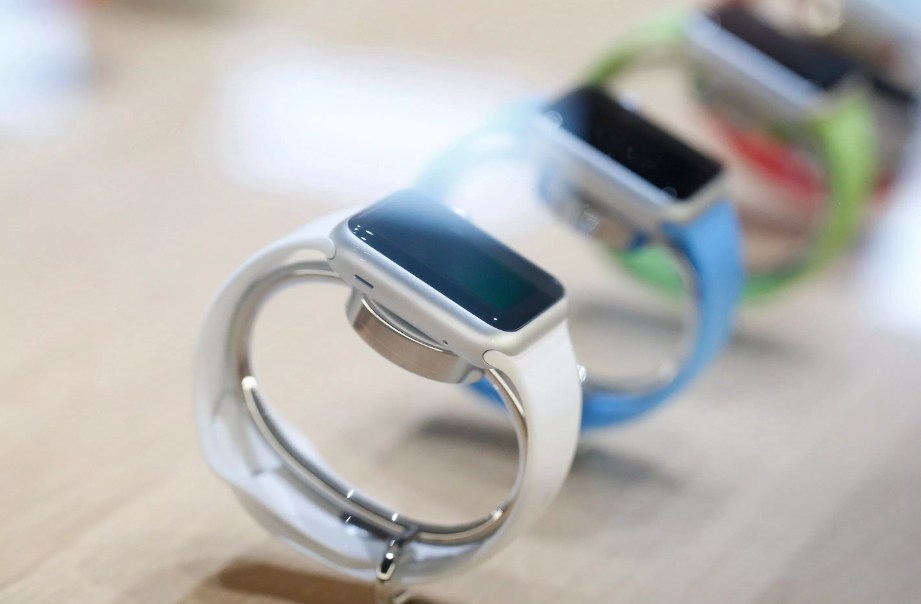
Most recently, Apple is currently investigating a report that Apple Watch supplier Quanta Computer relied upon illegally employed students to help manufacture the company’s exceedingly popular wearable. Originally brought to light by The Financial Times, the report details how dozens of students were ostensibly working as interns, but in reality were working assembly line shifts, often throughout the night. Some students even reported working six days a week in 12-hour shifts.
The allegations stem from a report put together by SACOM, a workers rights group based out of Hong Kong. In compiling its report, SACOM notes that it interviewed upwards of 28 students.
The FT report reads in part:
"The alleged abuses echo the labour violations uncovered last year in Apple’s iPhone supply chain at its Foxconn Zhengzhou factory, where both Apple and Foxconn acknowledged that student interns had illegally worked overtime. The two companies said at the time that they would end the practice of student interns working extra hours."
In a statement on the matter, Apple said that it is “urgently” looking into the aforementioned claims and that they have a “zero tolerance” policy for companies who try to skirt around Apple’s workplace guidelines.
Source: bgr









