 NEWS
NEWS
iPhone XS Sales Stronger Than Last Year’s Lineup
 10/08/2018
 2954
2954
According to the latest report from Flurry Analytics, the sales of this year’s iPhone XS are stronger than the iPhone X and iPhone 8 launched last year. To estimate the sales, the company used dated from over a million mobile apps.
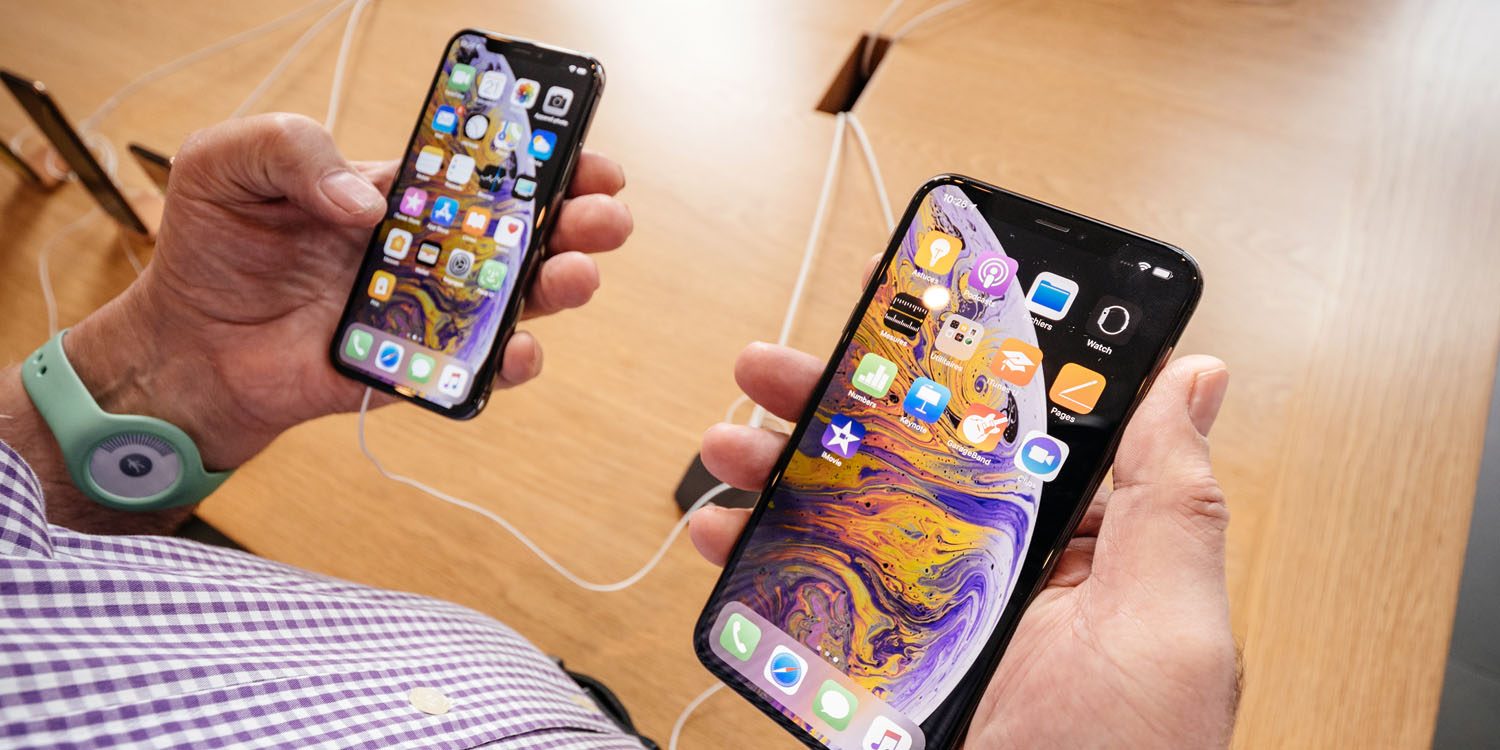
Flurry Analytics’ data indicates that this year’s flagship iPhones have proved to be a significant success for Apple. This too even before the iPhone XR, which is the cheapest among the three phones launched this year, is yet to go on sale.
In the first week itself, the iPhone XS gained an overall iPhone market share of 0.42 percent. The bigger XS Max was more successful, capturing 0.68 percent share of all iPhones currently in use in the U.S. The total combined share stands at 1.1 percent of all iPhones in just one week.
The company further added that the sales of iPhone XS and the XS Max in the first week has beat out the sales of last year’s iPhone 8 and the 8 Plus. It says that the like-for-like comparison shows that Apple generated 7 percent more revenue from iPhone XS/Max sales than the combined sales of the iPhone X and iPhone 8/Plus in the equivalent periods last year.
According to Flurry Analytics, the trend will continue into the holidays. It said:
Our net takeaway is that Apple is able to still able to drive solid market share uptake with its latest devices, but is also actively raising prices to keep revenue growing. The strategy appears to be working, and they are well positioned heading into the holiday season. We look forward to sharing more insights as the holiday season progresses.
In terms of market penetration, the iPhone 7 still holds the top position with around 15.40 percent while the iPhone 7 Plus is at the second spot with 12.73 percent market share. The iPhone 6S has 12.40 percent market penetration.
Source: gezmochina









