 NEWS
NEWS
Apple Wins Appeal of $234 Million Patent Dispute with University
 09/29/2018
 2414
2414
Apple persuaded a federal appeals court on Friday to throw out a $234 million damages award in favor of the University of Wisconsin-Madison’s patent licensing arm for infringing a patent on computer processing technology.
In a 3-0 decision, the U.S. Federal Circuit Court of Appeals said Apple deserved judgment as a matter of law, because jurors could not have found infringement based on evidence introduced in the liability phase of a 2015 trial.
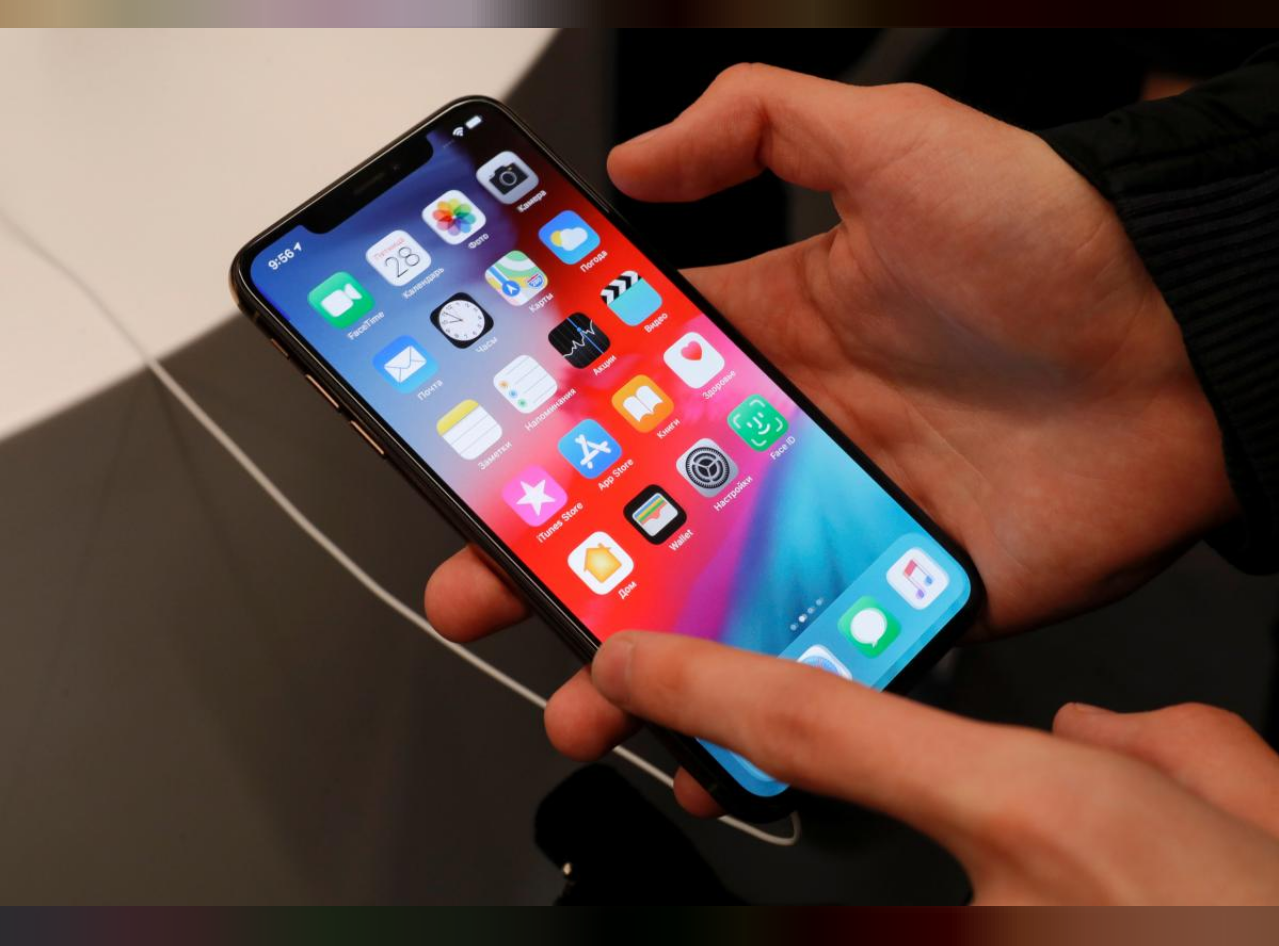
The Wisconsin Alumni Research Foundation, or WARF, sued Apple in 2014, saying processors in Apple’s iPhone 5s, 6 and 6 Plus smartphones infringed a 1998 patent describing a means to improve performance by predicting instructions given by users.
“We hold that no reasonable juror could have found literal infringement in this case,” Chief Judge Sharon Prost wrote for the Washington, D.C.-based appeals court.
Lawyers for Apple and WARF did not respond to requests for comment. Apple did not respond to a similar request.
About $213 million of the verdict had been based on a finding that Apple was vicariously liable for Apple-branded products made by Samsung Electronics Co.
In July 2017, U.S. District Judge William Conley in Madison ordered Apple to pay another $272 million of damages and royalties, for a total of $506.1 million, based on its continued infringement through the December 2016 expiration of WARF’s patent.
The patent had been obtained by University of Wisconsin computer science professor Gurindar Sohi and three of his students.
WARF had sued Intel Corp over the same patent in 2008. That case was settled the following year.
The case is Wisconsin Alumni Research Foundation v Apple Inc, U.S. Federal Circuit Court of Appeals, Nos. 2017-2265, 2017-2380.
Source: reuters









