 NEWS
NEWS
Former Apple Creative Director Rips Into iPhone Names
 09/28/2018
 2919
2919
If you’re not among the tech cognoscenti and find yourself a little confused by the new naming conventions of the latest iPhone models, you’ve got company. Ken Segall, a former Apple creative director who worked closely with Steve Jobs, not only thinks the growing string of characters attached to new iPhone names (like XS, XR and XS Max this year and 8, 8 Plus, X and SE last year) are “needlessly complicated.” In a new blog post , the guy who came up with the name for the original iMac and who was closely involved with the famous “Think Different” ad campaign argues that with each new iPhone name, Apple seems to be “waging a war against common sense.”
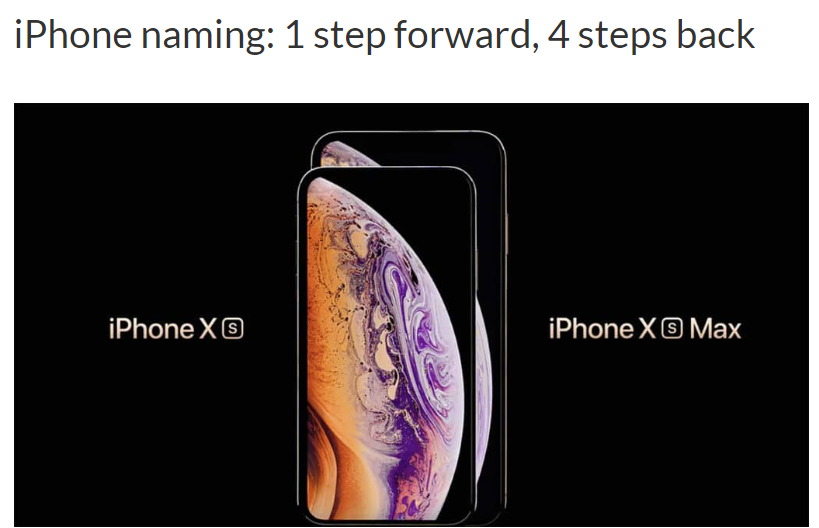
Certainly, it’s legitimate to look at some of this as criticism from an Apple insider from a bygone era. Times change, and it’s fair to suspect some of the criticism here is informed by the way Apple used to do things — which is another way of saying, the way Steve used to do things.
It’s also fair to wonder if the average customer — a student, a single mom, a busy lawyer, a schoolteacher, whoever — if these new model names are really intended for them. If Apple really thinks the average customer will walk into a store and ask for something other than “the new iPhone” or the biggest one. Or anything beyond playing with the one that feels the best in the hand and looks the best. On the one hand, it’s silly to spend too much time on either side of the divide of this “are the names too complicated” argument. Unless the point is something deeper — unless the case you’re really trying to make is whether Apple has lost something in the process, if a certain magic simplicity that used to characterize its products is gone. That may be what Ken is really getting at. But if it is, well, there must not be too much of a naming problem that’s complicating and turning off customers — because as we all know, Apple is still fantastically good at making and selling iPhones.
Source: appleinsider










