NEWS

Apple Has Paid Two-thirds of $15 Billion Irish Tax Bill

09/19/2018

2404

Apple Has Paid Two-thirds of $15 Billion Irish Tax Bill

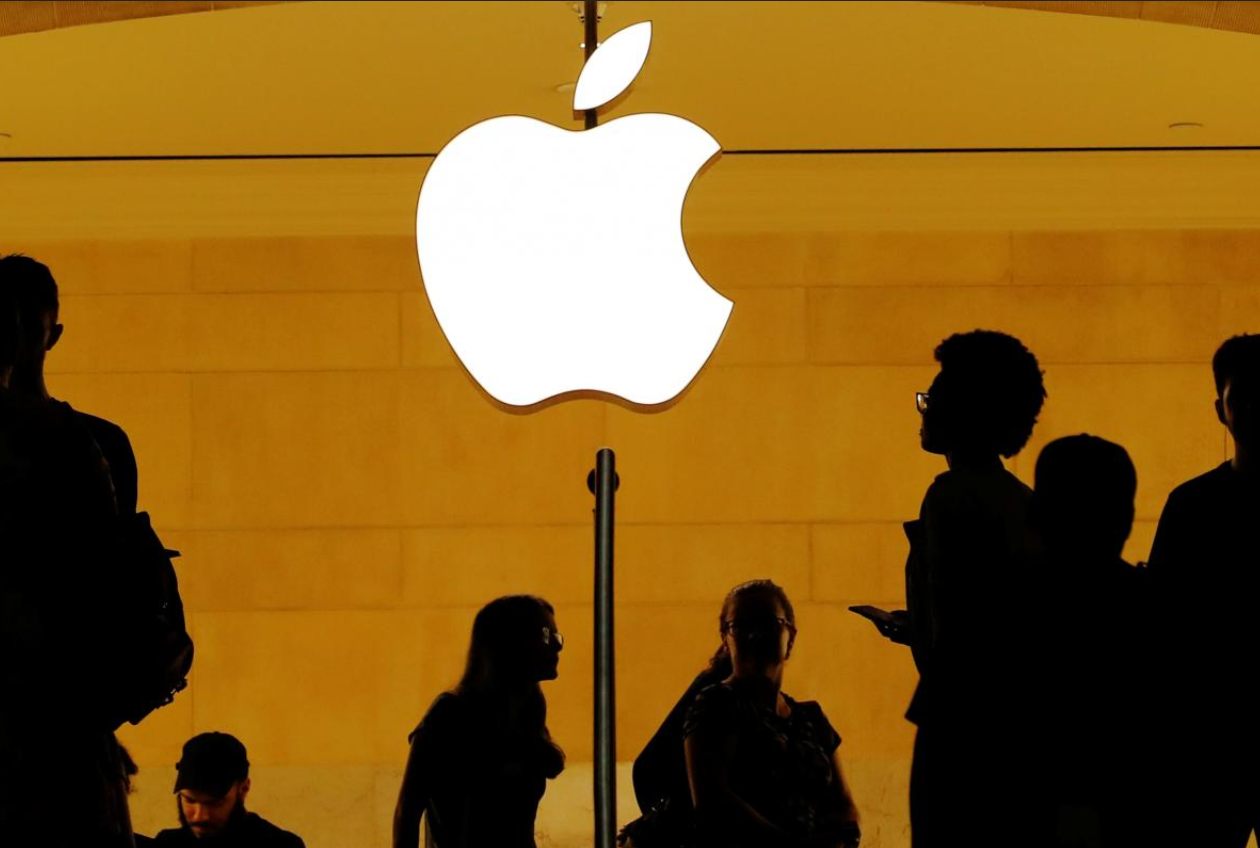
 Customers walk past an Apple logo inside of an Apple store at Grand Central Station in New York, U.S. By Lucas Jackson


 (Reuters) - iPhone maker Apple has to date paid two-thirds of the 13 billion euros ($15.1 billion) which EU antitrust regulators said it owes Ireland in back taxes, the company said in a regulatory filing late on Wednesday.


The European Commission in August 2016 ordered Ireland to recover the money from Apple because of an illegal tax deal which gave the company an unfair advantage in breach of the bloc’s state aid rules.


The total amount to be repaid was calculated at 13 billion euros plus 1 billion euros in interest.


“As of June 30, 2018, 4.5 billion euros of the recovery amount was funded into escrow. Subsequent to June 30, 2018, the company has funded an additional 4.5 billion euros of the recovery amount into escrow,” Apple said in its quarterly report.


The money will remain in the escrow account pending appeals by Apple and Ireland against the Commission’s ruling, which are expected to take several years.


The EU competition enforcer has said it will drop its lawsuit launched against Ireland in October last year as soon as Apple pays up.


($1 = 0.8612 euros)


Windows
Mac OS
iOS
Linux
3uTools
Win 64-bit For this device
V9.0 2025-11-11
Download
Win 32-bit For this device
V9.0 2025-11-11
Download
3uTools
Intel Chip How to Identify Chip Type
V9.0 2025-12-02
Download
Apple Silicon
V9.0 2025-12-02
Download
How to Identify Chip Type
1.  Click the Apple icon in the top-left corner of the screen and select About This Mac.
2.  Check the Processor or Chip field to determine if it is "Intel" or "Apple".
Please use the 3uTools PC client to install the iOS client:
1、 Install either the Windows or Mac version of 3uTools on your computer
2、 Open the PC client and connect your device to the computer via USB cable
3、 After the connection is successful, wait for the computer to automatically install the mobile app for the device, or locate “Install Mobile App” on the computer and manually click to install.
3uTools
deb file
V3.01 2025-11-20
Download
rpm file
V3.01 2025-11-20
Download
Windows
Windows
iOS
iOS
Android
Android
TV
TV
3uAirPlayer
Win 64-bit For this device
V6.0.2 2025-11-19
Download
Win 32-bit For this device
V6.0.2 2025-11-19
Download
iOS Device Mirroring (No App Required)
1、 Install 3uAirPlayer on the Windows PC
2、 Open Control Center and select Screen Mirroring
3、 From the list, choose your PC to start mirroring
4、 Or connect your iOS device to the PC via USB to begin mirroring
Scan to get "3uAirPlayer" App
3uAirPlayer TV V1.0.18
2025-11-28
TV System Requirements: Android 7.0 or later
Download the TV installation package, copy it to a USB drive, insert it into your TV or set-top box, then select the file from the home screen to install.