 NEWS
NEWS
15 Lines of Code Can Crash your Apple iPhone and iPad Forcing it to Reboot
 09/17/2018
 2905
2905
A developer and security researcher named Sabri Haddouche has discovered 15 lines of code that will crash and reboot any Apple iPhone or Apple iPad. The code takes advantage of a flaw in WebKit, which is the browser engine used by Safari. Haddouche says that a large number of elements are repeated inside the backdrop filter causing all of the phone's resources to be used. This in turn causes a kernel panic, which forces the OS to shut down or face permanent damage and data loss. "Anything that renders HTML on iOS is affected," the security researcher says.
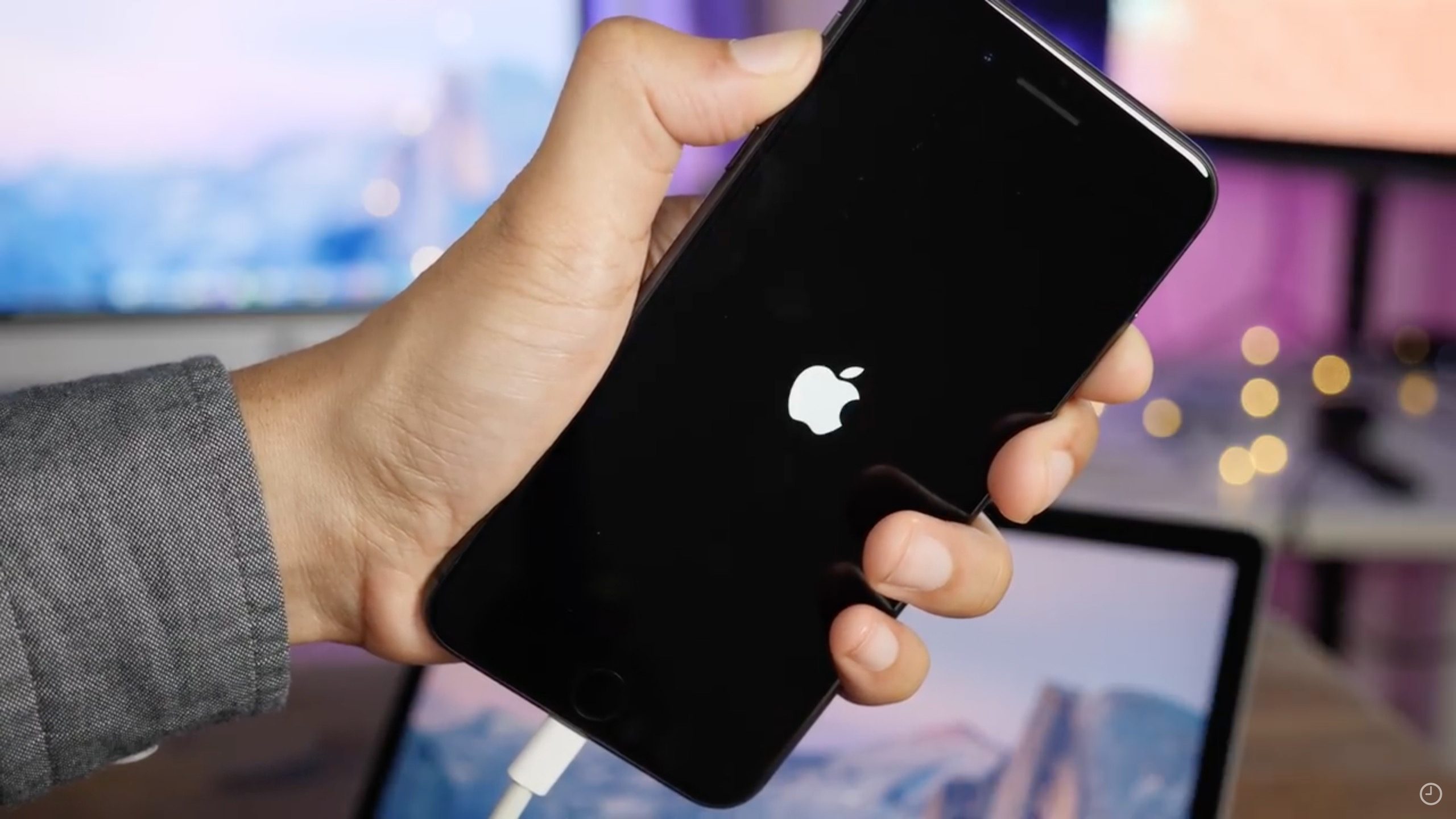
According to other security firms, the code was able to freeze iPhone units running the last iOS 12 beta. Tomorrow, beginning at 10am PDT/1pm EDT, Apple will start pushing out iOS 12 in the U.S. This means that the company will have to disseminate an update in the near future to fix this exploit. Luckily for iOS users, the code cannot be used to run malicious apps or steal personal data. But there is no denying that this is a pain in the ass if you are feuding with someone who sends you a link to the code, or is sending it to you via an HTML email.
— Sabri (@pwnsdx) September 16, 2018
At this point, the only thing you can do is look carefully at who is sending you email, and ignore links unless you 100% know where it is taking your browser to. Haddouche informed Apple about this WebKit flaw on Friday, so hopefully, the company has already started work on fixing it. If you want to see what the 15 lines of code look like without it bringing down your iOS-powered device, click on this link.
Source: phonearena











