 NEWS
NEWS
Apple Discontinues iPhone SE, iPhone 6s and iPhone X
 09/13/2018
 2985
2985
With today's announcement of the iPhone XS, iPhone XS Max, and iPhone XR, Apple has officially discontinued the iPhone SE and the iPhone 6s, the two iPhones that it was selling as its most affordable smartphones.
The iPhone SE was Apple's last remaining 4-inch device, and now the smallest phone that Apple sells is the 4.7-inch iPhone 7 and iPhone 8.
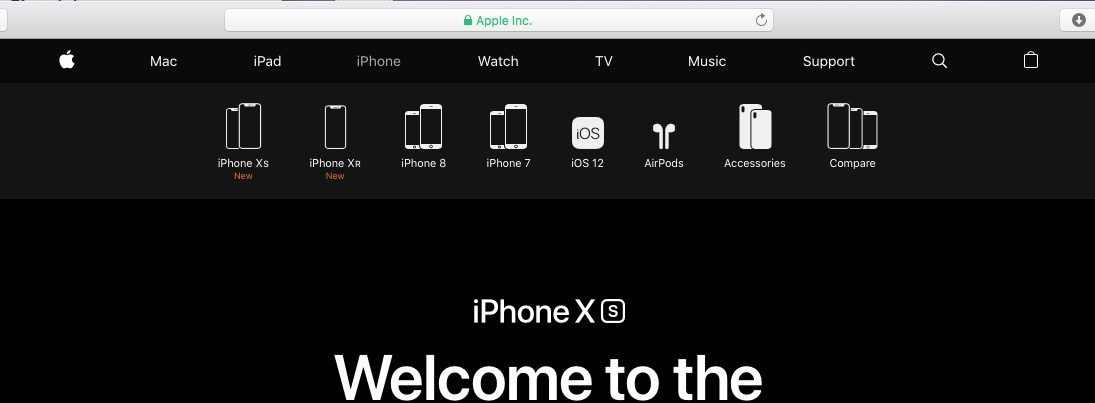
Apple has also discontinued the iPhone X, something that we were expecting based on rumors. The iPhone XS and the iPhone XS Max replace the iPhone X.
Apple's new lineup is as follows:
iPhone 7 with pricing starting at $449
iPhone 7 Plus with pricing starting at $569
iPhone 8 with pricing starting at $599
iPhone 8 Plus with pricing starting at $699
iPhone XR with pricing starting at $749
iPhone XS with pricing starting at $999
iPhone XS Max with pricing starting at $1,099
The iPhone 7 is now Apple's cheapest device at $449, which is $100 more expensive than the now-discontinued 32GB $349 iPhone SE. With the discontinuation of the iPhone 6s and the iPhone SE, Apple no longer sells an iPhone that includes a headphone jack.
The iPhone 7 models come with 32 or 128GB of storage, while the iPhone 8 models are available with 64 or 256GB of storage. The iPhone XR is available with 64, 128, or 256GB of storage, while the iPhone XS and iPhone XS Max are available with 64, 256, or 512GB of storage.
Apple's iPhone XS and XS Max smartphones will be available for pre-order this Friday, with a release date coming on September 21, while the iPhone XR will be available for pre-order on October 19 with a ship date of October 26.
Source: macrumors










