
NEWS

Apple's App Store Begins Showing Korean Prices in Local Currency

09/06/2018

2320

People buying apps or in-app purchases in South Korea will finally see prices listed in the country's native currency, the won, Apple announced on Wednesday.
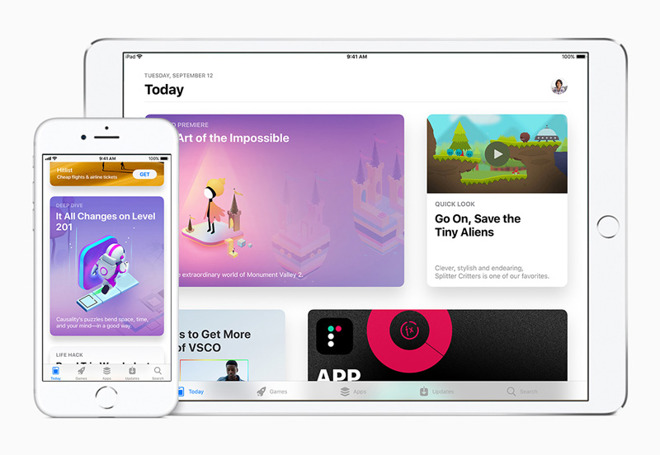

Apple's App Store Begins Showing Korean Prices in Local Currency

Previously prices were listed in U.S. dollars, the company noted. Shoppers didn't have to pay in that format but did have to fork over the Korean equivalent, which was potentially confusing.


Perhaps, more importantly, the change will mean consistent pricing. Under the old scheme, exchange rates could raise or lower the real-world impact on a person's bank account.


Developers will still be paid in their currency of choice. 


Though it's sometimes accused of being slow to react, Apple does try to adapt its App Store policies to practical realities. On Oct. 3 the company will require a privacy policy for all App Store submissions — at the moment, this is limited to apps with subscription options.


Source: appleinsider

Windows
Mac OS
iOS
Linux
3uTools
Win 64-bit For this device
V9.01 2025-12-27
Download
Win 32-bit For this device
V9.01 2025-12-27
Download
3uTools
Intel Chip How to Identify Chip Type
V9.0 2025-12-02
Download
Apple Silicon
V9.0 2025-12-02
Download
How to Identify Chip Type
1.  Click the Apple icon in the top-left corner of the screen and select About This Mac.
2.  Check the Processor or Chip field to determine if it is "Intel" or "Apple".
Please use the 3uTools PC client to install the iOS client:
1、 Install either the Windows or Mac version of 3uTools on your computer
2、 Open the PC client and connect your device to the computer via USB cable
3、 After the connection is successful, wait for the computer to automatically install the mobile app for the device, or locate “Install Mobile App” on the computer and manually click to install.
3uTools
deb file
V3.01 2025-11-20
Download
rpm file
V3.01 2025-11-20
Download
Windows
Windows
iOS
iOS
Android
Android
TV
TV
3uAirPlayer
Win 64-bit For this device
V6.0.2 2025-11-19
Download
Win 32-bit For this device
V6.0.2 2025-11-19
Download
iOS Device Mirroring (No App Required)
1、 Install 3uAirPlayer on the Windows PC
2、 Open Control Center and select Screen Mirroring
3、 From the list, choose your PC to start mirroring
4、 Or connect your iOS device to the PC via USB to begin mirroring
Scan to get "3uAirPlayer" App
3uAirPlayer TV V1.0.18
2025-11-28
TV System Requirements: Android 7.0 or later
Download the TV installation package, copy it to a USB drive, insert it into your TV or set-top box, then select the file from the home screen to install.




