 NEWS
NEWS
Apple Music Hosting Exclusive Concert Featuring Artist 'Christine and the Queens'
 09/05/2018
 2567
2567
As it has in the past for artists like P!nk and Shawn Mendes, Apple Music this month will host a special performance of new music from artist Christine and the Queen's upcoming album "Chris" (via iGeneration) At the same time, those in attendance will see the exclusive debut of a new Apple Music film that goes behind-the-scenes of the making of "Chris."
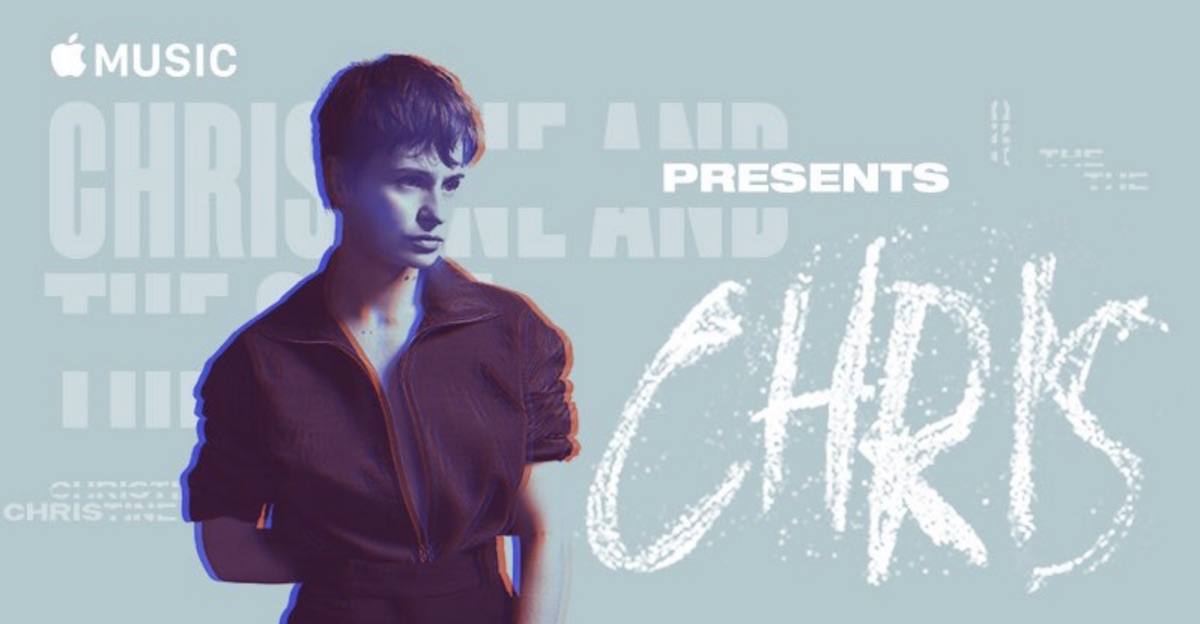
The concert takes place on Thursday, September 13 at 7:00 p.m. local time at the Salle Pleyel concert hall in Paris, France. Following the exclusive show, the film "Apple Music Presents: Chris" will launch on the streaming service on Friday, September 14. The full new album by Christine and the Queens will then launch one week later on September 21.
Join Christine and the Queens and Apple Music for a special performance of new music from the forthcoming album Chris, and an exclusive screening of the Apple Music film of the same name - which is a look into the titular character that inspired it all.
Chris is an intimate peek into the intrepid French singer-songwriter-producer's creative process while she writes and records her forthcoming album, a daring exploration of self and sexuality, identity and perception.
Apple Music has been increasing the number of both special performances and exclusive documentaries on its platform lately, releasing short films about Kesha's "Rainbow" and Ed Sheeran's "Divide" over the last couple of weeks. In May, Apple's streaming service hosted a one-night-only Shawn Mendes concert in Los Angeles, which was recorded and uploaded to Apple Music in its entirety.
Similar to that concert, Christine and the Queen's performance appears to be free for attendees, and those interested (over the age of 16) can navigate to this page to fill out a form and apply for tickets. According to Apple, those who win will receive a ticket for themselves and one guest.
Source: macrumors










