 NEWS
NEWS
Rollectra/SemiRestore11 Update Brings Support for iOS 11.3-11.4.x, Adds Improvements
 09/03/2018
 5014
5014
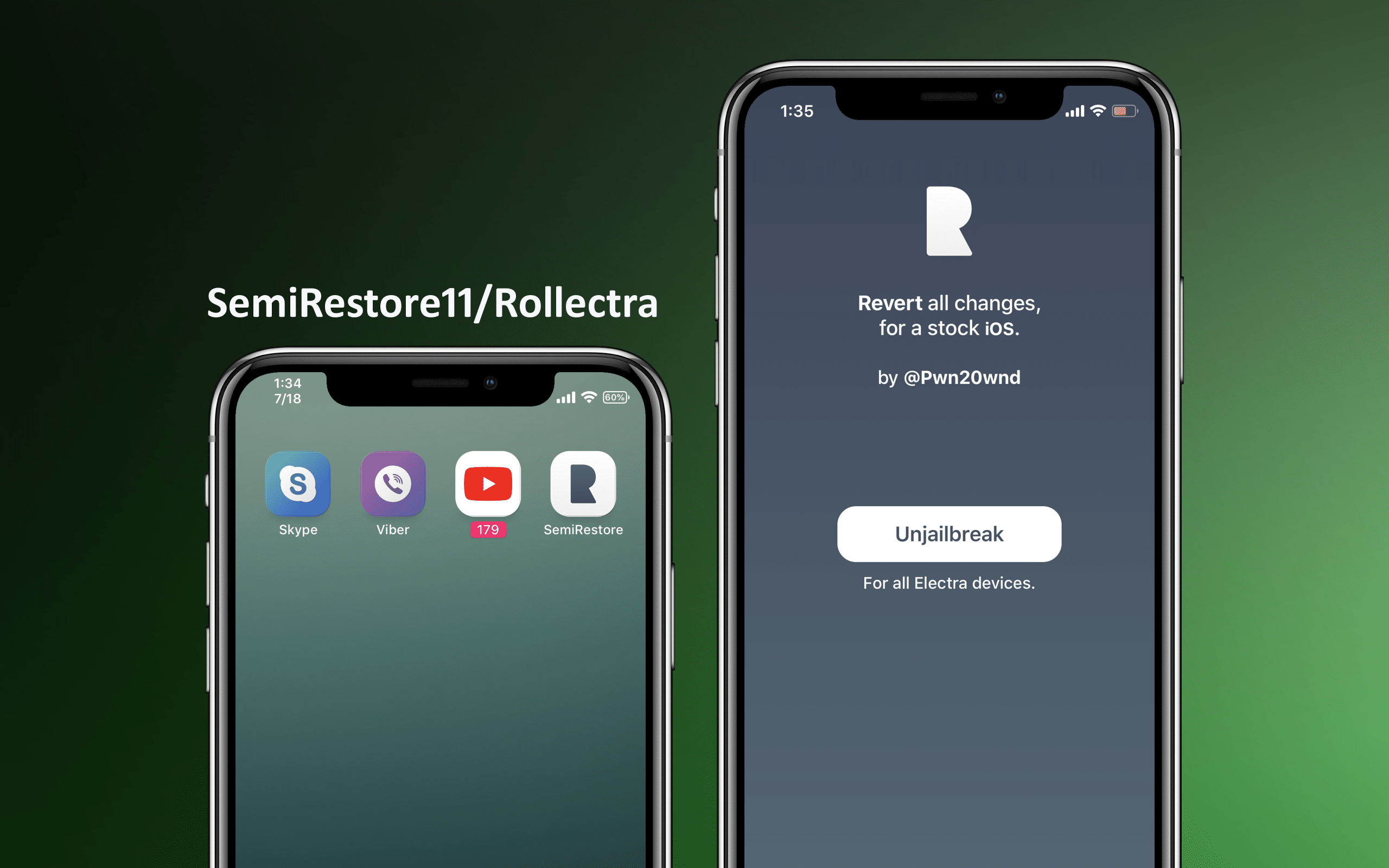
Electra is the primary way to achieve a jailbreak on iOS 11 these days, but it’s still a great idea to have an un-jailbreak tool handy just in case something goes wrong. Rollectra/SemiRestore11, released in July by former Electra Team member Pwn20wnd, quickly filled these shoes. It utilized APFS snapshots to revert any device pwned with Electra to a stock state.
As of this week, however, Pwn20wnd released an updated version of the tool. Version 1.1-2 is available both as an upgrade in Cydia and as a separate jailed package that can be side-loaded even when you aren’t in a jailbroken state.
Rollectra will be updated really soon with an option to not reset the user data, better code and stability fixes, on the Chariz repo along with an IPA for the people who can’t get into the jailbroken state!
— Pwn20wnd (@Pwn20wnd) August 30, 2018
Rollectra/SemiRestore11 version 1.1-2 adds official support for iOS 11.3-11.4.x, which Electra1131 brought official support for in July. Other changes present in this version include:
Support for un-jailbreaking without resetting user data
Code refinements
Performance and stability improvements
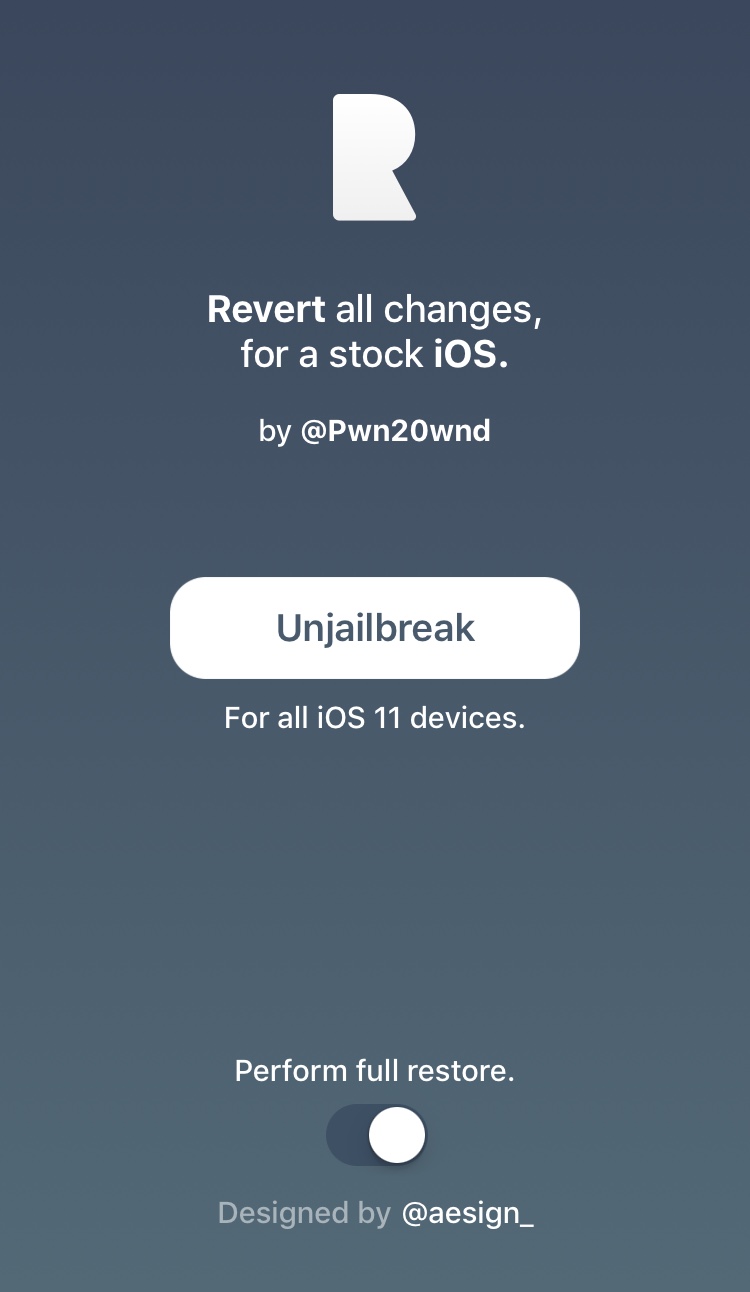
The new feature is seen as an optional toggle switch at the bottom of the Rollectra11/SemiRestore11 app entitled “Perform full restore”:
If you use Rollectra/SemiRestore11, then you should really consider grabbing the update. If you want to get it from Cydia, then you’ll need to add the Chariz/HASHBANG Productions repository to your list of Cydia sources. That repository URL is: https://cydia.hbang.ws/
For those having issues getting the Electra1131 jailbreak to succeed, Pwn20wnd also released a jailed version of Rollectra/SemiRestore11 that can be side-loaded even when you aren’t in a jailbroken state.
It shouldn’t matter which version you install, as they’re merely different means of achieving the same result.
Source: idb










