NEWS

Apple Launches Repair Program for Defective iPhone 8 Logic Boards

09/03/2018

3472

Apple Launches Repair Program for Defective iPhone 8 Logic Boards


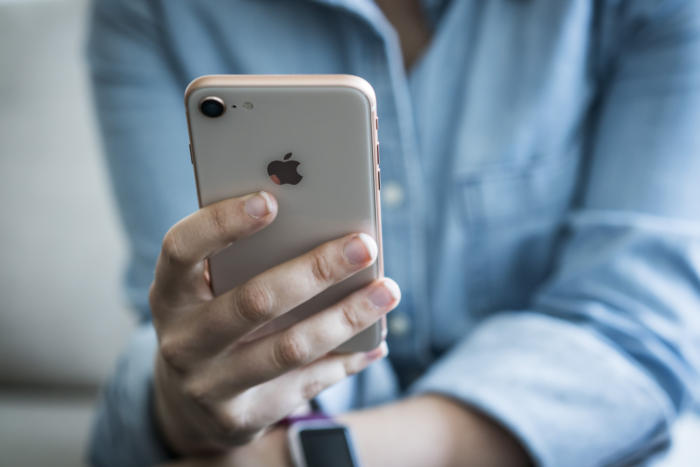
Apple quietly announced the launch of a free repair program for the iPhone 8, revealing that a “very small percentage” of units need replacement logic boards due to a manufacturing defect. The logic board is essentially the main printed circuit board of a computing device, containing the CPU, device memory, and other integral components. Apple says its faulty logic boards may have been causing random restarts, screen freezes, and defective startup initiations that prevent the iPhone 8 from turning on properly.


The defect does not affect the iPhone X or the iPhone 8 Plus, and Apple says the affected units include only those sold between September 2017 and March 2018 in Australia, China, Hong Kong, India, Japan, Macau, New Zealand, and the US. You can input your iPhone’s serial number into Apple’s repair page to see if your unit is eligible. The program covers iPhone 8 units sold up to three years after the first retail sale of the device in September 2017.


Those affected have three options: going through a third-party specialist authorized by Apple; contacting Apple Support to do a mail-in repair; or making an appointment at an Apple Store to drop the device off. Apple recommends backing up your iPhone 8 with iCloud or iTunes prior to getting it repaired, and the company also recommends getting any hardware issues, like a broken or cracked screen, repaired prior to getting the logic board replaced.


Source: the verge

Windows
Mac OS
iOS
Linux
3uTools
Win 64-bit For this device
V9.0 2025-11-11
Download
Win 32-bit For this device
V9.0 2025-11-11
Download
3uTools
Intel Chip How to Identify Chip Type
V9.0 2025-12-02
Download
Apple Chip
V9.0 2025-12-02
Download
How to Identify Chip Type
1.  Click the Apple icon in the top-left corner of the screen and select About This Mac.
2.  Check the Processor or Chip field to determine if it is "Intel" or "Apple".
Please use the 3uTools PC client to install the iOS client:
1、 Install either the Windows or Mac version of 3uTools on your computer
2、 Open the PC client and connect your device to the computer via USB cable
3、 After the connection is successful, wait for the computer to automatically install the mobile app for the device, or locate “Install Mobile App” on the computer and manually click to install.
3uTools
deb file
V3.01 2025-11-20
Download
rpm file
V3.01 2025-11-20
Download
Windows
Windows
iOS
iOS
Android
Android
TV
TV
3uAirPlayer
Win 64-bit For this device
V6.0.2 2025-11-19
Download
Win 32-bit For this device
V6.0.2 2025-11-19
Download
iOS Device Mirroring (No App Required)
1、 Install 3uAirPlayer on the Windows PC
2、 Open Control Center and select Screen Mirroring
3、 From the list, choose your PC to start mirroring
4、 Or connect your iOS device to the PC via USB to begin mirroring
Scan to get "3uAirPlayer" App
3uAirPlayer TV V1.0.18
2025-11-28
TV System Requirements: Android 7.0 or later
Download the TV installation package, copy it to a USB drive, insert it into your TV or set-top box, then select the file from the home screen to install.