 NEWS
NEWS
watchOS 4.1 Jailbreak ‘JelbrekTime’ Released For The Apple Watch
 08/06/2018
 3567
3567
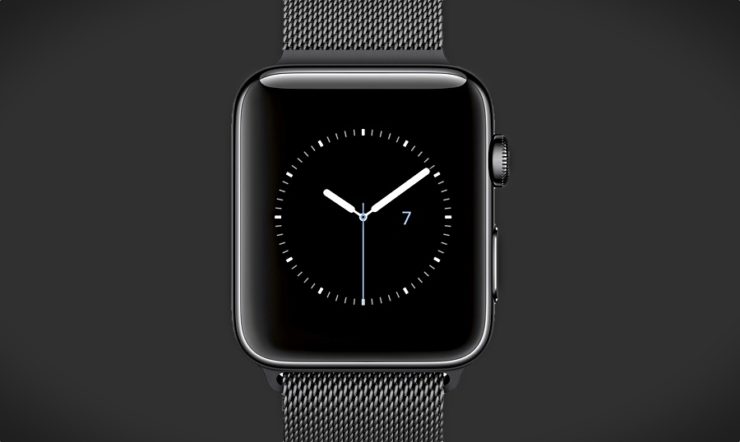
The Apple Watch is a pretty capable device. It not only features a dedicated chip inside to carry out operations but also features a dedicated watchOS App Store. If you’re a proud owner of the Apple Watch, there’s a new jailbreak available for your Apple-branded wearable. There’s a new jailbreak available for the Apple Watch running watchOS 4.1. So let’s dive in to see some more details on the matter.
watchOS 4.1 Jailbreak Released For The Apple Watch
The Apple Watch running watchOS 4.1 jailbreak has been created by tihmstar and released via Guthub. If you’re excited about it, we would recommend you to wait. This is due to the fact that the jailbreak is oriented towards developers at the moment. Nonetheless, this does mean that it will be released to the general public soon.
At this point in time, the jailbreak’s developer-oriented build is ready to be installed on the Apple Watch Series 3 running watchOS 4.1. Moreover, if you happen to have an older version of the wearable, running some other version of watchOS, modifying the code and making it available for them will be possible.
"While watchOS 3.x (iOS 10.x) is vulnerable to v0rtex, structs like kport_t is different to watchOS 4. To port jelbrekTime to 3.x you need to modify kport_t (and possibly other things) to get v0rtex running. You also very likely need to make some changes to the kernelpatches."
In this state, the jailbreak does give read and write access to users to root as well as making other changes like applying patches. Check out more details on the watchOS 4.1 jailbreak in this README file on GitHub. If you’re still interested, there are installation instructions enlisted as well.
Source: wccftech










