 NEWS
NEWS
Here’s How Much Each Country makes from An iPhone 7
 07/10/2018
 3157
3157
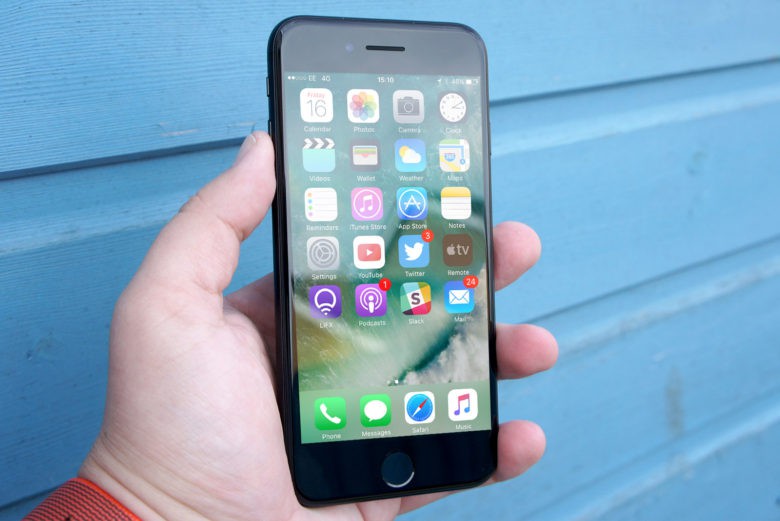
The iPhone is made in China, so most of the profit stays over there, right? Actually, everything in that sentence is wrong.
A new study finds that China makes less than $9 from each iPhone 7. Some of the rest goes to other Asian countries, but the lion’s share is earned by Apple and other U.S. companies.
To understand why, it’s critical to understand that iPhones are not made in China, they’re assembled there. The supply chain consists of companies in many countries.
The touchscreen, storage, CPU, and other chips come from Korean, American, Japanese, and Taiwanese companies. None of these parts are produced in China, according to CBS News. The only major component actually made in China is the battery.
Once all the components reach China, they are assembled into iPhones at Foxconn factories. Foxconn is a Taiwanese company, so any profits made don’t go to China.
China gets the blame, almost none of the iPhone profit
Of the money a consumer pays for a iPhone 7, just $8.46 stays in China. Japan makes about $68, Taiwan makes $48, and $17 goes to S. Korea. The U.S. makes $68 for supplying parts, and Apple takes in all the remaining sale price.
That’s not all profit, of course. Apple has to pay for marketing, designing future iPhones, employee salaries, etc. Still, the company made almost $14 billion in the first quarter of this year, so it’s not hurting.
The fact that almost all the components are supplied by other countries isn’t reflected when the iPhone 7 is brought into the U.S. Instead, the device is listed as a $240 import from China, skewing the figures for the U.S./China trade deficit.
Source: cult of mac









