 NEWS
NEWS
Owning an iPhone is the Most Common Sign of Wealth?
 07/09/2018
 2953
2953
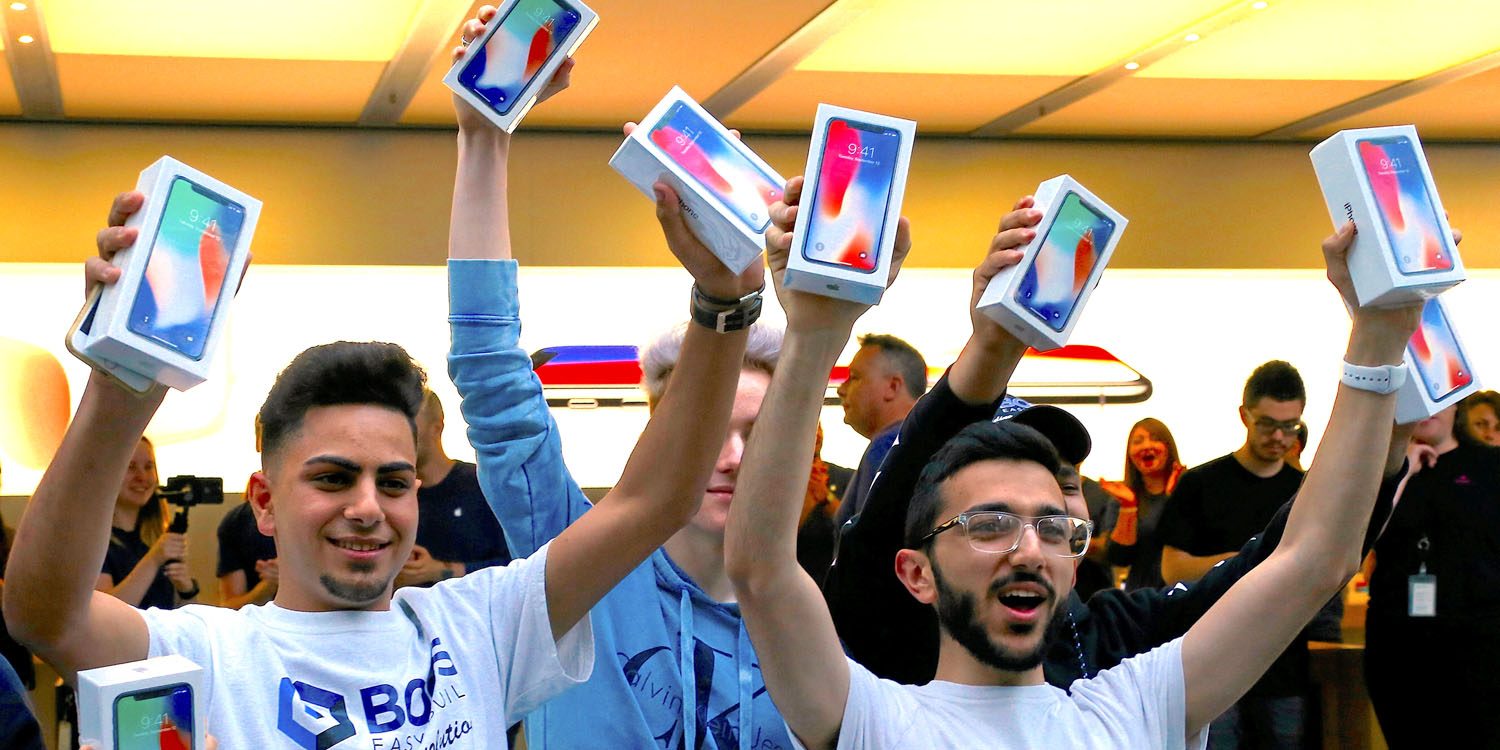
A new paper from the National Bureau of Economic Research, highlighted by Business Insider, aims to infer demographics based on consumer behavior and media consumption. According to the research, the iPhone is the most common status symbol of wealth…
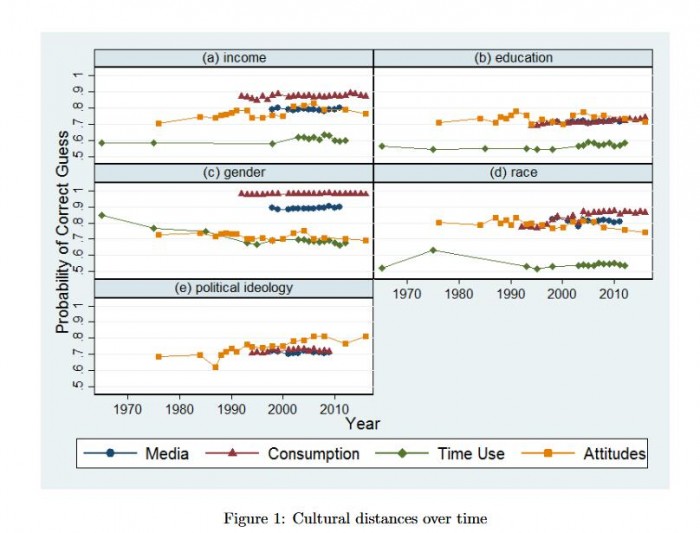
The paper comes from University of Chicago economists Marianne Bertrand and Emir Kamenica:
We analyze temporal trends in cultural distance between groups in the US defined by income, education, gender, race, and political ideology.
We measure cultural distance between two groups as the ability to infer an individual’s group based on his or her (i) media consumption, (ii) consumer behavior, (iii) time use, or (iv) social attitudes.
In their research, Bertrand and Kamenica found that no individual brand is as predictive of “high-income” as owning an iPhone. “Across all years in our data, no individual brand is as predictive of being high-income as owning an Apple iPhone in 2016,” the paper reads.
The paper explains that owning an iPhone gives the researchers a 69.1 percent chance of correctly inferring that the owner was so-called “high-income.” The researchers describe high-income as “being in the top quartile of income for households of that type.”
Owning an iPad can also be a good indicator of wealth according to the research, though to a slightly lesser extent at 66.9 percent. Owning an Android phone gives the researchers a 59.5 percent chance of correctly predicting wealth status:
“Knowing whether someone owns an iPad in 2016 allows us to guess correctly whether the person is in the top or bottom income quartile 67 percent of the time,” they write. The research also suggests that owning an Android phone or using Verizon are a strong indicators of being high-income as well.
Of course, there are qualms with this sort of research. This paper incorporates data from Mediamark Research Intelligence, which had a sample size of 6,394.
More details can be found at Business Insider, while the full paper is available here.
Source: 9to5mac









