 NEWS
NEWS
Apple Seeks to Invalidate Qualcomm Patents amid Global Legal Battle
 06/22/2018
 2679
2679
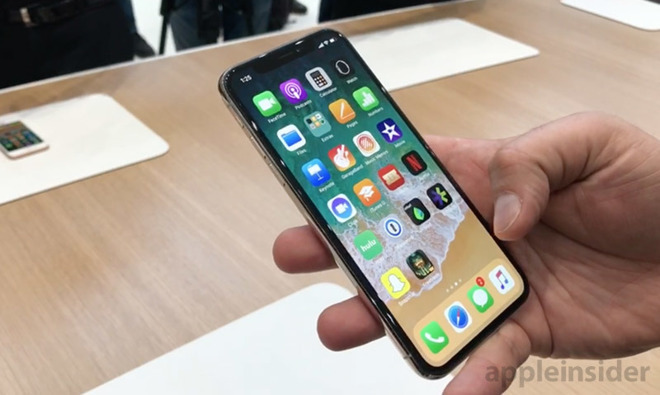
The challenge to Qualcomm's IP is related to a patent infringement lawsuit the company leveled against Apple in November. Specifically, the suit, filed with the U.S. District Court for the Southern District of California, alleges tech in Apple's latest iPhone devices is in infringement of at least eight owned patents.
As reported by Bloomberg, Apple seeks to invalidate four patents relating to automatic focus in digital cameras, a smartphone with personal digital assistant capabilities, touch-sensitive displays and efficient circuit memory on the basis that the inventions are not novel.
To initiate a review, Apple must first provide evidence of previous art to the Patent Trial and Appeal Board, which will examine the request and determine its likelihood of success. If the three-judge panel agrees there is substance to Apple's claims, it will issue a preliminary decision and undertake a formal review.
The action is the latest development in an ongoing legal fight between Apple and Qualcomm that began when Apple filed suit against the chipmaker last year.
In its initial complaint, Apple alleges Qualcomm withheld nearly $1 billion in rebates in retaliation for Apple's participation in a South Korean antitrust investigation. The tech giant further asserts Qualcomm abuses its "monopoly power" to force patent licensing while demanding excessive royalties from customers.
Qualcomm rebuked those claims and proceeded to file a string of countersuits and regulatory complaints against Apple both domestically and abroad. One of those actions, a complaint lodged with the U.S. International Trade Commission that seeks to halt the import of iPhone powered by Intel modems, kicked off last week.
For its part, Qualcomm says it expects the ordeal to end in a settlement. Company CEO Steve Mollenkopf has repeatedly played off Apple's advances, saying the legal battle comes down to favorable IP pricing.
Source: appleinsider










