
NEWS

Apple to Develop Kids Programming in Partnership with Sesame Workshop

06/21/2018

2356

Apple is partnering up with Sesame Workshop to create a range of programming for children, reports Variety. The partnership was established by Zack Van Amburg and Jamie Erlicht, who have been heading up Apple's video efforts. 

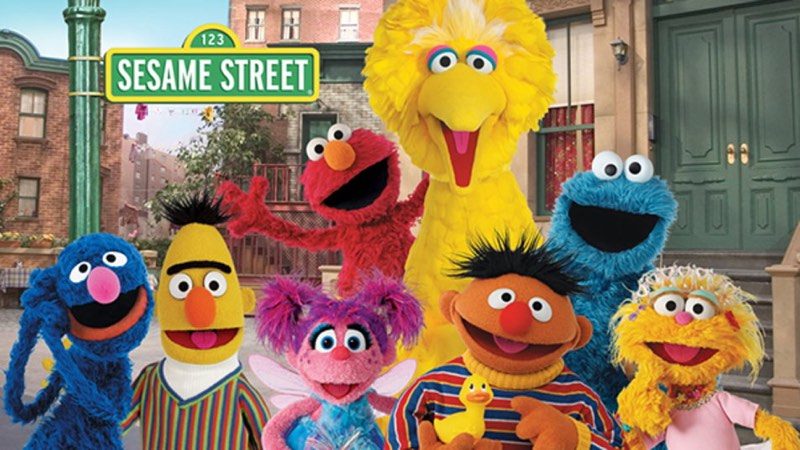
Sesame Workshop is a non-profit organization that develops educational children's programs such as "Sesame Street," a popular, well-known, long-running program for kids. 
Apple to Develop Kids Programming in Partnership with Sesame Workshop
According to the terms of the deal, Sesame Workshop will develop live-action and animated series, along with an Apple-exclusive puppet series. Content created for Apple will be original and will not include "Sesame Street," which airs on PBS and HBO. 
Apple to Develop Kids Programming in Partnership with Sesame Workshop
Apple has already signed deals for more than a dozen original television programs, but thus far, the series it is producing have not included content for children. 

Apple is, however, rumored to be pursuing a deal with Cartoon Saloon, which has previously produced animated films aimed at both children and adults, including "The Secret of Kells," "The Song of the Sea," and "The Breadwinner."


Source: macrumors

Windows
Mac OS
iOS
Linux
3uTools
Win 64-bit For this device
V9.0 2025-11-11
Download
Win 32-bit For this device
V9.0 2025-11-11
Download
3uTools
Intel Chip How to Identify Chip Type
V9.0 2025-12-02
Download
Apple Chip
V9.0 2025-12-02
Download
How to Identify Chip Type
1.  Click the Apple icon in the top-left corner of the screen and select About This Mac.
2.  Check the Processor or Chip field to determine if it is "Intel" or "Apple".
Please use the 3uTools PC client to install the iOS client:
1、 Install either the Windows or Mac version of 3uTools on your computer
2、 Open the PC client and connect your device to the computer via USB cable
3、 After the connection is successful, wait for the computer to automatically install the mobile app for the device, or locate “Install Mobile App” on the computer and manually click to install.
3uTools
deb file
V3.01 2025-11-20
Download
rpm file
V3.01 2025-11-20
Download
Windows
Windows
iOS
iOS
Android
Android
TV
TV
3uAirPlayer
Win 64-bit For this device
V6.0.2 2025-11-19
Download
Win 32-bit For this device
V6.0.2 2025-11-19
Download
iOS Device Mirroring (No App Required)
1、 Install 3uAirPlayer on the Windows PC
2、 Open Control Center and select Screen Mirroring
3、 From the list, choose your PC to start mirroring
4、 Or connect your iOS device to the PC via USB to begin mirroring
Scan to get "3uAirPlayer" App
3uAirPlayer TV V1.0.18
2025-11-28
TV System Requirements: Android 7.0 or later
Download the TV installation package, copy it to a USB drive, insert it into your TV or set-top box, then select the file from the home screen to install.




