 NEWS
NEWS
Apple Music Hires BBC Hip-hop & Grime Editor Ryan Newman
 06/11/2018
 2587
2587
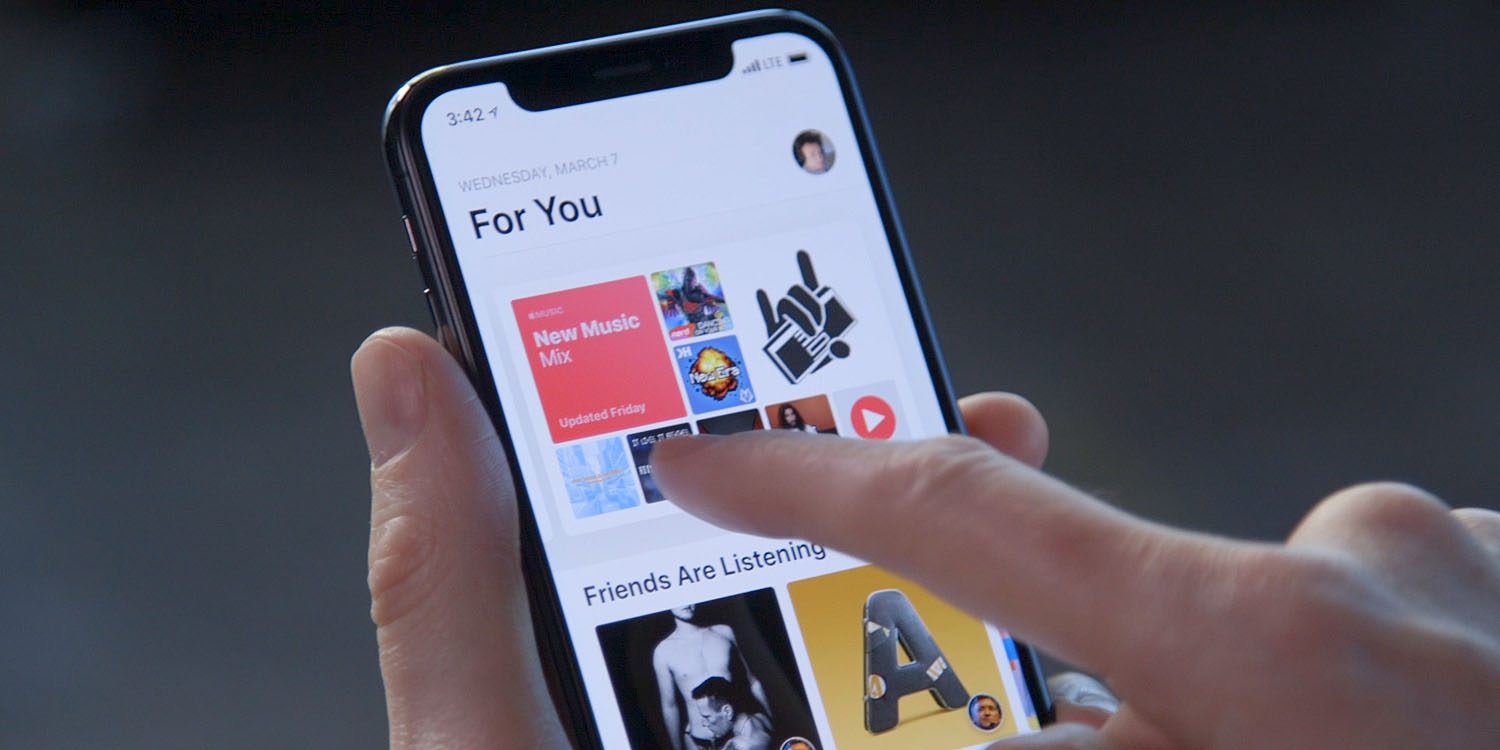
Apple has made another notable hire for its Apple Music team. According to a report from Music Business Worldwide, Apple has hired BBC hip-hop & grime editor Ryan Newman…
The report explains that during his time at 1Xtra – BBC’s flagship hip-hop and grime station – Newman “devised and implemented music strategy at the network, shaping its musical direction.
"Ryan Newman was previously Editor of 1Xtra – the BBC’s flagship hip-hop and grime radio station. In that role, he devised and implemented music strategy at the network, shaping its musical direction.
Now, he joins Apple Music/Beats 1 at a time when hip-hop’s stock is at an all-time high amongst the streaming services."
This isn’t the first time Apple has poached Apple Music & Beats 1 employees from BBC Radio. In 2015, Apple hired a handful of producers from BBC Radio to help lead its Beats 1 efforts. Of course, the biggest hire of them all came when Apple announced it had hired Zane Lowe from the British radio station.
At this point, it’s unclear what exactly Newman’s role will be at Apple Music, but his connections throughout the hip-hop and grime world will certainly lend a hand in expanding the service’s content. Newman has worked with artists such as Kanye West in the past.
Source: 9to5mac









