 NEWS
NEWS
Apple Still Signing iOS 11.3 Beta 5/6, Downgrade to It to Jailbreak Your iPhone
 06/11/2018
 43592
43592
If you have been highly disappointed with the fact that Apple has suddenly stopped signing iOS 11.3.1 now that iOS 11.4 is the main public release, then we have an important public service announcement for you: iOS 11.3 beta 5 & 6 are still being signed.
All of the current chatter in the jailbreak community at the moment is pertaining to Apple’s iOS 11.3.1 platform. And, rightly so. After all, the most recent important exploit release is aimed towards iOS 11.3.1 firmware.
It’s also already been confirmed by CoolStar that an updated version of Electra will be coming to support iOS 11.3.1 soon, which has been made entirely possible in no small part by the latest Ian Beer exploit release. So, it’s slightly miserable for those on iOS 11.4 to learn that Apple is no longer signing iOS 11.3.1.
However, the good news is that it’s not all doom and gloom. iOS 11.3.1 may no longer be being offered by Apple but for one bizarre reason or another, it’s been shown that the Cupertino-based company is still signing iOS 11.3 beta 5 and beta 6. You can download the iOS 11.3 beta 5/6 firmware for your iPhone or iPad from here, and Pro Flash on 3uTools. But for your information, after we restore to iOS 11.3 beta 5/6, we will receive iOS udpate notifications frequently, so please take your own risks.
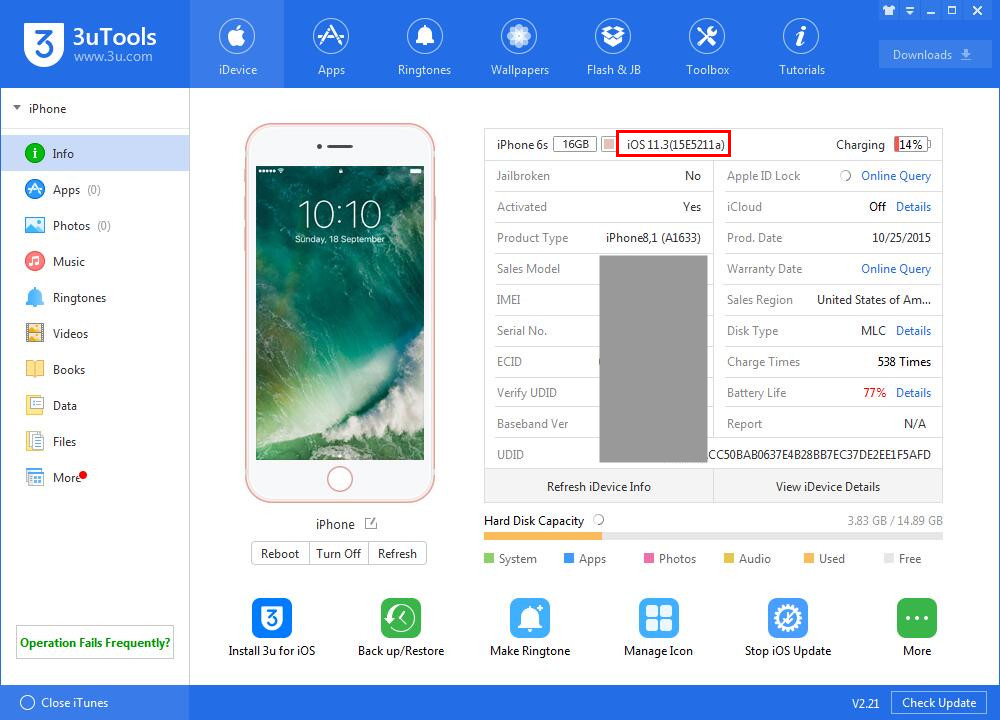
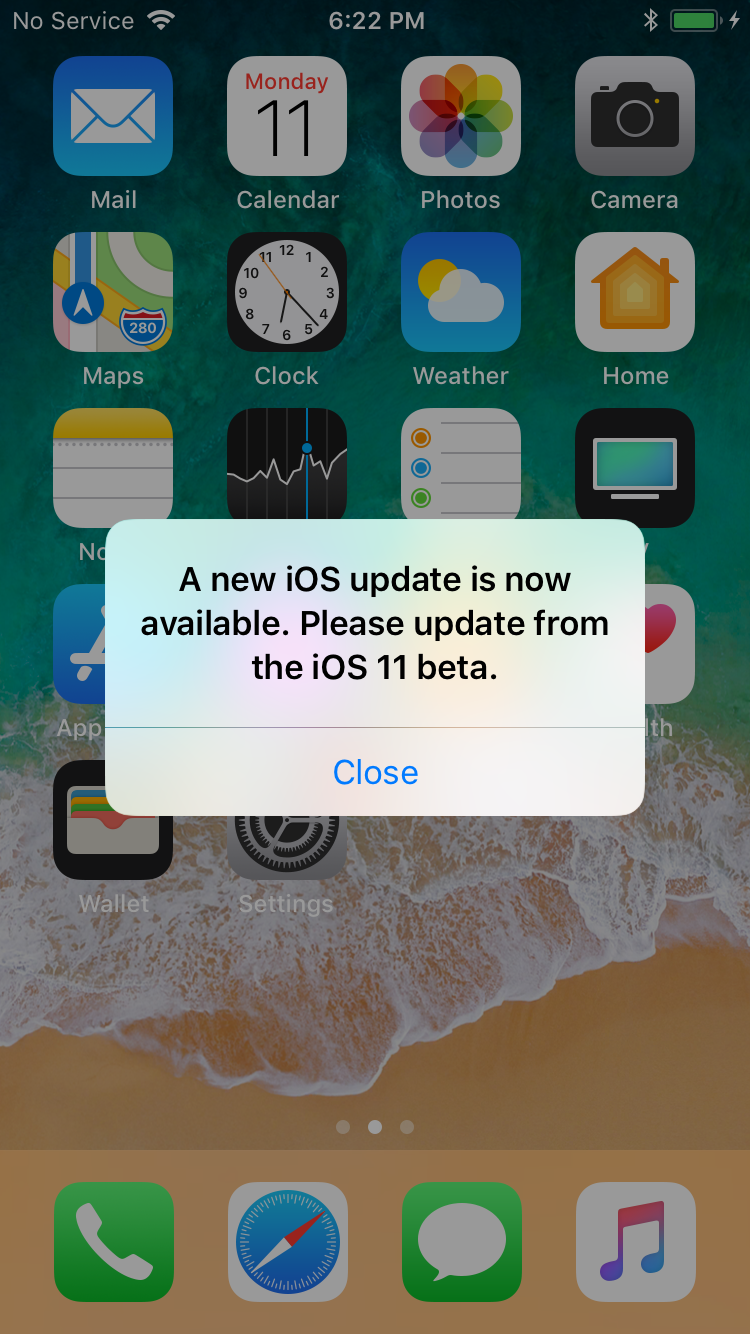
This may not initially seem like a wonderful or particularly beneficial thing to do but that’s before you are armed with the knowledge that the exploit used within the iOS 11.3.1 jailbreak is also compatible with those beta versions of Apple’s iOS 11.3 firmware.
So, with that in mind, if you managed to get access to and installed one of those betas, then you’d be sitting on a version of firmware which will be supported by the upcoming jailbreak.
Granted, it’s not really ideal to be running a beta version of any software on your main device, but in some cases, such as this situation which has been forced on device owners by Apple, it’s better than the alternative of having to stay on a version of iOS which won’t be compatible with the upcoming jailbreak.
The situation is also helped by the fact that beta 5 and beta 6 of iOS 11.3 are generally classed as mature versions of that particular version. The situation would be entirely different if you were being forced to install the first or second pre-release seed of iOS 11.3.
It’s not the most ideal solution, but it’s really the only one current iOS 11.4 users have if they are to take advantage of upcoming Electra jailbreak for iOS 11.3.x.
Source: redmond pie










