 NEWS
NEWS
Apple Drew Up a Patent for a New Kind of Blood Pressure Monitor
 06/08/2018
 2357
2357
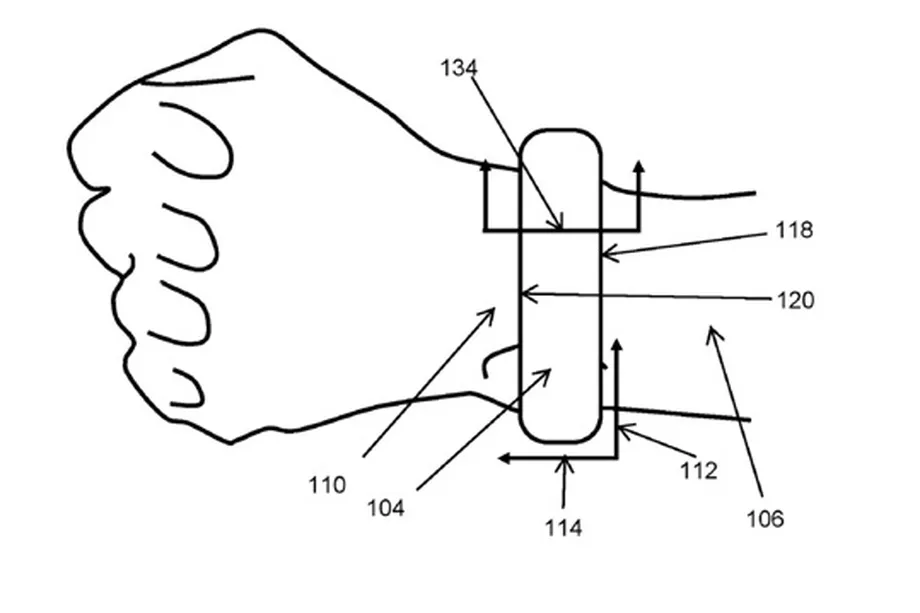
Two years ago, a handful of Apple employees dreamed up a device that would take the company beyond the world of healthcare apps, and into healthcare products. That device isn’t the Apple Watch, at least not yet. Instead, it seems to be a device whose function could very well be rolled into future Apple Watch devices down the line. Apple was granted a patent for said device today, and it looks... underwhelming.
The design they had patented is for a wearable blood pressure monitor — a cuff, equipped with a sensor (or several) that track when a wearer’s blood pressure might be spiking too high or swimming too low. To put a tech spin on things, they mention that the device (might) sport a touchscreen, and (might) be bluetooth compatible.
The reason for those qualifiers is because the current patent is extremely broad, as per usual. What we do know is that it’ll be:
"A blood pressure measurement system, comprising: a pressure sensor; an expandable member comprising a plurality of expandable cells, wherein the plurality of expandable cells comprises at least three expandable cells or at least two repeating expandable cells; and an expansion actuator configured to selectively expand the expandable member."
It’s a description that sounds like any other “blood pressure measurement” cuff on the market today. These devices work through a collection of tiny airbags, or “cells” in the patent, that are there to exert pressure on the wearer’s arm and cut off blood flow. From there, the device gets a measure of the heart’s maximum output, or its systolic pressure, before releasing to get a measure of the heart’s resting output, or the diastolic pressure.
Per Apple’s patent, their device is planned to have either one sensor (or several, in each airbag) to measure the blood’s pressure as it flows through the user’s arm or leg. There’s also an “actuator” to measure how much pressure is needed to get a good reading without crushing the user’s arm entirely.
In a world where blood pressure is increasingly on the rise, Apple’s jump into this sector of the healthcare consumer market would make sense. But we don’t yet know how they plan to offer something new or in what ways it might integrate with the Apple Watch platform or the Apple Watch device itself.
Still, not only have these devices already been in the consumer market for years, but some of the tech-centric perks that Apple describes, like Bluetooth compatibility that can alert the wearer of any significant pressure issues, have already been done by other tech companies like Quardio, who have been selling their own Bluetooth-enabled monitors through Apple’s site and physical stores since last year.
Apple’s proposed product eliminates the need for cardiac-concerned consumers to go through those third parties, but getting there means jumping through a slew of regulatory hoops from the FDA, which needs to oversee development of the tech company’s first full-on medical device before it hits the market. That’s something that Apple CEO Tim Cook has a history of being reluctant about, particularly regarding health applications for the Apple Watch.
Source: the verge









