NEWS

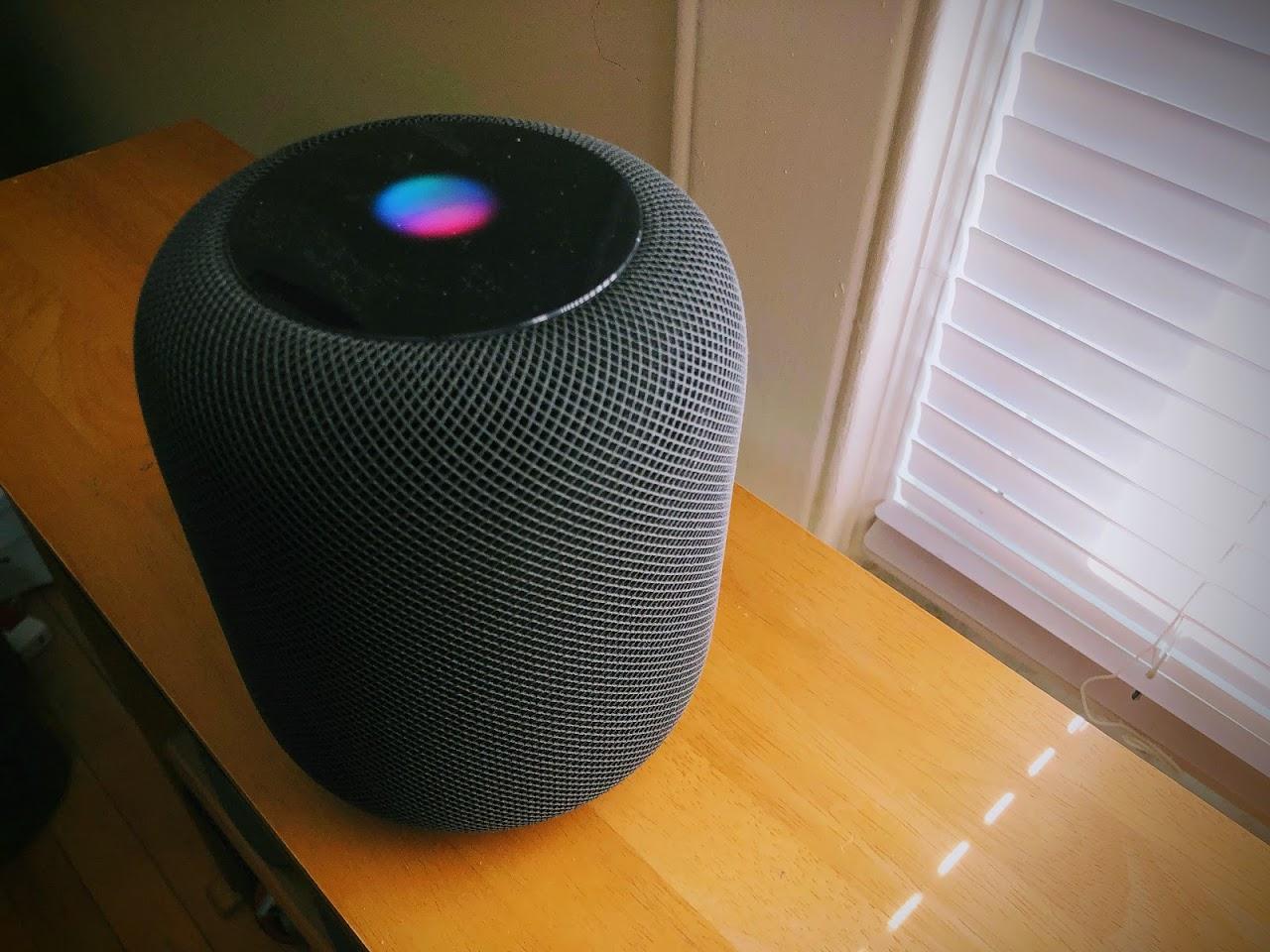
Apple’s HomePod Speaker Launches in Canada, France, and Germany on June 18th

06/01/2018

2506

Apple’s HomePod Speaker Launches in Canada, France, and Germany on June 18th

Apple’s HomePod gained multi-room audio and stereo pairing with the release of iOS 11.4 and AirPlay 2 today, and soon the smart speaker will be available in more countries. Apple announced that HomePod will launch in Canada, France, and Germany on June 18th. In preparation for that, today’s update for the device enables language support for Canadian English, French, and German. They can be enabled right now once your HomePod has been updated.


Canadian French will be added in a software update later this year. Users in the three new HomePod countries will also need to wait a bit longer for calendar support, which was another new feature added as part of today’s update. That, too, is coming sometime “later this year” according to Apple.


Source: the verge

Windows
Mac OS
iOS
Linux
3uTools
Win 64-bit For this device
V9.01 2025-12-27
Download
Win 32-bit For this device
V9.01 2025-12-27
Download
3uTools
Intel Chip How to Identify Chip Type
V9.0 2025-12-02
Download
Apple Silicon
V9.0 2025-12-02
Download
How to Identify Chip Type
1.  Click the Apple icon in the top-left corner of the screen and select About This Mac.
2.  Check the Processor or Chip field to determine if it is "Intel" or "Apple".
Please use the 3uTools PC client to install the iOS client:
1、 Install either the Windows or Mac version of 3uTools on your computer
2、 Open the PC client and connect your device to the computer via USB cable
3、 After the connection is successful, wait for the computer to automatically install the mobile app for the device, or locate “Install Mobile App” on the computer and manually click to install.
3uTools
deb file
V3.01 2025-11-20
Download
rpm file
V3.01 2025-11-20
Download
Windows
Windows
iOS
iOS
Android
Android
TV
TV
3uAirPlayer
Win 64-bit For this device
V6.0.2 2025-11-19
Download
Win 32-bit For this device
V6.0.2 2025-11-19
Download
iOS Device Mirroring (No App Required)
1、 Install 3uAirPlayer on the Windows PC
2、 Open Control Center and select Screen Mirroring
3、 From the list, choose your PC to start mirroring
4、 Or connect your iOS device to the PC via USB to begin mirroring
Scan to get "3uAirPlayer" App
3uAirPlayer TV V1.0.18
2025-11-28
TV System Requirements: Android 7.0 or later
Download the TV installation package, copy it to a USB drive, insert it into your TV or set-top box, then select the file from the home screen to install.