 NEWS
NEWS
Telegram Says Apple Stopped its App Updates Worldwide After Russian Ban
 06/01/2018
 3155
3155
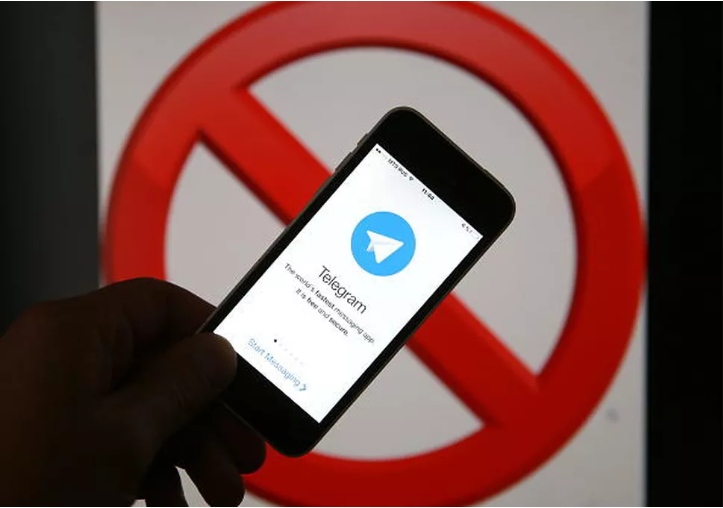
Telegram updates have been blocked by Apple since April when Russia banned the encrypted messaging app, the company's CEO said Thursday.
Pavel Durov, who co-founded Telegram with his brother Nikolai Durov in 2013, said that Apple sided with Russia after the company refused to provide decryption keys for users' communications to the country's security agencies.
The Russian government said the messaging service was used to plan a 2017 suicide bombing that left 16 people dead in St. Petersburg.
"We believe we did the only possible thing, preserving the right of our users to privacy in a troubled country," Durov said Thursday on Telegram. "Unfortunately, Apple didn't side with us."
Durov noted that Russia accounts for 7 percent of Telegram's users but that Apple's block has impacted users across the world. He also said the block stopped the company from becoming GDPR-compliant prior to the European Union 's May 25 deadline for its strict privacy law.
Apple didn't immediately respond to a request for comment.
Telegram and its faster counterpart, Telegram X, were briefly pulled from the App Store in February, with Apple citing "inappropriate content" for app's removal.
Here is Durov's full post on Telegram:
"Unfortunately, some Telegram features, such as stickers, don't work correctly under iOS 11.4 that was just released – even though we fixed this issue weeks ago.
Apple has been preventing Telegram from updating its iOS apps globally ever since the Russian authorities ordered Apple to remove Telegram from the App Store. Russia banned Telegram on its territory in April because we refused to provide decryption keys for all our users' communications to Russia's security agencies. We believe we did the only possible thing, preserving the right of our users to privacy in a troubled country.
Unfortunately, Apple didn't side with us. While Russia makes up only 7% of Telegram's userbase, Apple is restricting updates for all Telegram users around the world since mid-April. As a result, we've also been unable to fully comply with GDPR for our EU-users by the deadline of May 25, 2018. We are continuing our efforts to resolve the situation and will keep you updated.
Sorry for the inconvenience and thank you for your patience."
Source: cnet










