 NEWS
NEWS
Apple Teams up With Volkswagen for Driverless Employee Shuttles
 05/24/2018
 2681
2681
It isn’t a secret that Apple has been working on technology for self-driving vehicles, as it has a growing fleet of vehicles out there on the roads in California testing it in the real world.
But today’s news, published this week by The New York Times, isn’t focused on the future consumer. Instead, it’s all about Apple’s employees that might have to go from one of Apple’s campuses to another, and would prefer to do so with an Apple-approved shuttle system. According to the publication, Apple has inked a deal with Volkswagen for self-driving passenger shuttles.
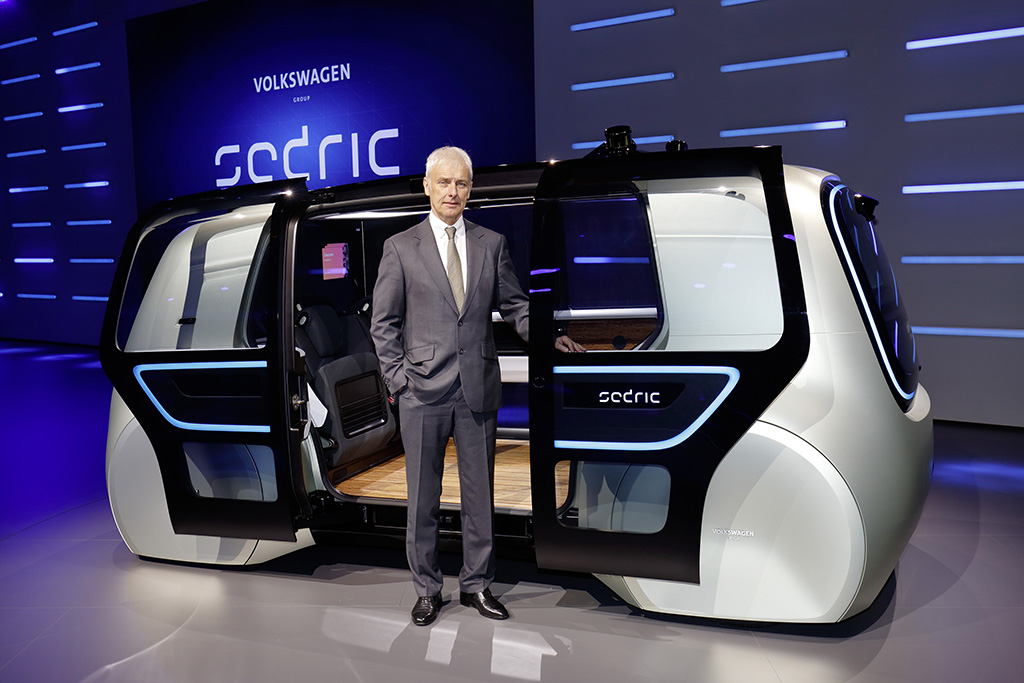
Apple has been working on the Palo Alto to Infinite Loop (PAIL) driverless passenger shuttle system since last summer. Apple was looking to sign deals with varying auto manufacturers, including BMW and Mercedes, but it sounds like those deals fell through. As a result, Volkswagen got the call, and as a result the company’s T6 Transporter vans will become self-driving passenger buses.
The new report also has some relatively dark news about Apple’s self-driving plans, suggesting that the transport system being worked on now is taking up the majority of the Apple Car team’s time. As a result, whatever broader plans Apple has for the autonomous driving market, that may be already on the back burner as Apple works through this to get it all up and running.
Of course, when it was first reported that Apple was developing PAIL, it was suggested that while the passenger shuttles were a priority, so was continuous development of Apple’s self-driving technology. So even if there is a bit of a delay behind-the-scenes, it sounds like it’s still all working towards the same goal.
Source: iphonehacks









