 NEWS
NEWS
Apple Powerbeats Headphones in 'sweat-proof' Legal Action
 05/24/2018
 2495
2495
A US judge has ruled legal action against Apple over its Powerbeats headphones can go ahead "in part".
Seven customers, from various US cities, say the headphones do not hold their charge for as long as Apple advertises and they are not as water- or sweat-proof as claimed.
The judge said the sweat-proof claims "require amendment" but the challenge regarding battery life could proceed.
Apple had asked for all claims to be dismissed.
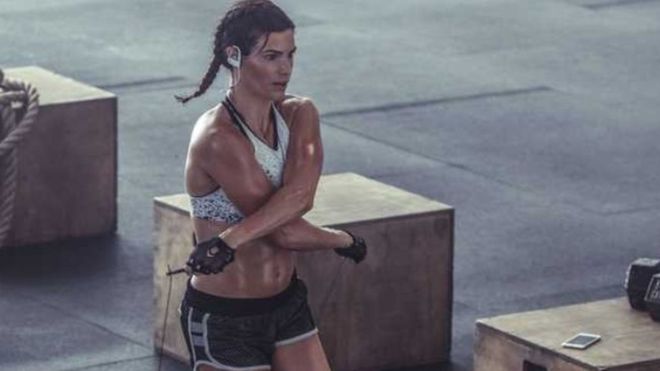
District judge Richard Seeborg said the case could go ahead but some amendments were required to the allegations the headphone failed when in contact with sweat despite being marketed as activity wear.
He wrote that while the customers had not explicitly specified whether they had sweated while wearing the headphones, they did have a case in arguing the battery life of the devices was not as good as Apple had claimed in its marketing material.
Apple promoted the Powerbeats 2 headphones as having "six hours rechargeable battery" and Powerbeats 3 as having "up to 12 hour battery life".
The seven customers all said they had owned multiple Powerbeats headphones, which had not lived up to this expectation.
Apple has been contacted by the BBC for comment.
According to the court ruling, published on 16 May, one of the customers received five replacement Powerbeats 2 headphones and they all malfunctioned by "failing to charge and eventually failing to turn on".
Christopher Bizzelle later bought a pair of Powerbeats 3 headphones but had the same problem.
He says an Apple service representative told him he believed it was a result of "sweat damaging the Powerbeats".
Powerbeats 3 currently has a 1.5 star rating from customers on the Apple store, with several complaining that sweat appears to interfere with the headphones' ability to function.
Source: bbc









