 NEWS
NEWS
Apple is no Longer Building its $1 Billion Data Center in Ireland
 05/11/2018
 2569
2569
Apple has announced it will no longer build a $1 billion (€850 million) data center in Ireland after planning delays lasting over three years, reports Reuters. Since 2015, Apple has wanted to build the data center in Athenry to be close to green energy sources, but the plans have been met with stalls in the approval process. The company had yet to even begin construction on the center. Apple was also set to face an appeal in Dublin’s Supreme Court on Thursday over initial approval of the planned first phase of building.
“Despite our best efforts, delays in the approval process have forced us to make other plans and we will not be able to move forward with the data centre,” Apple said in a statement to Reuters. “While disappointing, this setback will not dampen our enthusiasm for future projects in Ireland as our business continues to grow.” Apple still has 6,000 employees at its European Headquarters, located in County Cork, where it plans to expand.
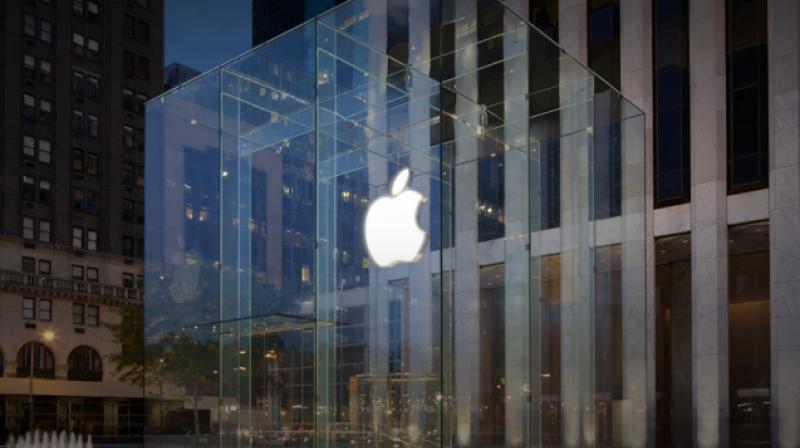
According to The Irish Times, the proposed construction of the data center in Athenry would have created around 300 jobs over multiple phases, while 150 technical staff would have been employed to run the center once completed.
In a statement, Ireland’s minister for business, enterprise and innovation, Heather Humphreys, said:
“The Government, together with IDA Ireland, did everything it could to support this investment. This included high-level engagement with the company, both at home and abroad. Ultimately, in spite of these efforts, Apple has taken a commercial decision not to proceed, making it clear that the delays that beset this project caused them to reconsider their plan.”
Apple first opened a manufacturing facility in Ireland in County Cork back in 1980 and currently employs 5,500 across Ireland. Last year, Apple reached an agreement with the EU to pay the country $15.4 billion in back taxes.
Source: theverge











