 NEWS
NEWS
Microsoft Says it Would Love to Work with Apple to Bring iMessage Support to Windows
 05/11/2018
 2208
2208
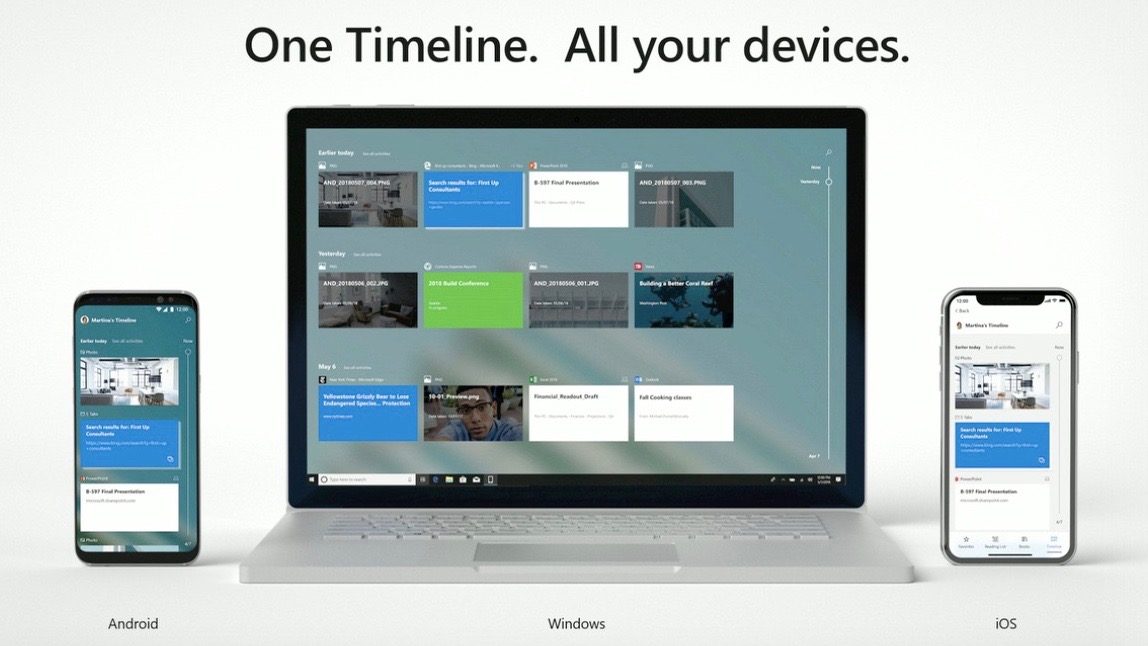
At its Build developer conference this year, Microsoft revealed a new “Your Phone” application that it hopes will make iOS and Android devices work better with Windows 10 PCs. The app bring things such as photos, texts, and more directly from your smartphone to your Windows PC.
One key missing feature, however, is iMessage support – but Microsoft says it would love to work with Apple to change that…
In a thorough interview with The Verge, Microsoft’s Joe Belfiore and Shilpa Ranganathan explain that some things are harder to bring to the new Your Phone application than others. Messages is one of those.
While the Your Phone application will work with photos and notifications, Ranganathan says Apple makes it challenging to add support for Messages. Essentially, the vision that she offers is full support for iMessage on Windows via the Your Phone application.
Ranganathan explains that she wants to bring iMessage support to Windows 10 in a way that is respectful to the ecosystem, but also one that makes for an enjoyable experience for users:
“Apple does make it a tad harder for messages, but we’re very willing to work with Apple,” Ranganathan says.
“I want to do this in a supported way with a respect for the ecosystem we’re building on and at the same time make it a delightful experience. Messages is one where we’re not currently where we need to be compared to Android, but we need to work with Apple.”
At this point, however, Microsoft has not approached Apple about such a partnership – and whether or not Apple would even agree to it is anyone’s guess. On one hand, adding iMessage to Microsoft’s Your Phone application would keep people tied to their iPhone. Of course, on the other hand, Apple would much rather have people purchase a Mac with built-in support for iMessage.
Source: 9to5mac











