NEWS

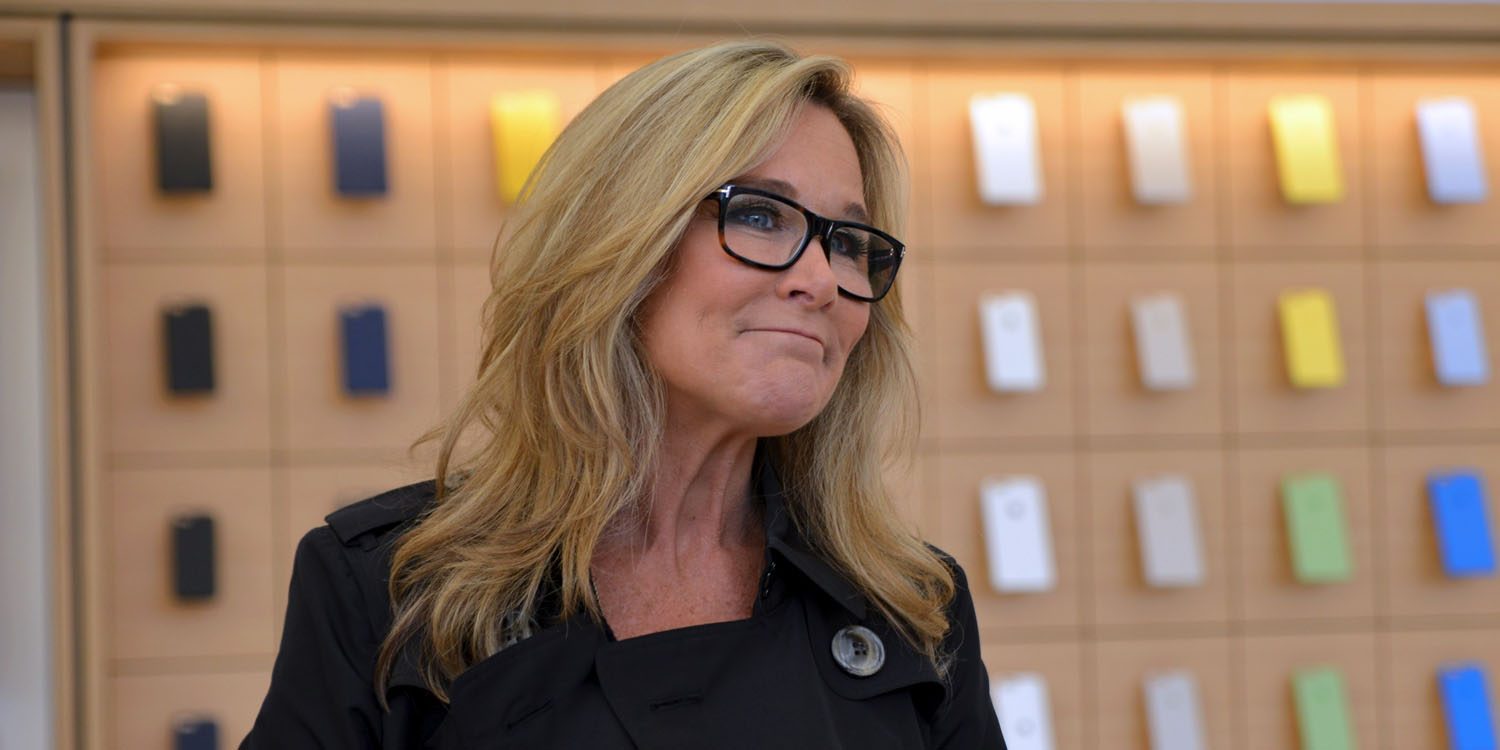
Apple’s Retail Head Angela Ahrendts to Join Ralph Lauren as Non-exec Director

05/10/2018

2410

Apple’s Retail Head Angela Ahrendts to Join Ralph Lauren as Non-exec Director


Fashion brand Ralph Lauren has announced that it plans to make Apple’s retail head Angela Ahrendts a non-executive director at its annual general meeting in August. She will be joined by Michael George, CEO of QVC parent company Qurate Retail …


-The Board intends to nominate Ms. Ahrendts for election at the Annual Meeting of Stockholders, expected in August 2018.


-“I am delighted to welcome Angela and Mike to the Board of Directors,” said Mr. Ralph Lauren, Executive Chairman and Chief Creative Officer. “Angela is an industry leader and innovator with deep expertise in luxury retail and an outstanding track record of growing global brands.”


-Patrice Louvet, President and Chief Executive Officer, said, “Angela and Mike are among the most respected leaders in the business. They each have driven strong growth and created superior value at some of the best-known brands in retail, and I know we will benefit greatly from their experience and fresh perspective as we continue to elevate our brand; evolve our product, marketing and shopping experience; expand our digital and international presence; and increase productivity.”


Both will retain their existing roles, their involvement in Ralph Lauren likely to be limited to participating in a small number of board meetings and offering ad-hoc advice. It’s not unusual for senior execs in large companies to hold a small number of non-exec board positions in others.


Source: the verge

Windows
Mac OS
iOS
Linux
3uTools
Win 64-bit For this device
V9.0 2025-11-11
Download
Win 32-bit For this device
V9.0 2025-11-11
Download
3uTools
Intel Chip How to Identify Chip Type
V9.0 2025-12-02
Download
Apple Chip
V9.0 2025-12-02
Download
How to Identify Chip Type
1.  Click the Apple icon in the top-left corner of the screen and select About This Mac.
2.  Check the Processor or Chip field to determine if it is "Intel" or "Apple".
Please use the 3uTools PC client to install the iOS client:
1、 Install either the Windows or Mac version of 3uTools on your computer
2、 Open the PC client and connect your device to the computer via USB cable
3、 After the connection is successful, wait for the computer to automatically install the mobile app for the device, or locate “Install Mobile App” on the computer and manually click to install.
3uTools
deb file
V3.01 2025-11-20
Download
rpm file
V3.01 2025-11-20
Download
Windows
Windows
iOS
iOS
Android
Android
TV
TV
3uAirPlayer
Win 64-bit For this device
V6.0.2 2025-11-19
Download
Win 32-bit For this device
V6.0.2 2025-11-19
Download
iOS Device Mirroring (No App Required)
1、 Install 3uAirPlayer on the Windows PC
2、 Open Control Center and select Screen Mirroring
3、 From the list, choose your PC to start mirroring
4、 Or connect your iOS device to the PC via USB to begin mirroring
Scan to get "3uAirPlayer" App
3uAirPlayer TV V1.0.18
2025-11-28
TV System Requirements: Android 7.0 or later
Download the TV installation package, copy it to a USB drive, insert it into your TV or set-top box, then select the file from the home screen to install.