 NEWS
NEWS
Apple News Continues Focus on Video With in-app Live Stream
 05/08/2018
 2067
2067
Tonight marks the 2018 Met Gala in New York City. As usual, the show is one of the premiere fashion events of the year, with top figures from the entertainment industry making appearances.
While Apple has served as a sponsor of the event in the past, this year it is streaming the show live via Apple News...
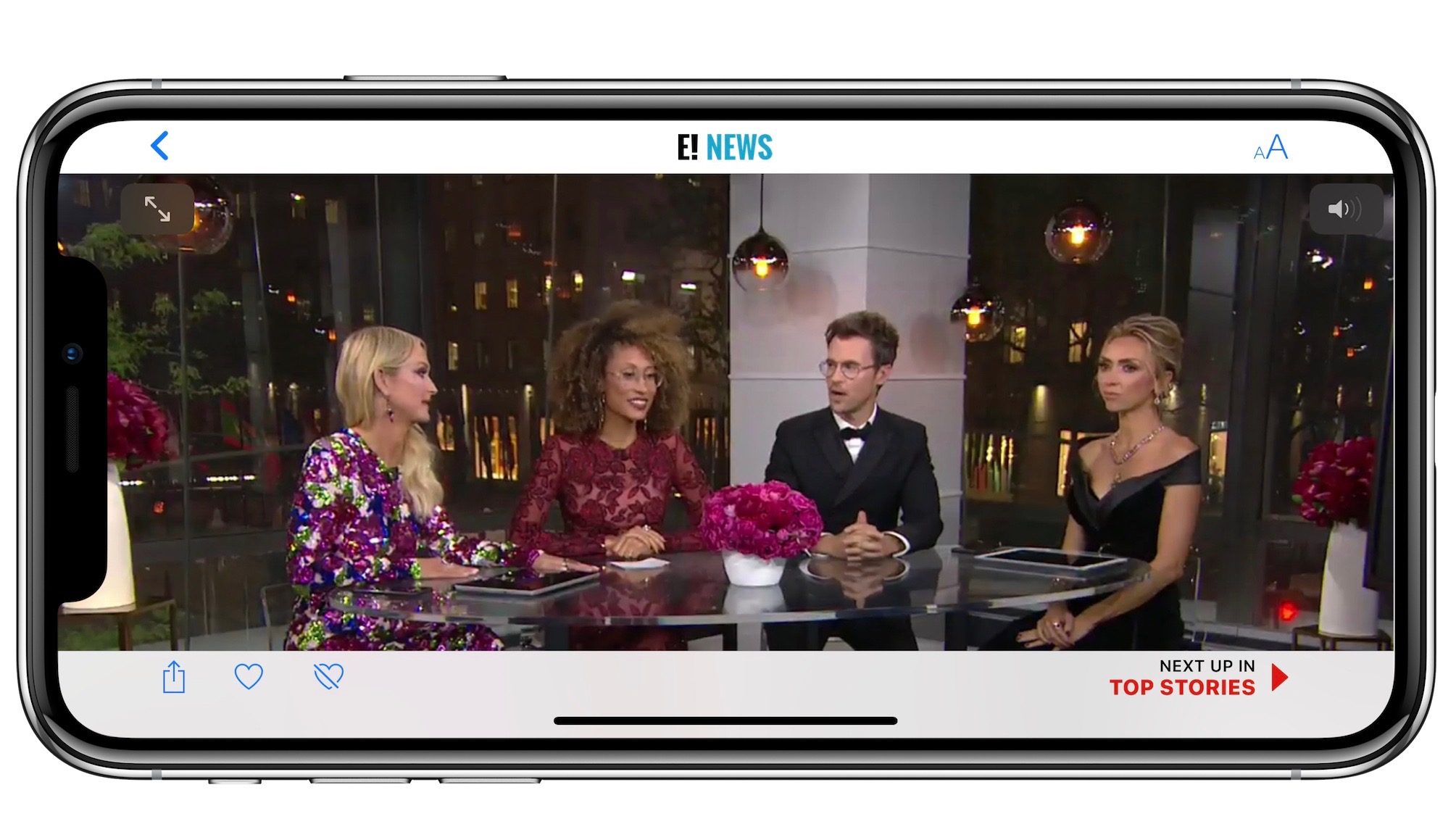
Apple has partnered with E! News to offer a live stream of the Met Gala. The company is featuring the stream prominently in the Top Stories section of the Apple News app. Apple seems to be using its own backend for streaming the event as there’s no sign of integration with another video platform such as Facebook or YouTube.
Apple isn’t the only platform offering a stream of the Met Gala. The event is also being streamed on E!’s website, YouTube, and Facebook.
This isn’t the first time Apple has live streamed video in Apple News as it has offered streams of several political events in the past. This does, however, mark one of the company’s first ventures into the entertainment industry.
You may remember that Apple sponsored the Met Gala in 2016 and 2017, with Jony Ive serving as a co-chair during the former. Apple does not appear to be a sponsor of this year’s event, nor does it appear that any Apple executives are in attendance.
As we outlined earlier today, Apple has been increasing its focus on editorial content and Apple News in general. It was reported last week that the company is paying some publishers for exclusive access to video content.
Are you glad to see Apple offering live streams of events in Apple News? Let us know down in the comments!
Source: 9to5mac









