 NEWS
NEWS
Apple Paying some Apple News Publishers for Early Exclusivity Rights to Video Content
 05/07/2018
 2198
2198
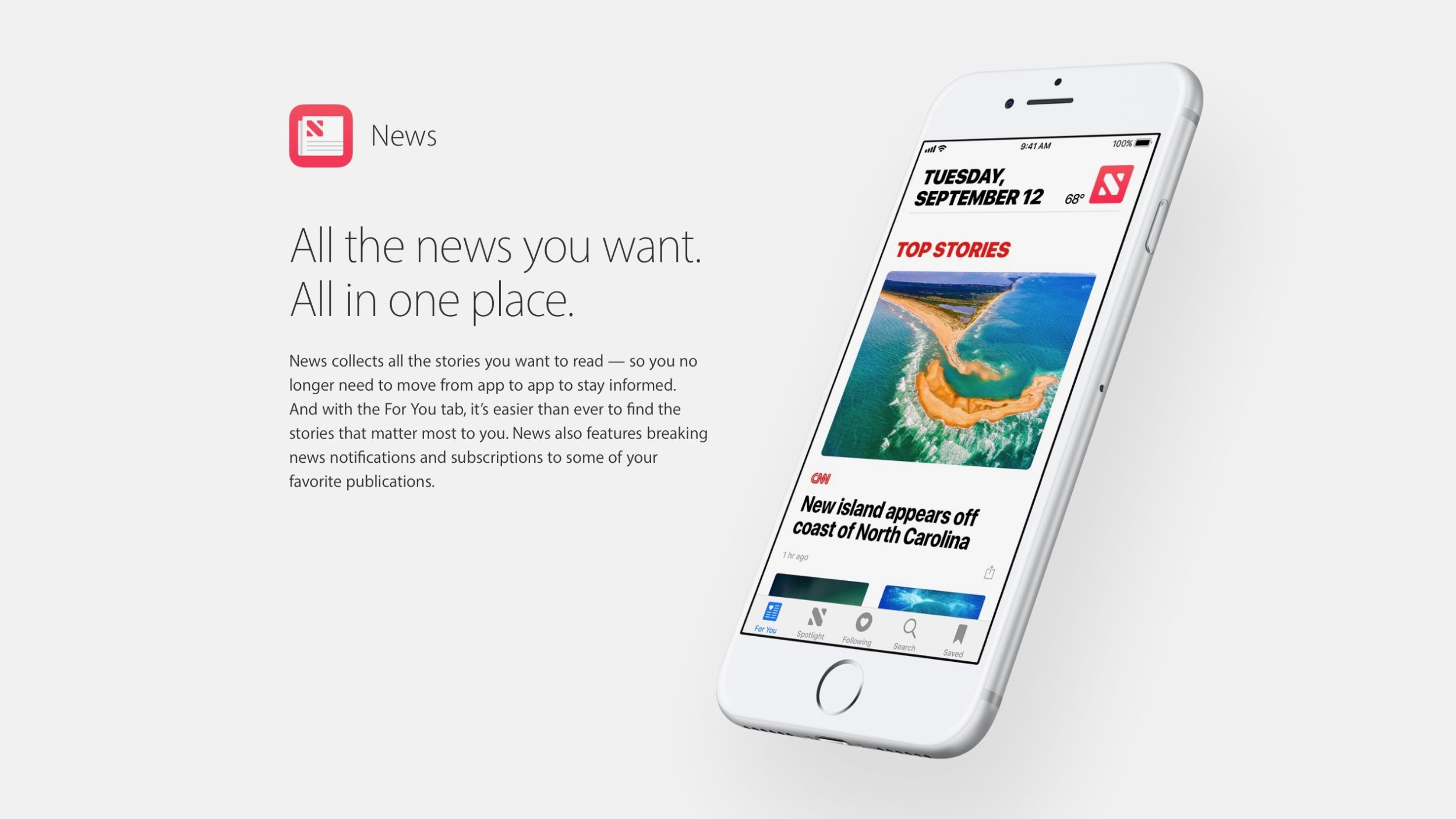
Apple’s interest in exclusive video programming is stretching beyond its original content TV show efforts. Digiday reports that Apple paid Buzzfeed to show the first three episodes of its ‘Future History’ video series on Apple News, a week ahead of Buzzfeed’s other distribution platforms.
Apple gave Buzzfeed a cut of the ads shown on the videos, in addition to upfront payment. Apple has highlighted video stories more prominently in Apple News since iOS 11.3 with several video-focused features.
Apple News includes interstitial ads between videos, with Apple News having a dedicated ad sales group despite the collapse of Apple’s developer ad sales with iAd.
Apple has even added video content to its News widgets in recent months as it tries to prioritise the medium in the News app. Apparently, Apple editorial team ensured the Buzzfeed exclusive content was prominently shown in the featured galleries.
According to the report, it paid off (relatively). Apple News viewership beat the count of views on competing platforms.
"The first week the show was available on Apple News, it received “several hundreds of thousands” of views across all three episodes, she said. By comparison, the episodes have garnered more than 110,000 views across YouTube, Facebook and Twitter since being uploaded to those platforms on April 28."
From the outside, Apple’s investment in exclusive content for News definitely appears to be a concerted effort. It published an exclusive excerpt from John McCain’s upcoming book last week, for instance. The company also had a robust set of features and exclusive content for the Winter Olympics, in partnership with NBC. Eyes are also on Apple’s recent acquisition of Texture; the company is planning to roll out a premium magazine and newspaper subscription service as soon as next year.
Source: 9to5mac









