 NEWS
NEWS
Apple Proved Wall Street Wrong—iPhone X is the Best-Selling Phone in China
 05/07/2018
 2522
2522
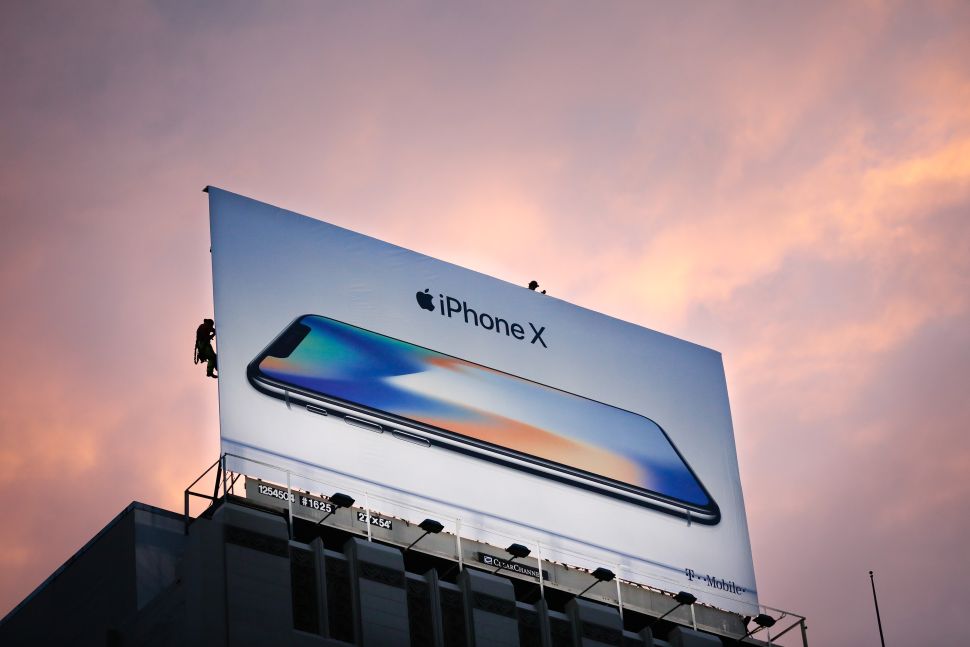
Apple sold 52.2 million iPhones during the first quarter of 2018 and posted estimate-beating revenue and earnings per share on Tuesday, dismissing Wall Street’s worry over the impact of weakening iPhone X sales on Apple’s bottom line.
For the quarter which ended March 31, Apple recorded $61.1 billion in revenue, up by 16 percent from last year, and $2.73 in earnings per share, up by 30 percent. Quarterly profit rose by 25 percent to $13.82 billion.
Total iPhone sales during the quarter, which account for more than 60 percent of Apple’s total revenue, rose by 14 percent from last year. The units of iPhones sold grew by only three percent, however, suggesting that the pricier iPhone models have been selling strong.
An average iPhone was sold for $728 during the quarter, up from $655 a year ago, said CFO Luca Maestri during the investor call. However, it was nearly 10 percent down from $796 in the first quarter, a sign that the iPhone X (starting at $999) wasn’t driving the majority of sales. (iPhone 8, which starts at $699, seems to have had a bigger influence on total sales.)
Apple doesn’t disclose sales breakdown for specific iPhone models, but CEO Tim Cook said he couldn’t be happier with the current state of the iPhone X.
“Customers chose iPhone X over any other model every week during the March quarter, just as they did in the December quarter,” Cook told investors. “iPhone X is a beloved product. It’s like when a team wins a Super Bowl, maybe you expected it to win a few more points, but it’s [still] a Super Bowl winner. That’s how I see iPhone X.”
Before the earnings release, evidence were mounting that Apple could be slowing down iPhone X production in light of weakening sales in China, its largest overseas market. One ominous sign in particular was that Cognex, which sells technologies to factories that assemble iPhone X and generates 20 percent of its revenue from Apple, reported disappointing first-quarter earnings on Monday.
“Cognex results provide further evidence that the smartphone cycle has turned south, the OLED overcapacity bites and Apple’s iPhone X is over,” Neil Campling, an analyst of Mirabaud Securities, told CNBC.
However, Cook said iPhone X is the best-selling smartphone in China right now. Apple’s quarterly sales in the Greater China market rose by 21 percent to $13 billion, the third quarter of growth after six quarters of double-digit declines.
On the trade tension with China, Cook said he is optimistic about the two countries ultimately reaching a win-win situation.
“China and the U.S. have this unavoidable mutuality where China only wins when the U.S. wins, and the U.S. wins only when China wins. And the world wins only when both countries win,” he said.
Source: observer











