 NEWS
NEWS
Apple Invites you to Apply for 400 Free Places at Apple Developer Academy
 05/04/2018
 2555
2555
Apple is inviting would-be developers and entrepreneurs to apply for one of 400 free places at this year’s Apple Developer Academy.
Open to students from anywhere in the world, tuition is fully sponsored by Apple, with no cost to students – who also receive a free Mac and iPhone, along with support for their living expenses in Naples, Italy …
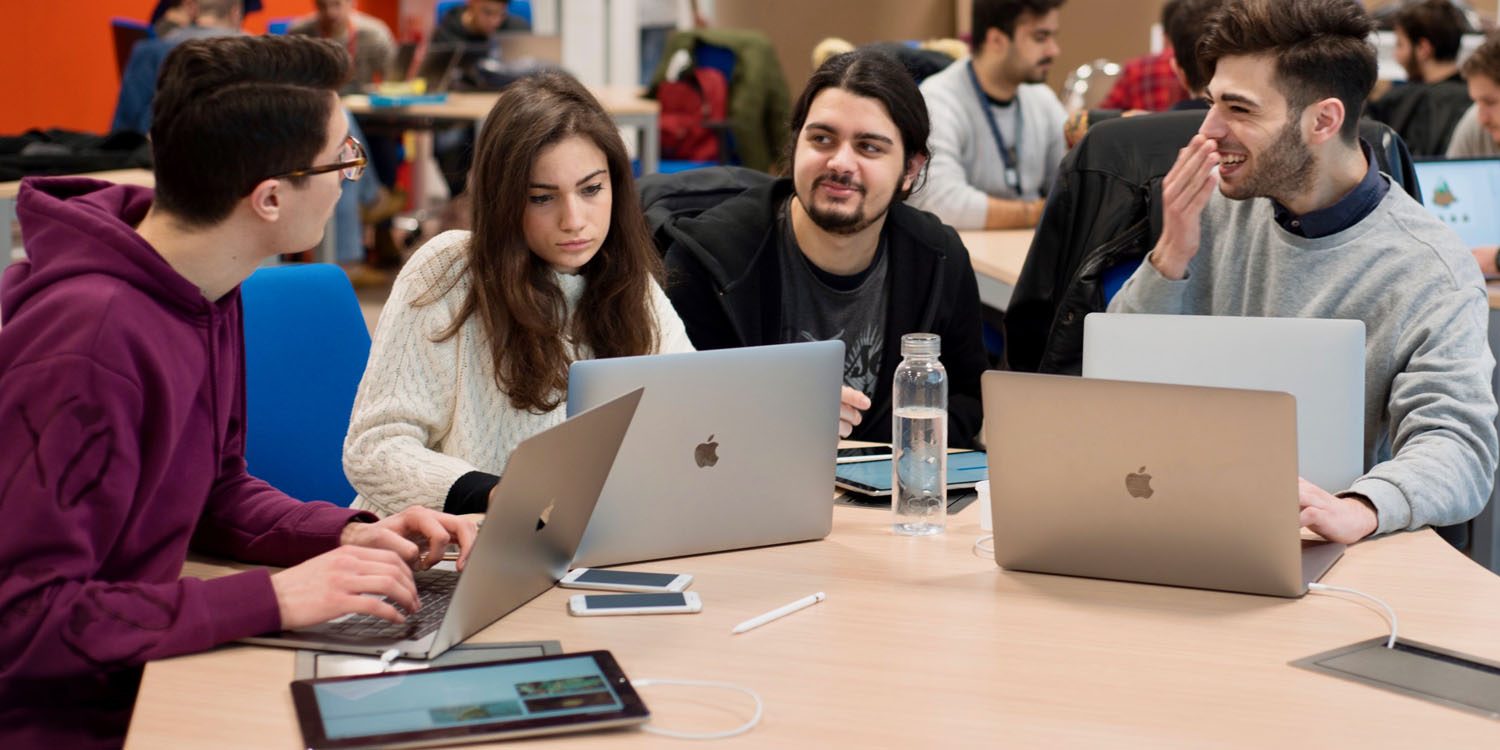
Apple first announced the initiative early in 2016, referencing it then as its first iOS App Development Center for Europe. In July the same year, it confirmed that it would be partnering with the Università di Napoli Federico II, and opened applications for tutors.
The inaugural program opened in October 2016 with 200 students. The class graduated in June of last year.
Apple told us today that it has now opened its application process for new students for the coming year.
The Developer Academy is open to students from across Italy and around the world with the current student intake including students from 25 different countries, from as far as Venezuela and Peru through India and Nigeria. Students from Italy come from 16 different regions across the country.
One of the current students described the program as a once-in-a-lifetime opportunity.
Ash Thomas, 26 who is at the Academy at the moment, said: “The Apple Developer Academy is a truly once in a lifetime experience to explore fresh ideas whilst collaborating with innovative minds from all over the world. It is the ideal place to dive deep into design thinking and to learn in a way that is like no other. I’d recommend the academy to anyone who wishes to learn how to develop mobile apps, or to anyone wanting to follow a career in technology or design.”
Apple says that the new intake will mean some 1000 students will have been trained at the Academy by the summer of 2019, with an additional option offered for the first time to this year’s intake.
A new ‘Enterprise Track’ will also open to 36 students who are looking to secure a more in-depth training into the entire life-cycle of an app, from the design to implementation, through to deployment in the cloud, security, trouble-shooting and data storage.
Apple says that places are offered to those with and without existing coding or computer science skills.
You can apply online between now and June 8. Apple will review the online applications and then invite the most promising applicants to take a test and attend an interview in Naples, London, Munich or Paris.
Source: 9to5mac











