
NEWS

New survey Finds 75% of Enterprise Employees Pick iOS Over Android, 72% Mac Over PC

04/27/2018

2237

Jamf has released a new survey today titled The Impact of Device Choice on the Employee Experience. Among other findings, Jamf reports that about three-quarters of employees picked iPhone, iPad, or Mac over competing options when given a choice.
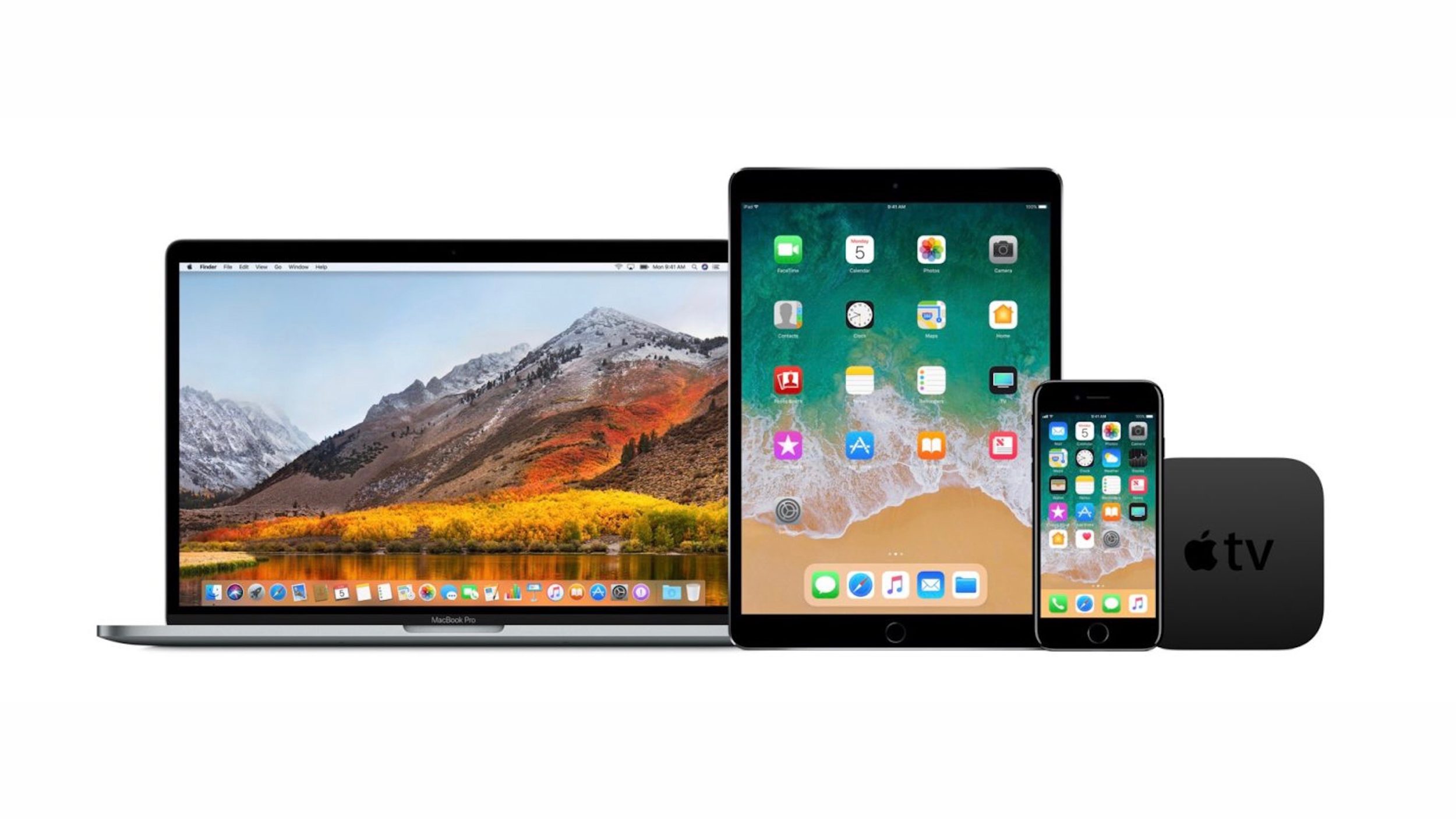
 

New survey Finds 75% of Enterprise Employees Pick iOS Over Android, 72% Mac Over PC


 Jamf’s March 2018 survey is based on responses from 580 executives, managers, and IT professionals.


 When organizations give employees the ability to choose their technology, they consistently choose Apple. Of organizations with choice, 72 percent chose Mac and 28 percent chose PC. A further 75 percent of respondents indicated they chose an iPhone or iPad, while only 25 percent chose Android.


It is important to note that Jamf’s business is selling management software for Apple products. But regardless, the data is great news for Apple.


Other interesting results reveal how employees feel device choice influences productivity and pride:


68 percent claim that the ability to select their device of choice makes them more productive in the workplace

35 percent of respondents felt that using their device of choice made them proud of where they work


How about you, if your workplace offers a choice, does this line up with what you see? Share your thoughts and experiences in the comments below!


Source: 9to5mac

Windows
Mac OS
iOS
Linux
3uTools
Win 64-bit For this device
V9.0 2025-11-11
Download
Win 32-bit For this device
V9.0 2025-11-11
Download
3uTools
Intel Chip How to Identify Chip Type
V9.0 2025-12-02
Download
Apple Chip
V9.0 2025-12-02
Download
How to Identify Chip Type
1.  Click the Apple icon in the top-left corner of the screen and select About This Mac.
2.  Check the Processor or Chip field to determine if it is "Intel" or "Apple".
Please use the 3uTools PC client to install the iOS client:
1、 Install either the Windows or Mac version of 3uTools on your computer
2、 Open the PC client and connect your device to the computer via USB cable
3、 After the connection is successful, wait for the computer to automatically install the mobile app for the device, or locate “Install Mobile App” on the computer and manually click to install.
3uTools
deb file
V3.01 2025-11-20
Download
rpm file
V3.01 2025-11-20
Download
Windows
Windows
iOS
iOS
Android
Android
TV
TV
3uAirPlayer
Win 64-bit For this device
V6.0.2 2025-11-19
Download
Win 32-bit For this device
V6.0.2 2025-11-19
Download
iOS Device Mirroring (No App Required)
1、 Install 3uAirPlayer on the Windows PC
2、 Open Control Center and select Screen Mirroring
3、 From the list, choose your PC to start mirroring
4、 Or connect your iOS device to the PC via USB to begin mirroring
Scan to get "3uAirPlayer" App
3uAirPlayer TV V1.0.18
2025-11-28
TV System Requirements: Android 7.0 or later
Download the TV installation package, copy it to a USB drive, insert it into your TV or set-top box, then select the file from the home screen to install.




