 NEWS
NEWS
iPhone SE 2 Coming Soon? New Evidence Points to May
 04/19/2018
 2757
2757
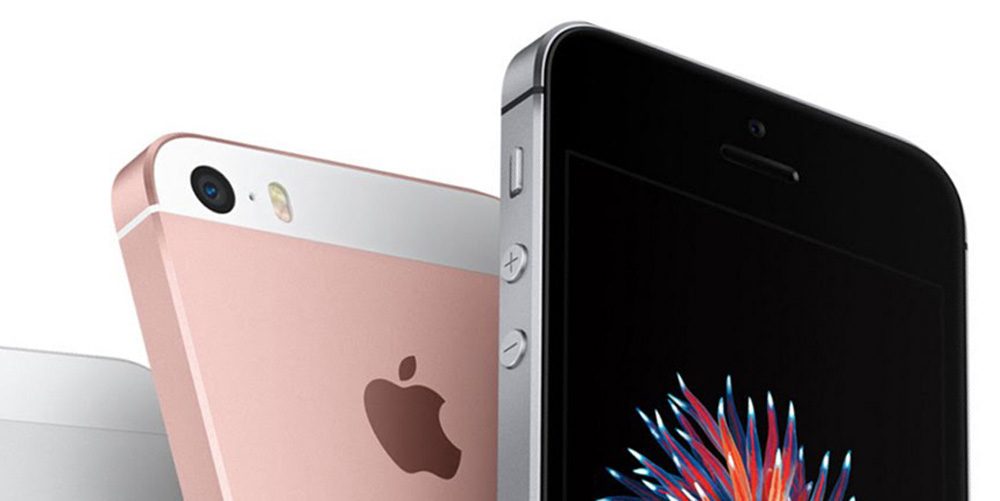
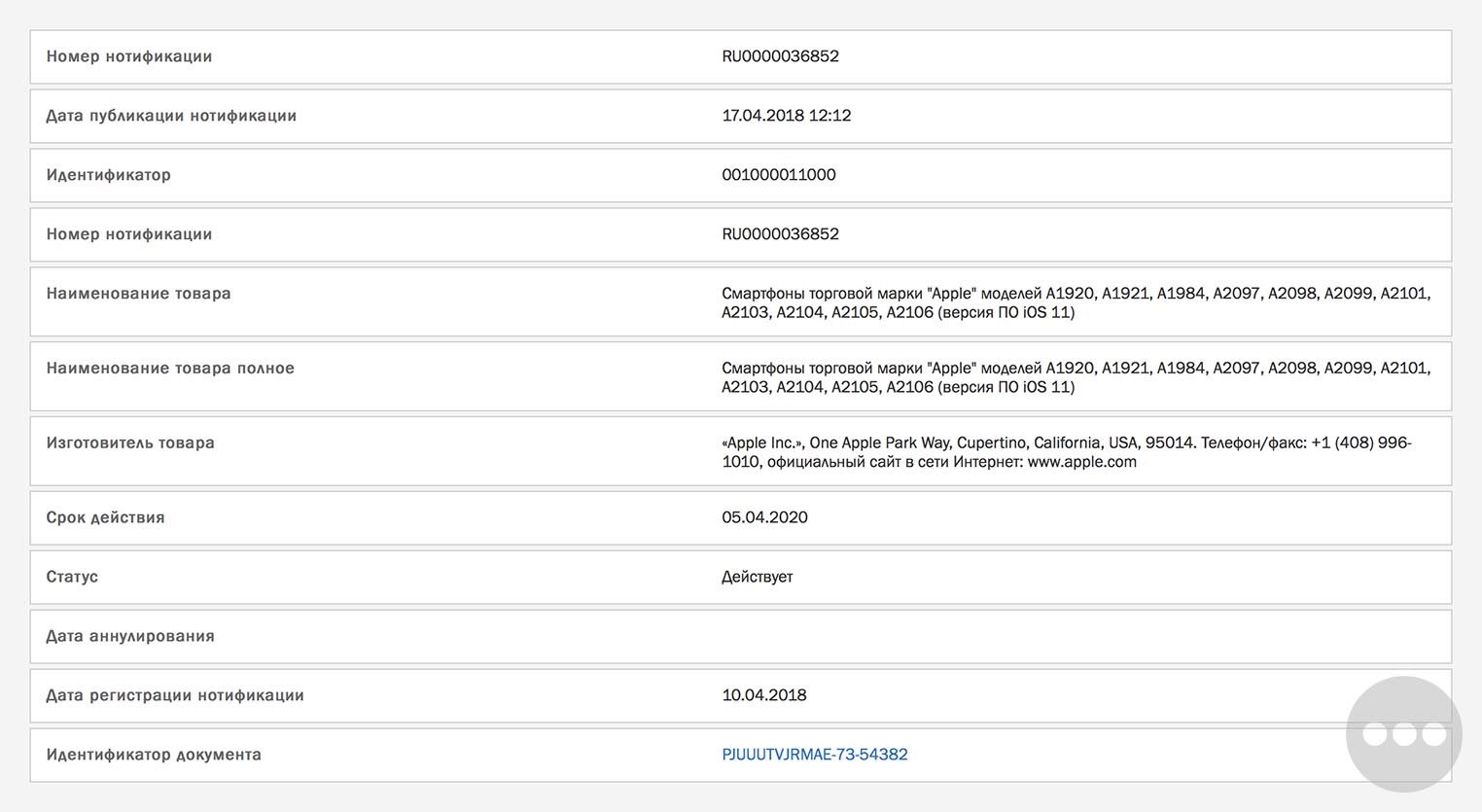
The same Eurasian regulatory database that tipped the hat on AirPods, iPhone 7, new MacBooks and the latest iPad is back. This time, a new filing discovered by Consomac references a handful of as-yet-unannounced iPhone models spanning eleven model identifiers.
Devices typically appear in this database about a month before the products ship. These iPhone references were posted yesterday, suggesting a new iPhone launch will be debuting in early May/June.
This Eurasian Economic Commission database has had a fantastic track record of accuracy, so it shouldn’t be discounted. In this case, beyond ‘smartphone running iOS 11’, this particular filing isn’t very helpful at nailing down what exactly the new iPhone is. Common sense lets us eliminate some possibilities.
However, it’s a safe bet that this isn’t the iPhone 11 or iPhone X Plus. The three major new flagship iPhones for 2018 are firmly set for debut in the third quarter, two OLED models and one cheaper 6.1-inch handset.
It could be a variant on the iPhone X. One report floated the idea that Apple could update the internals of the iPhone X in the summer, perhaps to make it cheaper to manufacture, before launching the new 2018 flagships in September. However, there has not been any corroboration for this from other publications.
This leaves the iPhone SE, probably the best bet for a new iPhone launching in the next couple of months. The current iPhone SE was released in March 2016, so it’s overdue for a refresh according to Apple’s typical product roadmaps.
There have been various rumors about a new hardware revision for the iPhone SE, although other analysts have described the update as small if it happens at all.
It is probably best to set expectations low, with the ‘iPhone SE 2’ likely not changing exterior chassis and instead getting an internal spec bump with a more modern Apple system-on-a-chip like an A10.
In terms of announcement, this is a probably minor release appropriate for a press release. It is doubtful Apple will hold a media event just for this; there’s a very slim chance they launch it as part of the WWDC announcements in June. Apple hasn’t released a new iPhone at WWDC since the iPhone 4 in 2010, but they have used the keynote as a stage for other hardware announcements – like the HomePod and iMac Pro last year.
Source: 9to5mac









