NEWS

Apple Reportedly Launching Subscription News Service

04/18/2018

2369

Apple Reportedly Launching Subscription News Service


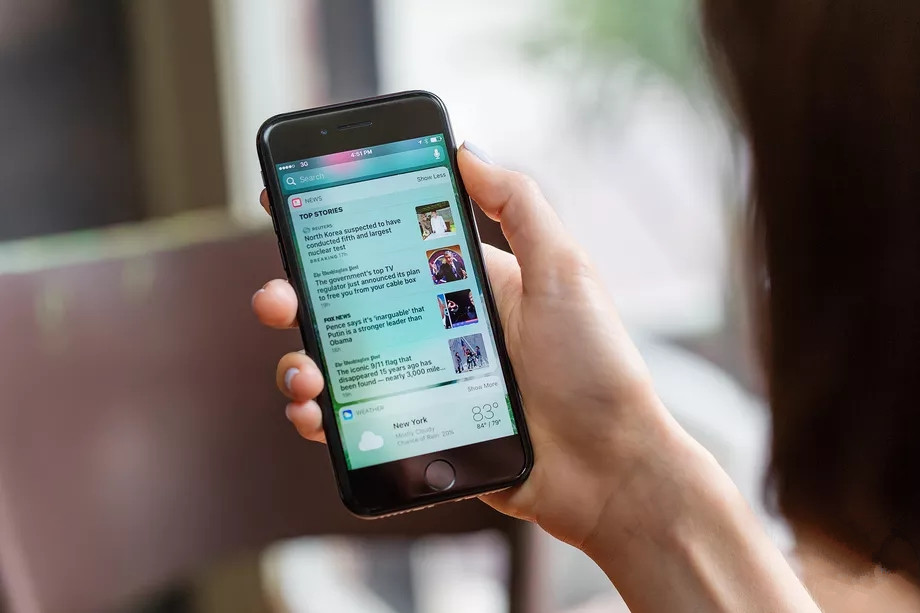
Apple acquired the “Netflix of magazines” last month, and it’s now planning to create its own premium news service. Bloomberg reports that Apple’s Texture acquisition will see the service, which offers more than 200 magazines for $9.99 a month, combined into Apple’s News team. A new Apple News app will reportedly launch within the next year, and offer a subscription with a percentage of revenue shared to publishers.


Apple has tried a similar approach before. Apple killed its Newsstand app in favor of Apple News, and the original app used to offer digital versions of newspapers and magazines. Apple also previously partnered with News Corporation to create The Daily, an iPad-only news publication. News Corp eventually shuttered The Daily after nearly two years, blaming a lack of audience to create a sustainable business model.


Apple’s latest attempt appears to be targeting a subscription offering for multiple magazines, much like the company’s Music streaming service. The effort will rely on an appetite for paying for quality news sources, something that publishers have been trying with their own “pay wall” options. Bloomberg reports that publishers will be offered a slice of the subscription revenue, but it’s not clear how much Apple will be willing to share. Apple currently takes a 15 percent revenue cut from app subscriptions in the company’s App Store, and it takes a 30 percent slice for regular app sales.


Source: the verge

Windows
Mac OS
iOS
Linux
3uTools
Win 64-bit For this device
V9.0 2025-11-11
Download
Win 32-bit For this device
V9.0 2025-11-11
Download
3uTools
Intel Chip How to Identify Chip Type
V9.0 2025-12-02
Download
Apple Silicon
V9.0 2025-12-02
Download
How to Identify Chip Type
1.  Click the Apple icon in the top-left corner of the screen and select About This Mac.
2.  Check the Processor or Chip field to determine if it is "Intel" or "Apple".
Please use the 3uTools PC client to install the iOS client:
1、 Install either the Windows or Mac version of 3uTools on your computer
2、 Open the PC client and connect your device to the computer via USB cable
3、 After the connection is successful, wait for the computer to automatically install the mobile app for the device, or locate “Install Mobile App” on the computer and manually click to install.
3uTools
deb file
V3.01 2025-11-20
Download
rpm file
V3.01 2025-11-20
Download
Windows
Windows
iOS
iOS
Android
Android
TV
TV
3uAirPlayer
Win 64-bit For this device
V6.0.2 2025-11-19
Download
Win 32-bit For this device
V6.0.2 2025-11-19
Download
iOS Device Mirroring (No App Required)
1、 Install 3uAirPlayer on the Windows PC
2、 Open Control Center and select Screen Mirroring
3、 From the list, choose your PC to start mirroring
4、 Or connect your iOS device to the PC via USB to begin mirroring
Scan to get "3uAirPlayer" App
3uAirPlayer TV V1.0.18
2025-11-28
TV System Requirements: Android 7.0 or later
Download the TV installation package, copy it to a USB drive, insert it into your TV or set-top box, then select the file from the home screen to install.