
NEWS

Apple Music to Release Exclusive Flume Documentaries on April 20th

04/13/2018

2357

Flume, an electronic music producer from Australia, recently took to social media to announce two new documentaries coming to Apple Music. The Australian electronic music producer has been making waves over the past few years for his unique genre-bending sounds.
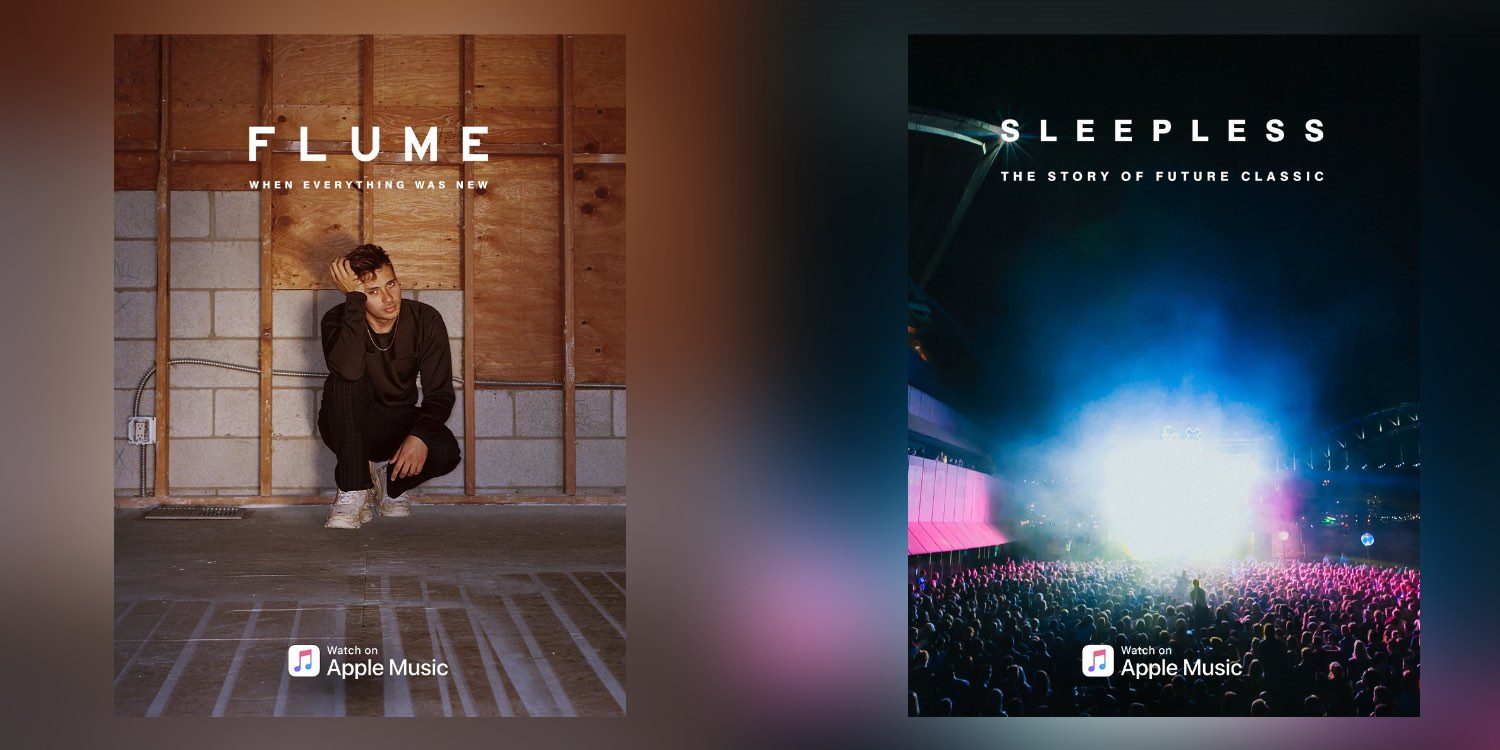

Apple Music to Release Exclusive Flume Documentaries on April 20th


The first documentary, Flume: When Everything Was New, will probably focus on the artist’s meteoric rise into his music space. The second documentary, Sleepless: The Story of Future Classic, could have a mix of both Flume’s career and his involvement with the independent record label Future Classic. Flume’s Sleepless was one of this breakout hits that helped put him on Future Classic’s radar, which eventually lead him to get signed to the label.


Both documentaries are set to release April 20th, exclusively on Apple Music.


When Everything Was New and Sleepless the story of @futureclassic.

Two documentaries premiering April 20 exclusively on @AppleMusic pic.twitter.com/mZp2oQ1TrW


— Flume (@flumemusic) April 11, 2018


Source: 9to5mac


Windows
Mac OS
iOS
Linux
3uTools
Win 64-bit For this device
V9.01 2025-12-27
Download
Win 32-bit For this device
V9.01 2025-12-27
Download
3uTools
Intel Chip How to Identify Chip Type
V9.01 2025-12-31
Download
Apple Silicon
V9.01 2025-12-31
Download
How to Identify Chip Type
1.  Click the Apple icon in the top-left corner of the screen and select About This Mac.
2.  Check the Processor or Chip field to determine if it is "Intel" or "Apple".
Please use the 3uTools PC client to install the iOS client:
1、 Install either the Windows or Mac version of 3uTools on your computer
2、 Open the PC client and connect your device to the computer via USB cable
3、 After the connection is successful, wait for the computer to automatically install the mobile app for the device, or locate “Install Mobile App” on the computer and manually click to install.
3uTools
deb file
V3.01 2025-11-20
Download
rpm file
V3.01 2025-11-20
Download
Windows
Windows
iOS
iOS
Android
Android
TV
TV
3uAirPlayer
Win 64-bit For this device
V6.0.2 2025-11-19
Download
Win 32-bit For this device
V6.0.2 2025-11-19
Download
iOS Device Mirroring (No App Required)
1、 Install 3uAirPlayer on the Windows PC
2、 Open Control Center and select Screen Mirroring
3、 From the list, choose your PC to start mirroring
4、 Or connect your iOS device to the PC via USB to begin mirroring
Scan to get "3uAirPlayer" App
3uAirPlayer TV V1.0.18
2025-11-28
TV System Requirements: Android 7.0 or later
Download the TV installation package, copy it to a USB drive, insert it into your TV or set-top box, then select the file from the home screen to install.




