 NEWS
NEWS
Apple is Reportedly Demanding Better OLED Prices from Samsung for the Next iPhone
 04/13/2018
 2894
2894
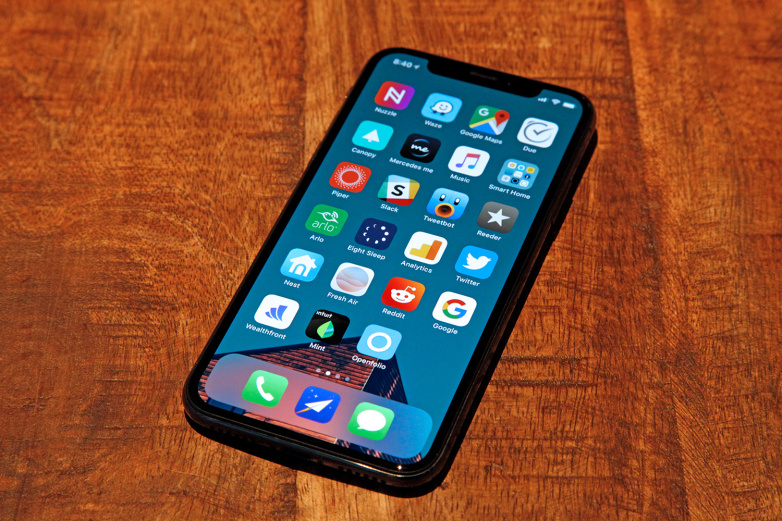
Samsung is the sole supplier of OLED panels for Apple’s iPhone X. The Korean giant was expected to make around $22 billion in revenue from supplying OLED panels to Apple in 2018. Since Samsung was the only supplier who could meet Apple’s demands in terms of quantity and quality, the company was able to command a premium price from Apple for its OLED panels. However, Samsung may not be able to repeat the same for OLED panels for the next iPhone.
Weak demand for iPhone X, after the initial euphoria driven by Apple fans, has reportedly forced the Cupertino giant to lower sales projections and cut down on component orders from suppliers, including Samsung. Making things worse, Chinese OEMs defied Samsung’s expectations and didn’t make the shift to OLED panels after the launch of the iPhone X, resulting in excess production capacity for Samsung.
Samsung lost some of the bargaining power
Samsung reportedly plans to produce 200 million OLED panels this year, of which 100 million panels are for Apple. It is twice the number of panels Samsung supplied to Apple last year for its iPhone X. Samsung plans to produce about 25 million OLED panels for the iPhone X and the rest for the iPhone X’s successor due to arrive later this year. Production of OLED panels for the next iPhone will begin next month, starting with 2-3 million panels before doubling the output in June. Samsung has apparently resumed operations at the A3 line which was earlier shut down due to overcapacity.
According to local reports, Samsung and Apple are in negotiations over the price of the OLED panels, with the latter reportedly asking for price cuts for those panels. The scale at which Apple buys OLED displays gives it the bargaining power to demand better prices from Samsung, which is already reeling from underutilized production capacity. Last month, the CEO of Samsung Display apparently met with Apple executives to negotiate prices but failed to reach an agreement.
Though never officially announced, Apple apparently paid $110 (some reports peg this between $120 to $130) per OLED panel supplied by Samsung, which was almost 1/3 of the total cost of making an iPhone X. Apple obviously wants to bring the cost down and is expected to pay around $100 per panel this year as per industry sources. Reports state that Samsung is considering price cuts for OLED panels to some extent to address the problem of production overcapacity.
Source: sammobile









