
NEWS

Siri Privacy Bug Lets it Read Out Most Hidden Message Content

03/22/2018

2773

A privacy bug reported by Brazilian site Mac Magazine allows someone to access hidden message notifications on a locked iPhone by asking Siri to read them …


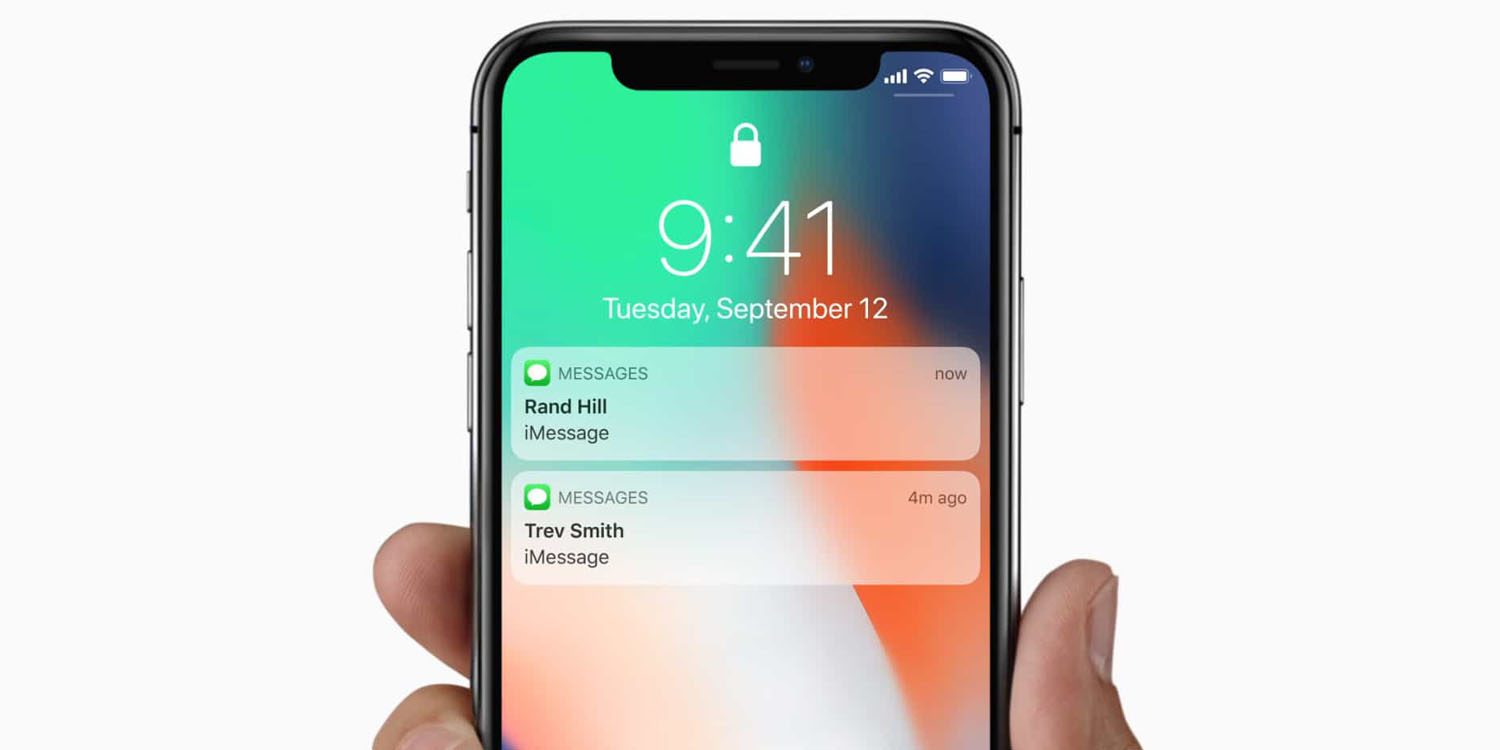
As of iOS 11, you can set message notifications to be hidden on your Lock screen – you can see that a message has arrived, but its content is hidden. That setting is on by default on the iPhone X, where simply glancing at it will unlock the phone and allow the content to be displayed, while it can be set on other models.

Siri Privacy Bug Lets it Read Out Most Hidden Message Content


However, a Mac Magazine reader discovered that Siri will read the content of most messages even though the content is hidden on the display.


The one exception is Apple’s own Messages app, where Siri will read them only if the phone is unlocked. But for other messaging apps like WhatsApp, Telegram and Skype, Siri will happily disclose the content of the messages to anyone who picks up the locked phone.


The site verified that the bug is in both iOS 11.2.6 and the beta of iOS 11.3. It has reported it to Apple.


To hide or show message content on the Lock screen, go into Settings > Notifications, choose the app, select Previews and then choose your option.


Source: 9to5mac

Windows
Mac OS
iOS
Linux
3uTools
Win 64-bit For this device
V9.0 2025-11-11
Download
Win 32-bit For this device
V9.0 2025-11-11
Download
3uTools
Intel Chip How to Identify Chip Type
V9.0 2025-12-02
Download
Apple Silicon
V9.0 2025-12-02
Download
How to Identify Chip Type
1.  Click the Apple icon in the top-left corner of the screen and select About This Mac.
2.  Check the Processor or Chip field to determine if it is "Intel" or "Apple".
Please use the 3uTools PC client to install the iOS client:
1、 Install either the Windows or Mac version of 3uTools on your computer
2、 Open the PC client and connect your device to the computer via USB cable
3、 After the connection is successful, wait for the computer to automatically install the mobile app for the device, or locate “Install Mobile App” on the computer and manually click to install.
3uTools
deb file
V3.01 2025-11-20
Download
rpm file
V3.01 2025-11-20
Download
Windows
Windows
iOS
iOS
Android
Android
TV
TV
3uAirPlayer
Win 64-bit For this device
V6.0.2 2025-11-19
Download
Win 32-bit For this device
V6.0.2 2025-11-19
Download
iOS Device Mirroring (No App Required)
1、 Install 3uAirPlayer on the Windows PC
2、 Open Control Center and select Screen Mirroring
3、 From the list, choose your PC to start mirroring
4、 Or connect your iOS device to the PC via USB to begin mirroring
Scan to get "3uAirPlayer" App
3uAirPlayer TV V1.0.18
2025-11-28
TV System Requirements: Android 7.0 or later
Download the TV installation package, copy it to a USB drive, insert it into your TV or set-top box, then select the file from the home screen to install.




