 NEWS
NEWS
It Will Take Android OEMs Until 2019 to Catch Up to Apple’s Face ID Tech
 03/21/2018
 2549
2549
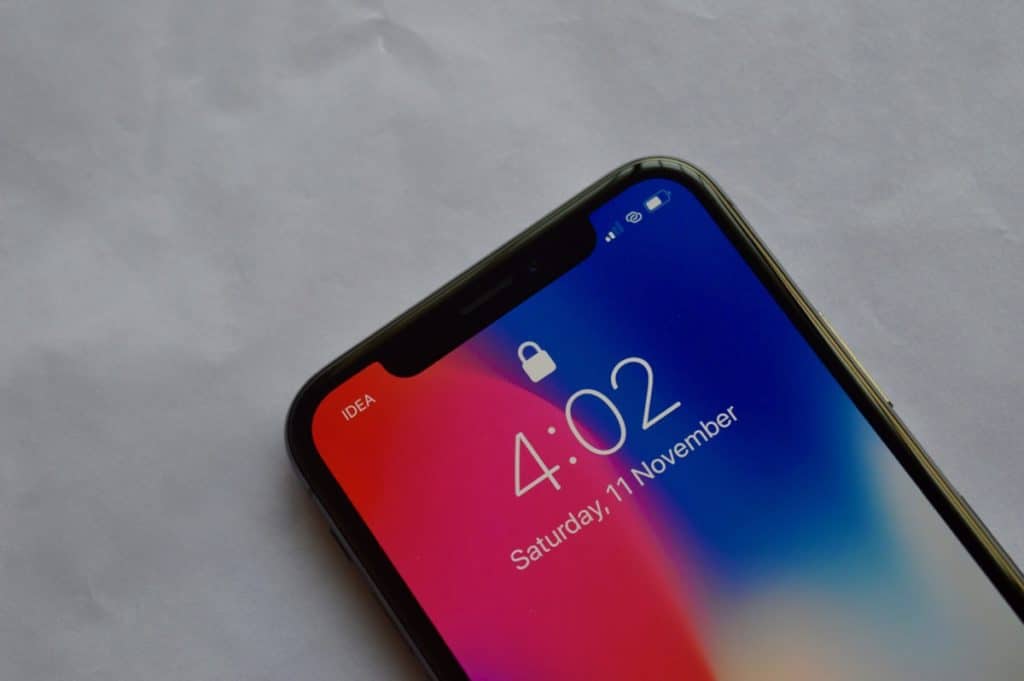
Citing three major parts producers for Apple, a Reuters report claims that Android OEMs will only be able to copy Apple’s 3D sensing features by 2019. This would give Apple a two years lead over them.
3D sensing cameras are going to play a huge role over the next few years as it would help smartphones in making AR mainstream. Additionally, the 3D sensing modules also allow for improved and secure facial recognition capabilities.
Apple is able to enjoy this significant lead over its competitors thanks to its massive investment in R&D and tight control over its supply chain.
“It is going to take them a lot of time, the Android-based customers, to secure capacity throughout the whole supply chain,” said Bill Ong, senior director of investor relations from Viavi, seen as the only major supplier of optical filters needed for the 3D sensing modules.
“We may have a potential introduction of a second handset maker into 3D sensing at the end of this calendar year. (But) the volumes would be very low. In 2019 you clearly will see at least two or more android-based phones,” he added.
There is a parts bottleneck of some key components due to which supply of 3D sensing modules will not increase until next year. Apple, however, has secured itself by signing a $390 million deal with Finisar. The company produces VCSELs which is a key component for Face ID.
At the moment, it is unclear which Android OEM plans on launching a phone with 3D sensing capabilities similar to that of iPhone X. Given the supply constraints though, it’s unlikely that we will see a major Android OEM adopt this technology on its flagship smartphone.
Reputed analyst Ming-Chi Kuo had made similar claims when the iPhone X had launched last year. Given the supply constraint, Apple is not expected to make any improvements to Face ID for its 2018 iPhone lineup.
Source: iphonehacks









