 NEWS
NEWS
Apple's Swift Developers Discuss Enhancements Coming in Swift 4.1
 03/21/2018
 2958
2958
Members of Apple's Swift Core team made a special appearance on the Swift Unwrapped podcast to discuss enhancements being rolled out as part of Swift 4.1 and how the company is expanding upon its efforts to engage with the community.
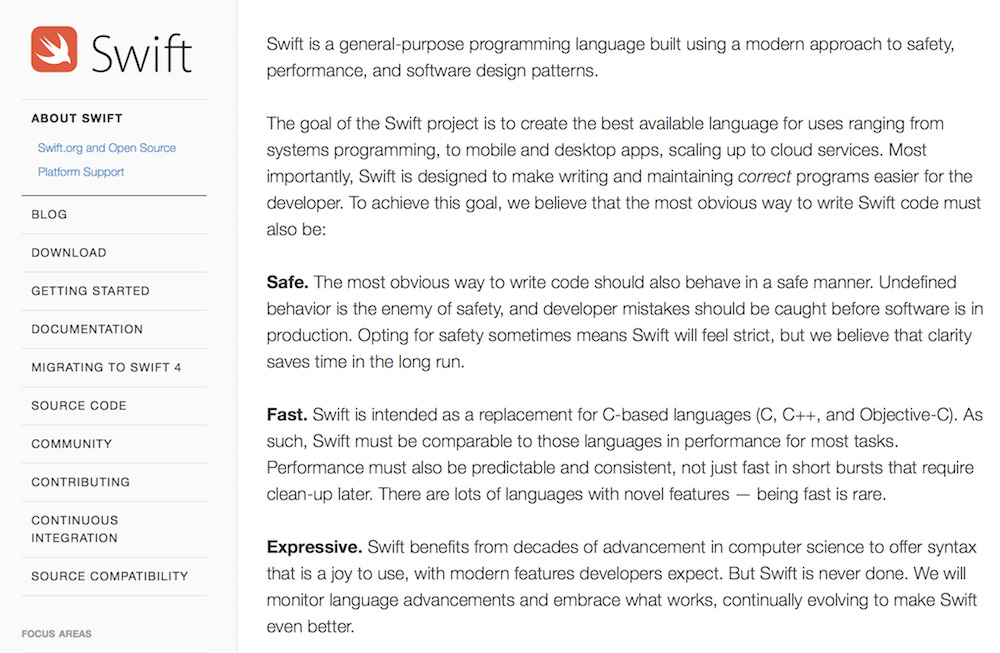
Apple's Doug Gregor, who works on the Swift compiler, and Ben Cohen, the release manager of the Swift Standard Library, joined the Swift Unwrapped discussion, focusing on improvements being made to generics and conditional conformances.
Apple's Swift 4.1 documentation explains that genrics enable developers "to write flexible, reusable functions and types that can work with any type, subject to requirements that you define. You can write code that avoids duplication and expresses its intent in a clear, abstracted manner."
The developers noted that Swift's Standard Library was originally designed from the start to take advantage of planned enhancements to generics, and now that Swift 4.1 is delivering a new "plateau" of support for generics, it is allowing them to "eliminate huge swathes of code" that is no longer necessary. Our goals for Swift are ambitious: we want to make programming simple things easy, and difficult things possible
The first beta of Swift 4.1 was released as part of the Xcode 9.3 and iOS 11.3 betas, and will ship when those releases are finalized, likely by the end of this month. Swift 4.1 is not binary compatible with 4.0, but is designed to be a source compatible update, meaning existing code should compile with the Swift 4.1 compiler.
Swift 4.1 also delivers improvements to the Swift Package Manager, Swift on Linux and brings "general quality improvements" to the compiler and Standard Library.
Apple first introduced Swift as a new programing language for Mac, iOS and other platforms in 2014. Since then it "has quickly become one of the fastest growing languages in history," the company notes on its Swift.org website.
Source: appleinsider









