
NEWS

​Tesla Now Accepts Apple Pay Payments from Customers Reserving the New Model

03/20/2018

2829

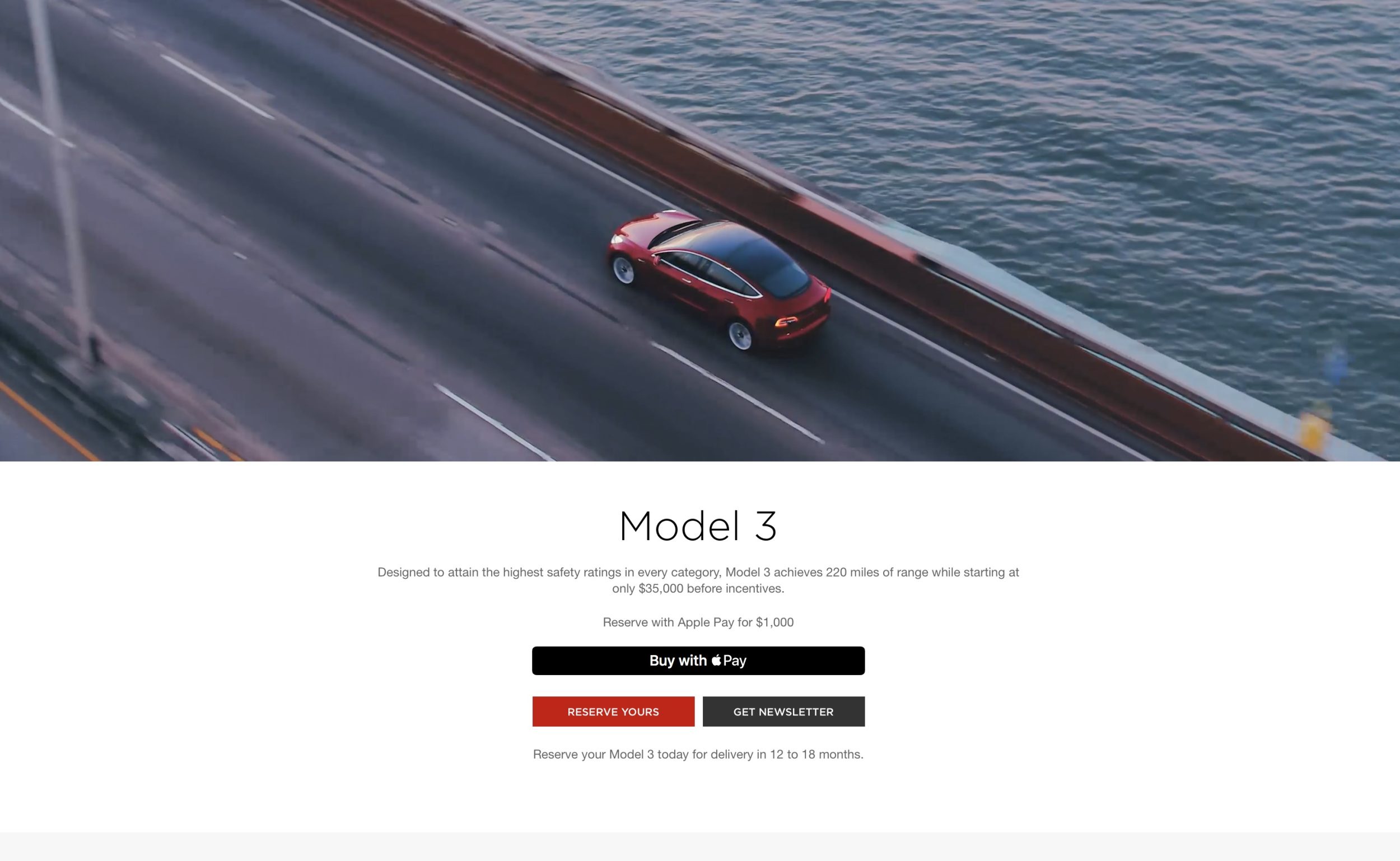
Tesla now accepts Apple Pay payments from customers reserving the new Model 3 electric vehicle. As the company ramps up production of its most affordable EV yet, supporting Apple’s payment platform makes reservations easier and faster than ever.


Tesla previously only accepted PayPal and credit cards to make the $1,000 refundable deposit to reserve a Model 3 or to place a down payment on a new Model S or Model X order.

​Tesla Now Accepts Apple Pay Payments from Customers Reserving the New Model


Today’s payment option addition let’s customers quickly and easily order or reserve a new Tesla with Apple Pay on both Safari on Mac and iPhones and iPads through the Tesla website.


If you’re thinking of ordering a Tesla, you can get free supercharging for life with our referral code for Model S and Model X vehicles. To keep up with the latest Tesla news, check out our sister-site Electrek.


And in recent Apple Pay news, we may see the service launching tomorrow in the Netherlands, while the most recent Apple Pay promotion was for TouchTunes jukeboxes.


Source: 9to5mac

Windows
Mac OS
iOS
Linux
3uTools
Win 64-bit For this device
V9.01 2025-12-27
Download
Win 32-bit For this device
V9.01 2025-12-27
Download
3uTools
Intel Chip How to Identify Chip Type
V9.0 2025-12-02
Download
Apple Silicon
V9.0 2025-12-02
Download
How to Identify Chip Type
1.  Click the Apple icon in the top-left corner of the screen and select About This Mac.
2.  Check the Processor or Chip field to determine if it is "Intel" or "Apple".
Please use the 3uTools PC client to install the iOS client:
1、 Install either the Windows or Mac version of 3uTools on your computer
2、 Open the PC client and connect your device to the computer via USB cable
3、 After the connection is successful, wait for the computer to automatically install the mobile app for the device, or locate “Install Mobile App” on the computer and manually click to install.
3uTools
deb file
V3.01 2025-11-20
Download
rpm file
V3.01 2025-11-20
Download
Windows
Windows
iOS
iOS
Android
Android
TV
TV
3uAirPlayer
Win 64-bit For this device
V6.0.2 2025-11-19
Download
Win 32-bit For this device
V6.0.2 2025-11-19
Download
iOS Device Mirroring (No App Required)
1、 Install 3uAirPlayer on the Windows PC
2、 Open Control Center and select Screen Mirroring
3、 From the list, choose your PC to start mirroring
4、 Or connect your iOS device to the PC via USB to begin mirroring
Scan to get "3uAirPlayer" App
3uAirPlayer TV V1.0.18
2025-11-28
TV System Requirements: Android 7.0 or later
Download the TV installation package, copy it to a USB drive, insert it into your TV or set-top box, then select the file from the home screen to install.




