 NEWS
NEWS
127 Million iPhone Owners Use Apple Pay
 02/23/2018
 2487
2487
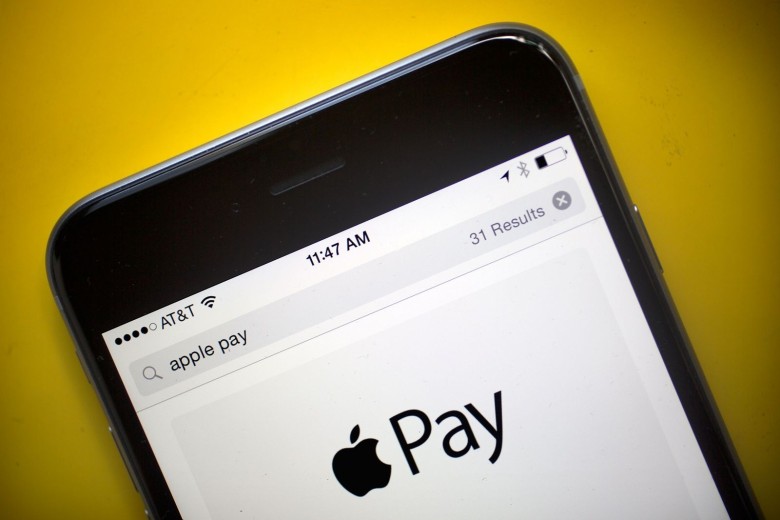
Apple Pay has an estimated 127 million active global users — representing an increase of more than double the 62 million who used it this time last year, a new report claims.
While Apple hasn’t given exact figures for its mobile payments service, the figures are based on conclusion drawn by analyst Gene Munster, based on retailer reports.
Munster notes that the total number of banks supporting Apple Pay globally increased by 41 percent over the past year to 2,707 banks. In addition, he summarizes details that Apple has shared about its Apple Pay adoption, including the fact that adoption and usage is greater outside the U.S. than domestically (3 out of 4 payments are outside the U.S.), and that more than half of U.S. retailers now accept the payment method.
According to the report, around 89 million people using Apple Pay are based outside the U.S., while the remainder live in the United States.
Good, but not great
Although 127 million users is certainly an impressive figure, it’s only around 16 percent of the 795 million active iPhone user base. That gives Apple plenty of potential growth without having to sell a single extra iPhone, but it’s also slower than many at Apple expected.
During Apple’s recent shareholder meeting, Tim Cook admitted that, “Mobile payments have taken off slower than I personally would have thought if you asked me sitting here a few years ago.” A big hurdle that Apple Pay is getting merchants to accept the payment technology, as well as teaching iPhone users to use the service. That’s particularly tough in markets like China, where even Apple recently started accepting rival Alipay in stores.
Source: cult of mac









