 NEWS
NEWS
Electra iOS 11.1.2 – iOS 11 Jailbreak Tool Updated to Beta 11-3 to Improve Reliability of Jailbreakd
 02/15/2018
 4256
4256
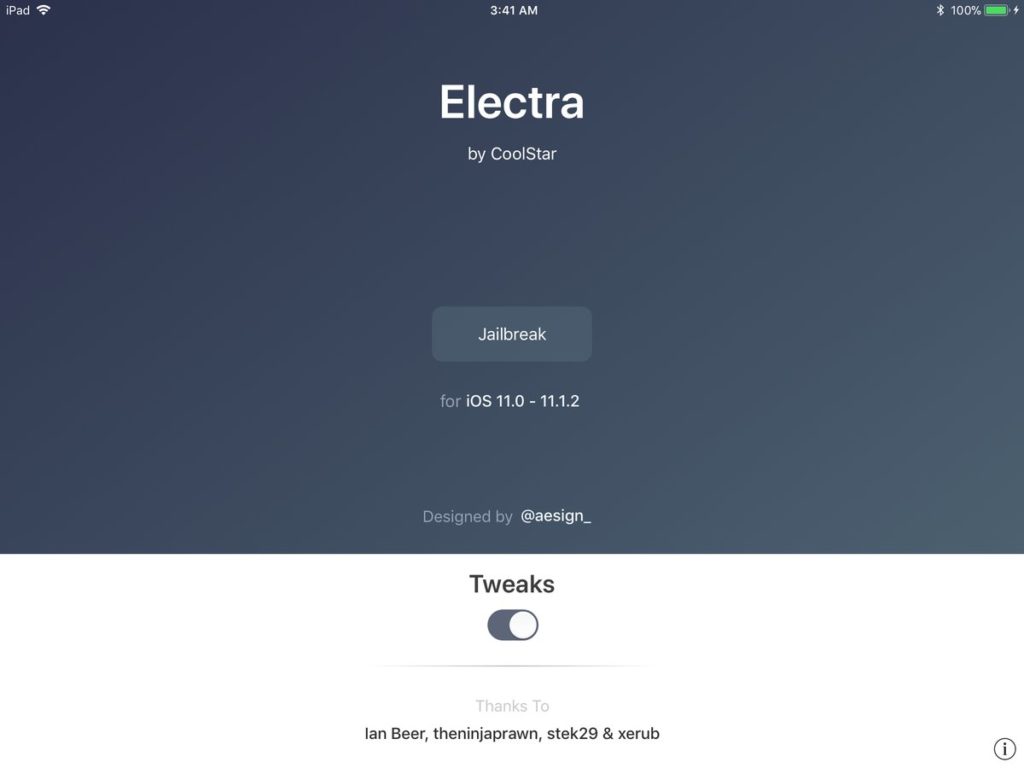
Coolstar has released beta 11-2 for Electra jailbreak tool for iOS 11 – iOS 11.1.2, which improves the reliability of jailbreakd.
Update:
Coolstar has updated Electra jailbreak tool for iOS 11 – iOS 11.1.2 to beta 11-3. It “fixes a race condition on initial jailbreak to improve the success rate of jailbreaking”.
He also had this to say about why it is taking time to test Cydia:
For those wondering, yes, I’m being super careful here before I test Cydia out on my own iOS 11 device. Unlike others, I don’t have a dedicated test device, so I can’t afford to screw this iPad up.
Original story follows below:
Here’s the complete changelog of Electra Jailbreak beta 11-2:
Significantly improve the reliability of jailbreakd so it can handle a large amount of process launches at once (coolstar)
Make jailbreakd print directly to stderr rather than NSLog (coolstar)
Fix a race condition in beta 11 that would cause jailbreakd to sometimes inject too early, and thus fail to inject (coolstar)
Coolstar also plans to release a patched version of Cydia for iOS 11, which will finally make it easier to install jailbreak tweaks and themes. He has mentioned that he just has “some quirks to handle with dpkg, and then we should be able to test a fully working Cydia!” He hasn’t provided any ETA yet, so please be patient, and avoid nagging him for a release date or asking him for a screenshot of Cydia running on iOS 11 – iOS 11.1.2 as proof.
Electra is a semi-untethered jailbreak that makes use of Ian Beer’s async_awake exploit that has also been used by LiberiOS jailbreak. A semi-untethered jailbreak is similar to an untethered jailbreak, it gives the ability to reboot your iOS device on its own. On each boot, the iOS device startup sequence is unmodified and it boots into its original, non-jailbroken state. However, instead of needing to use a tool from a computer to re-jailbreak the iOS device again, like a tethered or semi-tethered cases, the user can re-jailbreak their device with the help of an app running on the iOS device such as the Electra app in case of Electra jailbreak.
Electra includes the Substitute substrate, a Cydia substrate alternative, so jailbreakers can install and use jailbreak tweaks that are compatible with iOS 11. It, however, does not include Cydia, so you need to install jailbreak tweaks in iOS 11 manually currently.
Coming back to Electra beta 11-2, you can download the latest version of Electra IPA from the official website. You will need to use Cydia Impactor to sideload the Electra IPA and then run the process to jailbreak your iOS device. If you need help then check our tutorial on how to jailbreak iOS 11 – iOS 11.0.2 using Electra Jailbreak toolkit with step-by-step instructions.
If you had already jailbroken your iPhone or iPad using Electra Jailbreak then you can reboot your device, and sideload the latest version of the Electra IPA again with Cydia Impactor, and then re-jailbreak your iPhone or iPad with the latest version.
Source: iPhonehacks









