
NEWS

Apple Working on Apple ID-Based Single Sign-On Solution for the Web

02/05/2018

2524

Despite being a point release, Apple plans on introducing a number of minor new features with the upcoming iOS 11.3 update. More digging into iOS 11.3 beta by the folks over at 9to5Mac has revealed that Apple is working on a single sign-on service for the web.


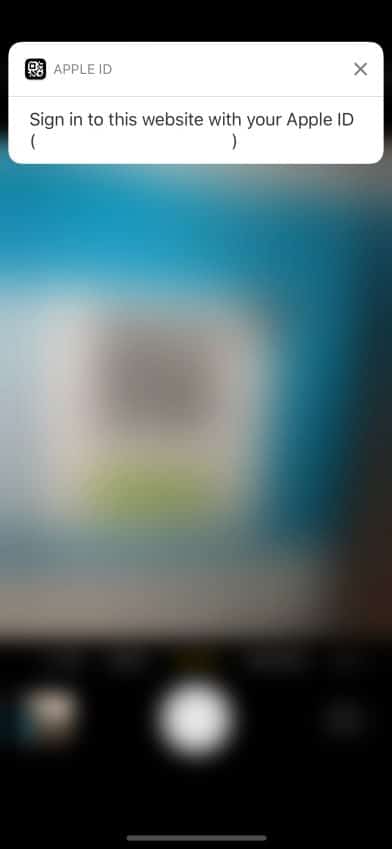
Whenever it is released, the feature will presumably allow iPhone and iPad owners to sign into any website using their Apple ID. There’s also a QR code component here which one can scan from their iPhone’s camera after which they will be prompted to log in using their Apple ID. The feature will end up sharing some of your personal data with the website, though it will be limited to your name, email address, and other minor details.

Apple Working on Apple ID-Based Single Sign-On Solution for the Web


Google and Facebook already offer a single sign-on service that allows one to login to websites using their Google or Facebook account in just a couple of clicks. Apple is possibly looking to replicate the same functionality here, but knowing the company, it would come with its own unique set of features and enhancements as well.


It remains to be seen if Apple will debut single sign-on feature with the release of iOS 11.3 in spring this year or delays it for WWDC 2018 where it would unveil iOS 12.


Source: iphonehacks

Windows
Mac OS
iOS
Linux
3uTools
Win 64-bit For this device
V9.01 2025-12-27
Download
Win 32-bit For this device
V9.01 2025-12-27
Download
3uTools
Intel Chip How to Identify Chip Type
V9.0 2025-12-02
Download
Apple Silicon
V9.0 2025-12-02
Download
How to Identify Chip Type
1.  Click the Apple icon in the top-left corner of the screen and select About This Mac.
2.  Check the Processor or Chip field to determine if it is "Intel" or "Apple".
Please use the 3uTools PC client to install the iOS client:
1、 Install either the Windows or Mac version of 3uTools on your computer
2、 Open the PC client and connect your device to the computer via USB cable
3、 After the connection is successful, wait for the computer to automatically install the mobile app for the device, or locate “Install Mobile App” on the computer and manually click to install.
3uTools
deb file
V3.01 2025-11-20
Download
rpm file
V3.01 2025-11-20
Download
Windows
Windows
iOS
iOS
Android
Android
TV
TV
3uAirPlayer
Win 64-bit For this device
V6.0.2 2025-11-19
Download
Win 32-bit For this device
V6.0.2 2025-11-19
Download
iOS Device Mirroring (No App Required)
1、 Install 3uAirPlayer on the Windows PC
2、 Open Control Center and select Screen Mirroring
3、 From the list, choose your PC to start mirroring
4、 Or connect your iOS device to the PC via USB to begin mirroring
Scan to get "3uAirPlayer" App
3uAirPlayer TV V1.0.18
2025-11-28
TV System Requirements: Android 7.0 or later
Download the TV installation package, copy it to a USB drive, insert it into your TV or set-top box, then select the file from the home screen to install.




