 NEWS
NEWS
Apple Watch Series 3 is Selling far More than Apple Series 2 Ever Did
 02/03/2018
 3855
3855
During Apple's Q1 2018 earnings, the Cupertino company announced that the Apple Watch is selling better than it ever has, wrapping up its best quarter ever.
Series 3 models are selling at twice the volume of Series 2. Further, Apple Watch had a 50% growth in units for the fourth consecutive quarter. The Apple Watch is growing at a steady rate.
It's unclear why the Series 3 is selling so much better than the Series 2, despite the Series 3 having a grand total of two features over the Series 2 - LTE and a barometric altimeter. If we had to guess, it probably has something to do with LTE connectivity being a tipping point feature for many potential customers.
Since Apple introduced the Apple Watch as a triumvirate of communication, time telling and fitness, the company has steadily refocused the Watch on health and fitness. LTE connectivity is an important feature for runners and cyclists, who can keep their monolithic slab of a phone at home or at base camp and allow themselves to better concentrate on their endeavor.
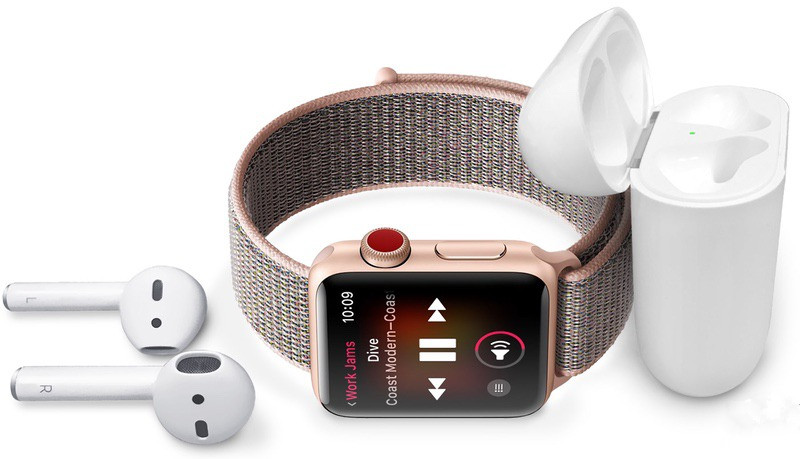
The Apple Watch Series 3 also enters a world where there aren't a lot of options when it comes to cellular connectivity. The biggest smartwatches to feature LTE are still the LG Watch Sport and Samsung Gear S3, and both of those are a year old.
Take that lack of competition in the LTE smartwatch game, throw in Apple's center-of-the-universe pull, mix in the success of the Apple Watch thus far and you have a recipe for users who wanted - and maybe not aware of - LTE-connected smartwatches flocking to the Series 3.
The Series 3's success helped push the growth of Apple's entire wearable category. Total revenue for wearables (Apple counts AirPods and Beats headphones as wearables) were up 70% year-over-year, making wearables the second largest contributor to revenue growth. The first, of course, is still the iPhone.
Wearables are quickly becoming an important category for Apple, and it's unlikely the company slows down in creating more wearable devices. We already know Apple is looking at ways to make the Watch a more health-conscious device, including smart bands, and we know Apple has patents to turn AirPods into sensor-laden hearables. Plus, there's that smartglasses project that seemingly continues to motor along.
Source: wearable









