 NEWS
NEWS
Nintendo Officially Announces New Mario Kart Game Coming to iOS
 02/02/2018
 3456
3456
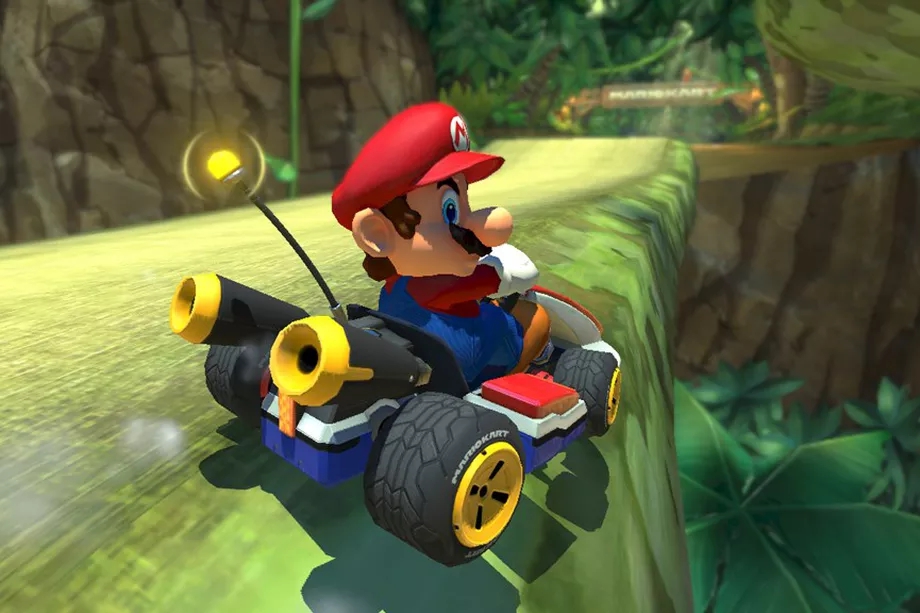
After years of requests from users, Nintendo today officially announced that a mobile version of Mario Kart is under development. While specifics remain unclear, the company says the game will be released sometime in the next 13 months…
The news of a Mario Kart game for iOS comes following Nintendo’s previous releases of Super Mario Run and Animal Crossing. For years avid Mario Kart fans have wondered why Nintendo was so reluctant to bring Mario Kart to smartphones, but that is seemingly no longer the case.
Nintendo is staying quiet regarding details for Mario Kart for smartphones. The game will be called Mario Kart Tour, with a release coming in sometime before March 2019. More specific release information is unclear at this point, unfortunately.
Nintendo says the game is “now in development” but doesn’t specify how far along that development is. The company made the announcement on Twitter, writing:
The checkered flag has been raised and the finish line is near. A new mobile application is now in development: Mario Kart Tour! #MarioKartTour Releasing in the fiscal year ending in March 2019.
The checkered flag has been raised and the finish line is near. A new mobile application is now in development: Mario Kart Tour! #MarioKartTour Releasing in the fiscal year ending in March 2019. pic.twitter.com/8GIyR7ZM4z
— Nintendo of America (@NintendoAmerica) February 1, 2018
Source: 9to5mac









