 NEWS
NEWS
Installer Beta Registration is Now Open for Users and Developers
 01/24/2018
 3270
3270
Previously we reported a new team was planning to release Installer 5, an alternative for Cydia, an App Store for jailbreak apps and tweaks for iOS 11 and iOS 10.
Now Installer Beta registration is open for users and developers iOS Expert from their twitters.
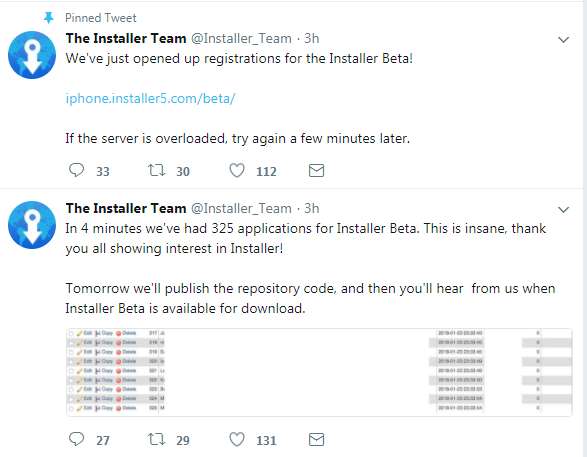
Sammy Guichelaar recently opened his upcoming Cydia alternative, Installer, for users and developers.
This program is very “closed” in nature and only a few lucky users will get the opportunity to try it.
Here’s what the beta version:
Select few test tweaks
Repository management
Package structure
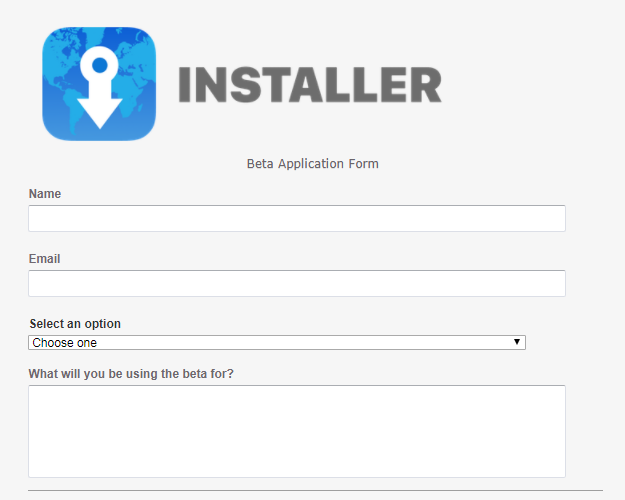
Click on the link below and enter your details such as name, email, country, etc and click Send. You will then receive a confirmation mail if the registration is successful.
installer beta program
As soon as the registration opened, thousands of eager users flocked to their website and crashed their servers. The beta access link began giving “508 Resource Limit Is Reached” error to users.
However, you can get beta access the same link when the developers move to dedicated servers.
Why is a developer preview important?
Running a package installer for thousands of Apple devices is not an easy task. Therefore, Sammy Guichelaar decided to roll out a beta to ensure everything goes smoothly during Installer’s formal launch.
Installer is just a few UI concepts and teasers so far. A beta release will finally give users a glimpse of what’s to come in the future and how it stacks up against Cydia.
Installer5 is truly a monumental moment for the entire jailbreak community. Even if iOS 11 is your first jailbreak version, this is your chance to become more involved in the developer community.










