 NEWS
NEWS
Apple Partners with Malala Yousafzai’s Malala Fund to Help Advance Girls’ Education
 01/23/2018
 2402
2402
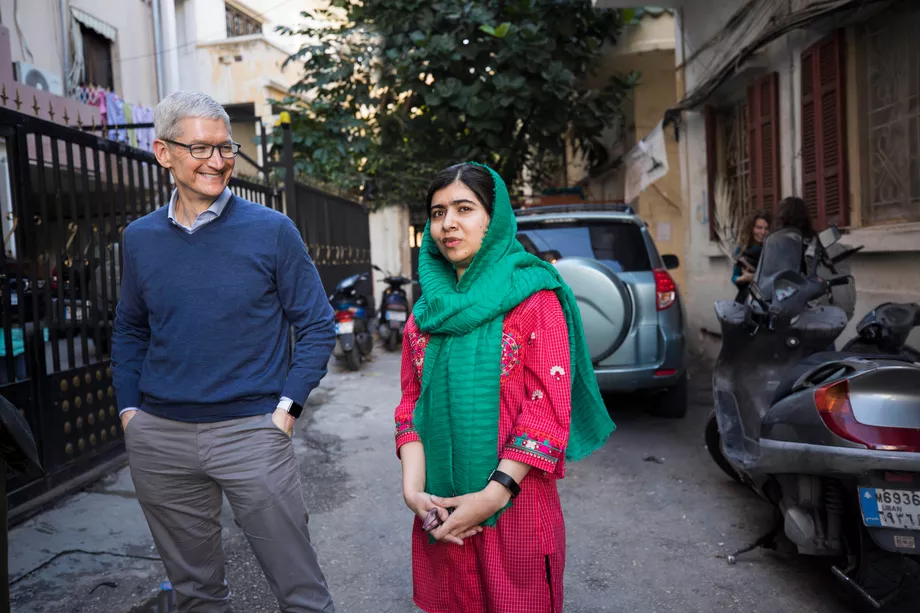
Apple announced it has partnered with Malala Yousafzai and her nonprofit organization the Malala Fund to help extend education funding programs to India and Latin America. With Apple’s support as the fund’s first Laureate Partner, the Malala Fund has an initial goal to extend secondary education opportunities to more than 100,000 girls.
The partnership also means the Malala Fund will be able to double the number of grants it distributes through its Gulmakai Network. The Gulmakai Network supports local educators and activists in developing countries that deal with different threats to girls’ education like poverty, war, and gender discrimination. The network currently supports programs in Afghanistan, Pakistan, Lebanon, Turkey, and Nigeria.
“My dream is for every girl to choose her own future,” Yousafzai said in a statement. “I am grateful that Apple knows the value of investing in girls and is joining Malala Fund in the fight to ensure all girls can learn and lead without fear.” Apple says it will help the organization scale through assisting with technology, curriculum, and research into policy changes that are needed to help girls around the world complete their education. As part of the partnership, Tim Cook will join the Malala Fund’s leadership council.
I am grateful to my friend Tim and @Apple for investing in our dream of a world where every girl can choose her own future. Together we will support the incredible girls we met in Beirut and millions like them around the world. https://t.co/nMm8aOuQVy
— Malala (@Malala) January 22, 2018
Yousafzai survived a Taliban assassination attempt when she was 15 after championing girls’ rights to education. She co-founded the Malala Fund with her father, which supports 12 years of free, safe, and quality education for every girl. She is the youngest ever Nobel Laureate.
Source: the verge









