 NEWS
NEWS
Apple Alert’s Safe & Sound HomeKit Smoke Alarm was the First to Hit the Market
 01/09/2018
 2689
2689
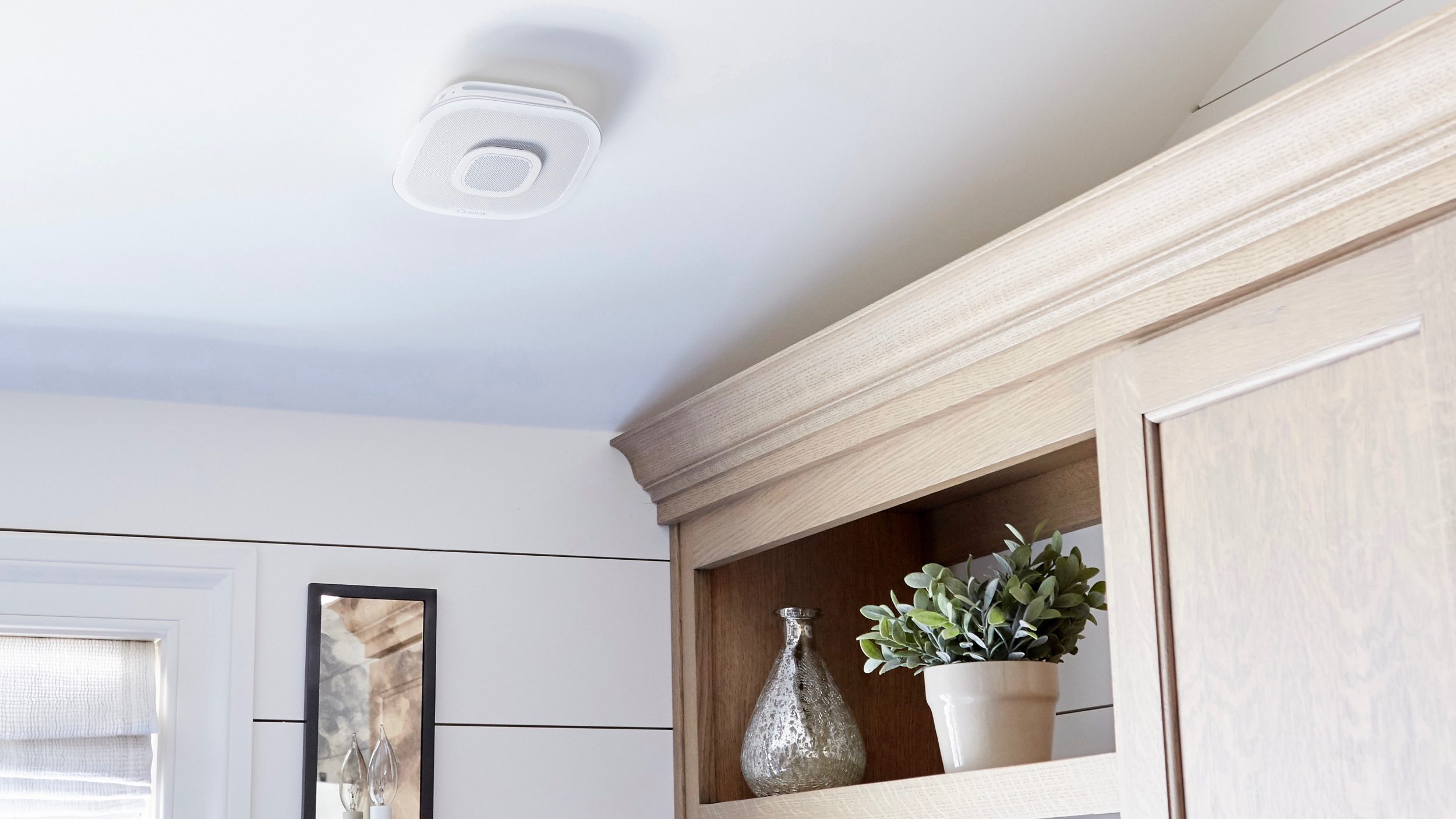
First Alert’s Onelink smart and carbon monoxide alarm (review) was the first to hit the market with support for Apple’s HomeKit, and now First Alert is out with an interesting new version.
Unveiled at CES 2018, Onelink Safe & Sound is a new version that includes a built-in music speaker. The current version includes voice feedback when alarms are triggered, but First Alert says Safe & Sound will actually support AirPlay 2 for real music playback when the feature launches this year.
Apple’s new AirPlay 2 feature is set to debut with the HomePod sometime in early 2018 then expand to other speakers upon availability. When it launches, AirPlay 2 will enable multi-room audio playback from iOS with improved playback performance compared to the current version of AirPlay, and AirPlay 2 speakers will appear in Apple’s Home app as demoed at WWDC 2017.
Onelink Safe & Sound with Apple HomeKit – Using the Apple Home app or Siri, simply and securely control Onelink Safe & Sound as well as other HomeKit accessories right from an iPhone, iPad or Apple Watch. Set up scenes, access the Onelink Safe & Sound remotely, or have things happen automatically. The Onelink Safe & Sound will also support Apple AirPlay 2 upon availability. AirPlay 2 enables multi-room audio and Siri control for iPhone, iPad and Apple Watch users, all through the Apple Home app.
Using your smoke detector as a music speaker is certainly an interesting concept. My guess is it will come down to speaker quality as to whether or not this feature is actually useful or just an add-on.
Siri, play “The Roof Is on Fire” on the hallway smoke detector.
Safe & Sound doesn’t stop at AirPlay 2 support however. Like other HomeKit accessories, the new alarm also ships with Amazon Alexa built-in for voice control, voice assistant needs, and music playback from sources like Spotify and Pandora. The unit also works with Google Assistant as 9to5Google reports.
First Alert is also entering the networking market with an eero/Netgear Orbi competitor.
In keeping with its reputation for safety and reliability, First Alert enters a new category with its Wi-Fi mesh tri-band solution, which delivers faster, stronger, more reliable internet throughout the home. The Onelink Connect system includes three nodes which can be placed throughout the home. The nodes are in constant communication with one another via a dedicated backhaul, preventing congestion and directing maximum internet speeds to the locations where it’s needed most.
This is CES, however, so pricing and availability are to be determined. You can keep up with all of the news out of Las Vegas with our CES 2018 Guide.
Source: 9to5mac









