 NEWS
NEWS
Report: Jimmy Iovine to Depart Apple Music in August
 03/22/2018
 3292
3292
Update: Bloomberg corroborates and says Iovine’s departure will come after he receives a final payout from Apple’s acquisition of Beats.
Billboard reports today that Jimmy Iovine will depart Apple sometime in August. Iovine originally joined Apple when the company acquired Beats back in 2014 and has worked closely to oversee Apple Music and Beats 1…
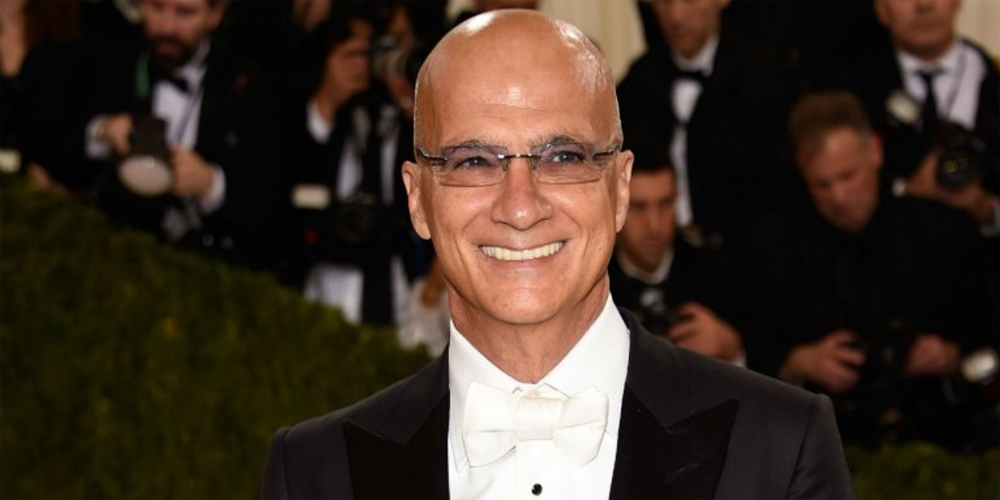
The report explains that Iovine is planning his departure for August so that his shares will fully vest, making for a more lucrative move.
It’s unclear why exactly Iovine is leaving Apple and the company hasn’t commented on today’s news. Just a few months ago, Iovine remarked that the streaming music industry is “not a great business” and questioned how companies would ever turn a profit.
Furthermore, it’s not clear as to how big of a role Iovine has had at Apple. He doesn’t have an official title, though he has strong industry ties that have reportedly helped Apple reach deals with music labels and artists.
Since joining Apple, however, Iovine has largely become the public face of Apple Music. He’s given numerous, wide-ranging interviews discussing the streaming business, modern music in general, Trump, and much more. He’s known for going off script, something that his fellow Apple executives likely aren’t fans of.
Iovine has deep ties to Apple. He originally pitched a streaming music service to Steve Jobs back in 2003 and was an early proponent of the iPod and iTunes. It’s unclear what his future plans are and he remarked during an interview last year that he has “no idea” what’s next:
I’m 64 years old. I have no idea [what I’m doing next]. There’s just a problem here that needs some sort of solution, and I want to contribute to it.
We’ll update if Apple or Iovine confirm his departure.
Source: 9to5mac









